 NexSHOPX-官方新闻
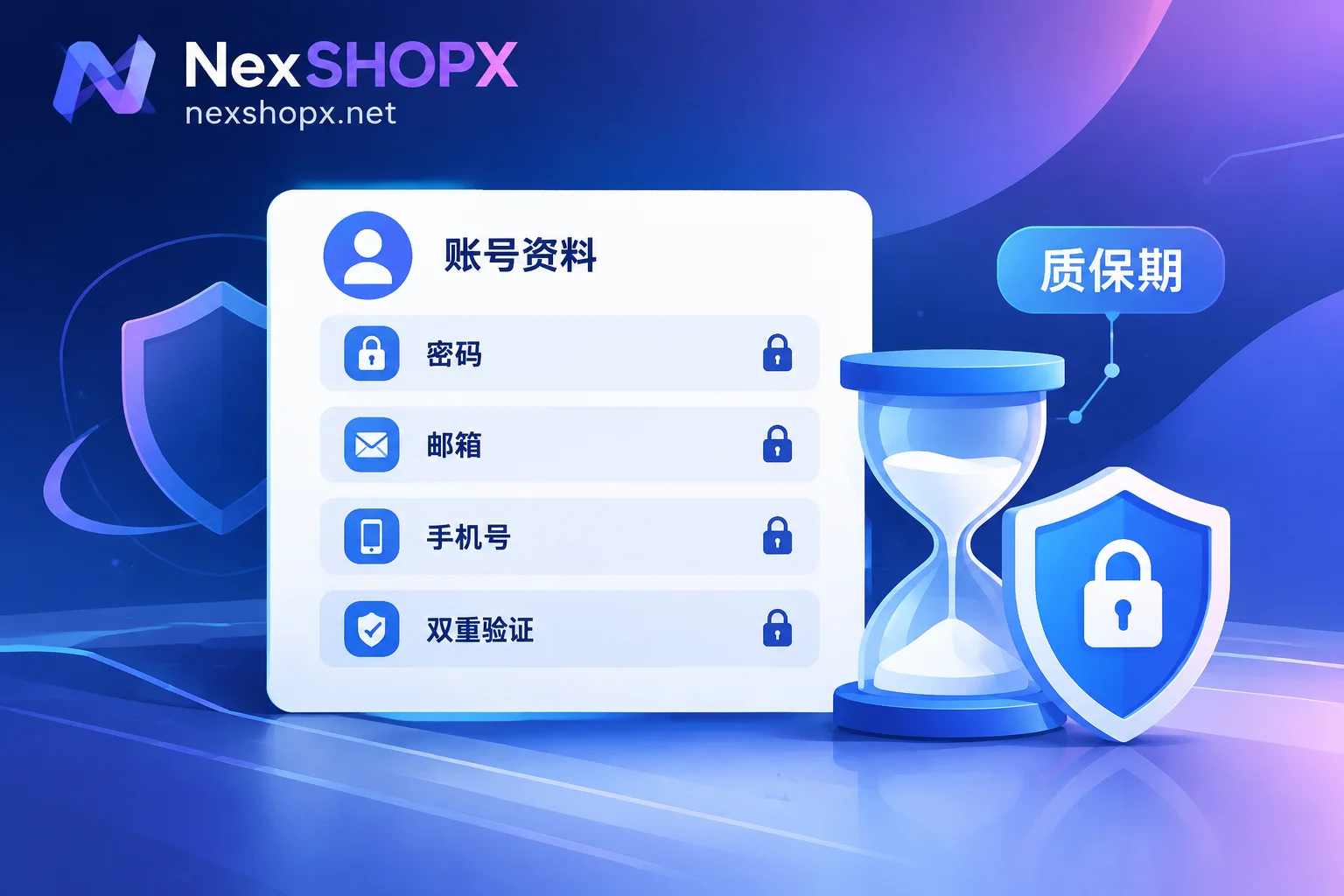
To start with the conclusion: "No changing details during the warranty period" means that within the warranty time stated on the product page, the account must remain as it was delivered. Do not touch the login password, recovery email, security phone, or two-factor authentication (2FA). Only log in and confirm basic functionality. If you change any of these and the account later has issues, the seller typically will not offer a return or replacement.
The scope of prohibited changes and warranty duration vary by product, and not all categories have this restriction. For your specific product, the product page and terms prevail.
What time period and what items does this rule constrain?
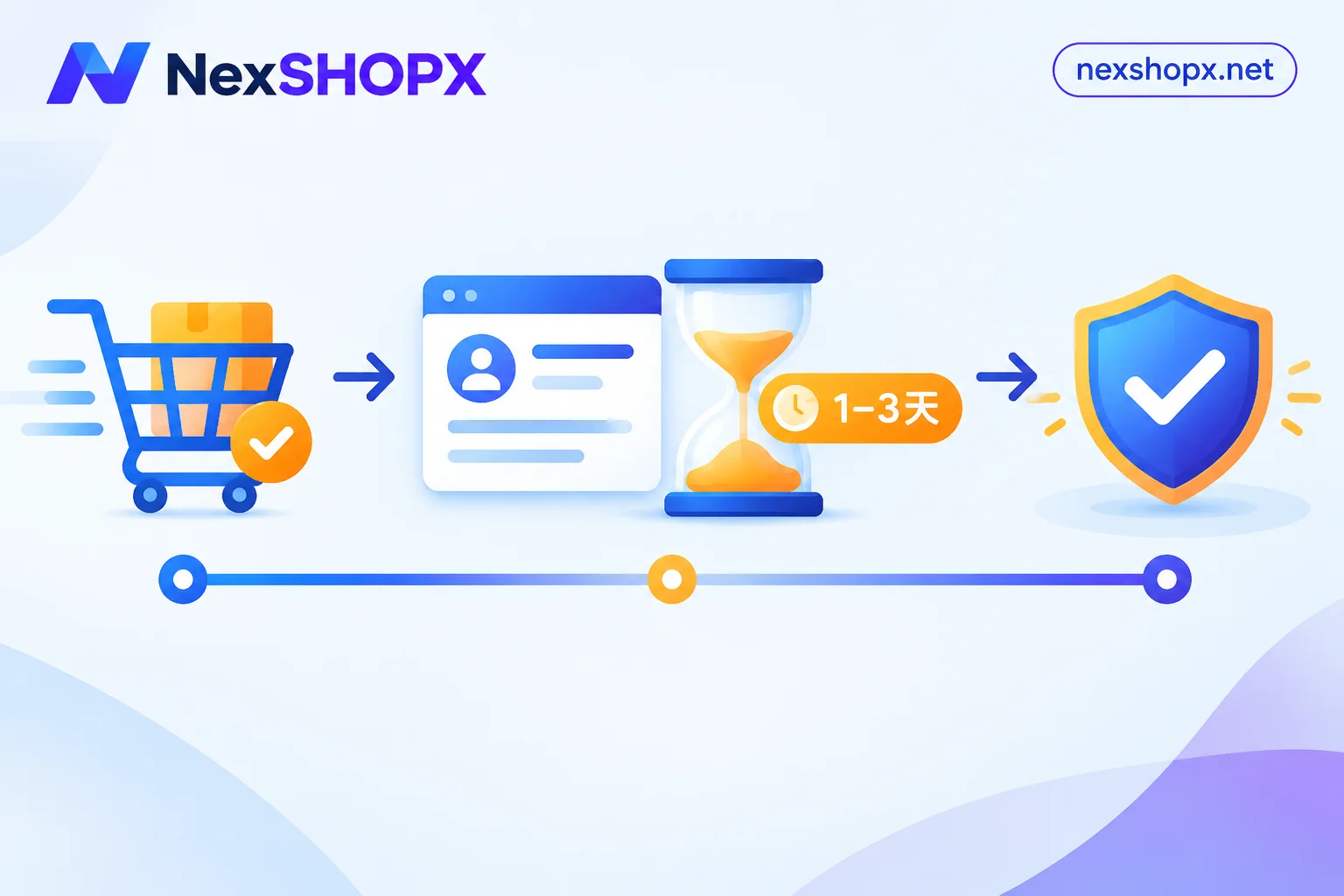
Time range: From the moment you receive the account until the warranty ends as stated on the product page. A common after-sales structure is: you must complete the first login within a limited time after ordering, and if the account is disabled during the warranty period, it can be replaced. Some categories have only a few days of after-sales period, and that entire time falls under the restriction.
Constrained items: The set of details provided at delivery — the account, password, accompanying recovery email, bound phone number, 2FA secret, and the account's personal information at that time. During the warranty period, these should remain basically unchanged so you can test whether the account works normally.
Why do sellers impose this rule?
Mainly for two reasons.
First, it easily triggers platform security verification. Platforms like Google, Meta (Facebook, Instagram), and Apple are already cautious about first logins from unfamiliar devices or locations. If you immediately change the password, phone, and recovery email right after logging in, the platform may easily flag this as "the account may have been stolen or changed owners," then require secondary verification, temporary lock, or even permanent suspension. Account issues can have other causes, but making major changes right after receiving it is a very common trigger.
Second, after-sales cannot verify. When an account has issues, customer service needs to log in to check the original state and determine whether the problem is with the account itself or the buyer's actions. Once credentials are changed, customer service cannot log in and cannot distinguish responsibility. Therefore, most sellers state in their terms: accounts with changed details are not covered by warranty.
Which changes typically void the warranty
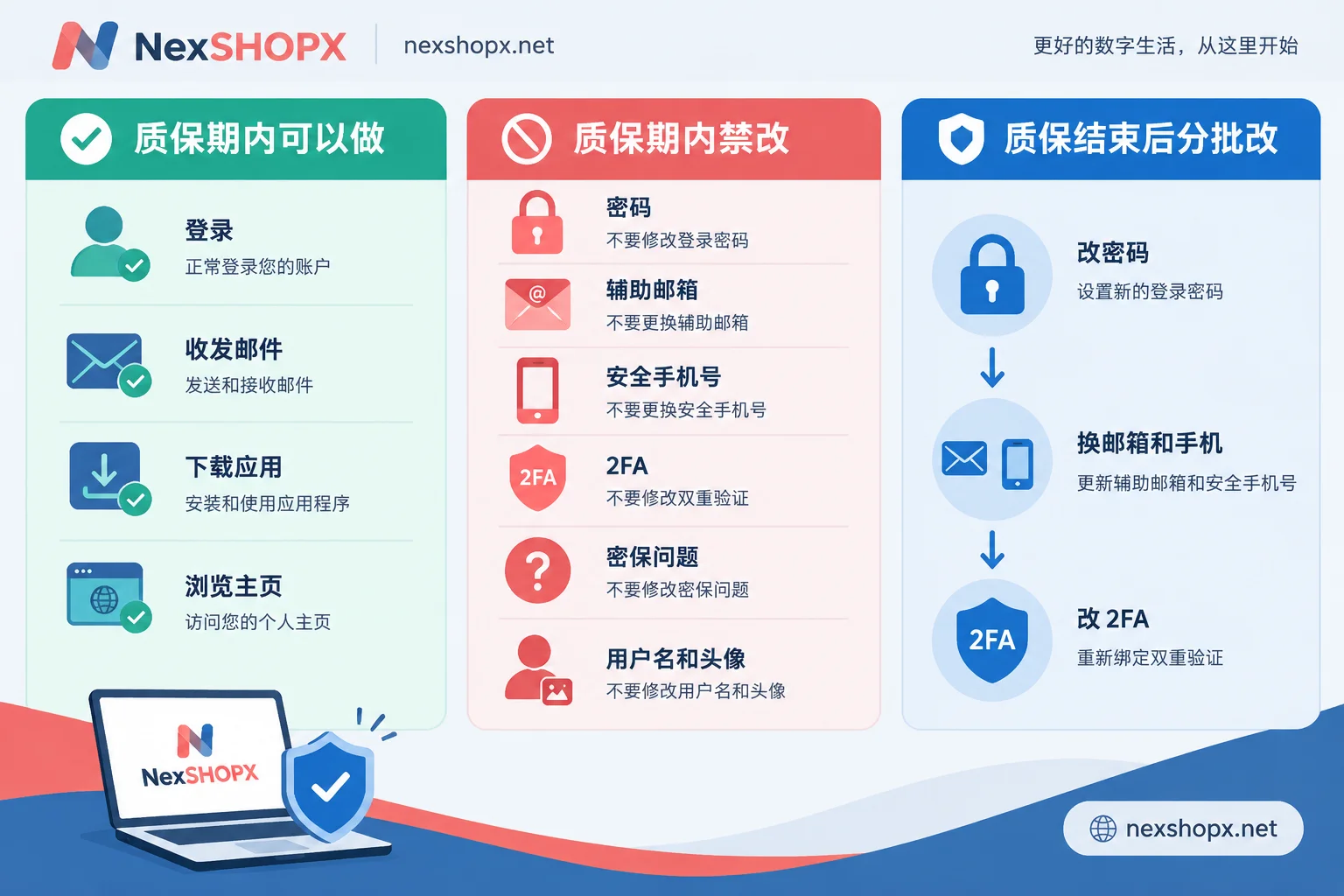
Security credentials: basically prohibited for all products with this rule
- Changing the login password
- Replacing or unbinding recovery email, backup email
- Binding, changing, or deleting the security phone number
- Resetting, disabling, or changing 2FA, including adding new security keys
- Changing security questions
These items directly determine who controls the account. Platforms are most sensitive to them, and after-sales verification relies heavily on them. For what recovery email and 2FA each do, see What is the use of an account with 2FA and recovery email.
Personal information: especially note for aged social media accounts and unlocked accounts
- Username (Handle), display name
- Profile picture
- Basic information like birthday
- Personal links bound to the profile
These may seem unrelated to security, but on social media platforms, drastically changing an aged account's details in a short time can also be identified as a change of ownership. If this causes risk control suspension during the warranty period, most sellers explicitly exclude this from after-sales. Email and app store accounts may have looser restrictions on this part; refer to the product page.
Operations that are usually normal use
Normal login, sending/receiving emails, downloading apps, browsing profiles are generally considered normal use, not changing details. If the product page has additional restrictions on certain operations, follow the product page.
How to use during the warranty period
- Log in within the first-login time limit. For when the first-login time limit starts, see When must a purchased account complete first login.
- Log in with a fixed device and network. After the first login, do not frequently switch devices or networks, so the account is more likely to be recognized by the platform in a stable environment.
- Only confirm basic functionality. For example, whether email can send/receive, whether the app store can download, whether the social media profile can open. After confirming, leave it for a while; do not rush into heavy operations.
- Save delivery information as is. Screenshot the successful login page and keep the order number. These are useful for after-sales.
- If verification appears, contact customer service first; do not reset yourself. If a verification pop-up appears during login or requires binding a phone, do not reset 2FA or change the bound phone number on your own. First contact customer service with your order number, error screenshot, and time of occurrence; otherwise your own actions might just void the warranty.
For complete receiving verification steps, refer to Account delivery acceptance checklist.
After warranty ends, change to your own details in batches
If you plan to use the account long-term, you will eventually need to switch to your own credentials. It is recommended to wait until the warranty period has passed and the login environment has been stable for some time. A common practice is to use normally in the same environment for 48 to 72 hours. Then change in the following order, in batches:
- First change the login password, confirm you can log in again normally.
- After some time, change the recovery email and security phone number.
- Finally handle 2FA. Before changing, save backup codes to avoid being locked out midway.
After each change, confirm you can log in normally before changing the next item. Do not change everything at once.
Membership top-up generally does not involve this rule
Membership top-up means activating or renewing on your own account, so there is no "delivered credentials" to keep unchanged, and it is usually not subject to this rule. Its main considerations are activation method and renewal; see Is ChatGPT Plus top-up activated on your own account.
Check these items before ordering
Before buying a ready-made account, it is recommended to confirm four things on the product page:
- First-login time limit
- Warranty duration
- Whether it explicitly prohibits changing details during the warranty period
- Which specific items are prohibited from change
If you plan to switch to your own details soon after receiving it, choose a specification whose restrictions match your purpose, or ask customer service first.
At NexSHOPX, warranty and first-login time limits are subject to each product page; some categories prohibit changing details during the warranty period. For general after-sales rules, see Terms and warranty rules. After understanding the rules, you can enter the corresponding account type from All categories and select a specification.


Comments(0)