 NexSHOPX-官方新闻
For teams engaged in cross-border e-commerce, overseas social media matrices, or needing batch testing tools, Outlook email purchase is a high-frequency daily procurement task. Previously, we discussed buying Gmail or Outlook accounts for registration and verification codes, helping everyone clarify the logic of choosing email domains under different platform risk controls.
However, when actually deciding to purchase Microsoft email accounts and opening the product list, many procurement staff encounter a second layer of confusion: both are Microsoft emails, why are some labeled "brand new direct login" and others "locked pending unlock"? Why can some only log in via web, while others specifically note that IMAP/POP/SMTP is enabled?
Choosing the wrong specifications not only prevents the purchased accounts from integrating into existing workflows but may also result in loss of after-sales support due to incorrect operations. This article will break down the specifications of Outlook / Hotmail emails from three dimensions: protocol restrictions, account status, and suffix selection.
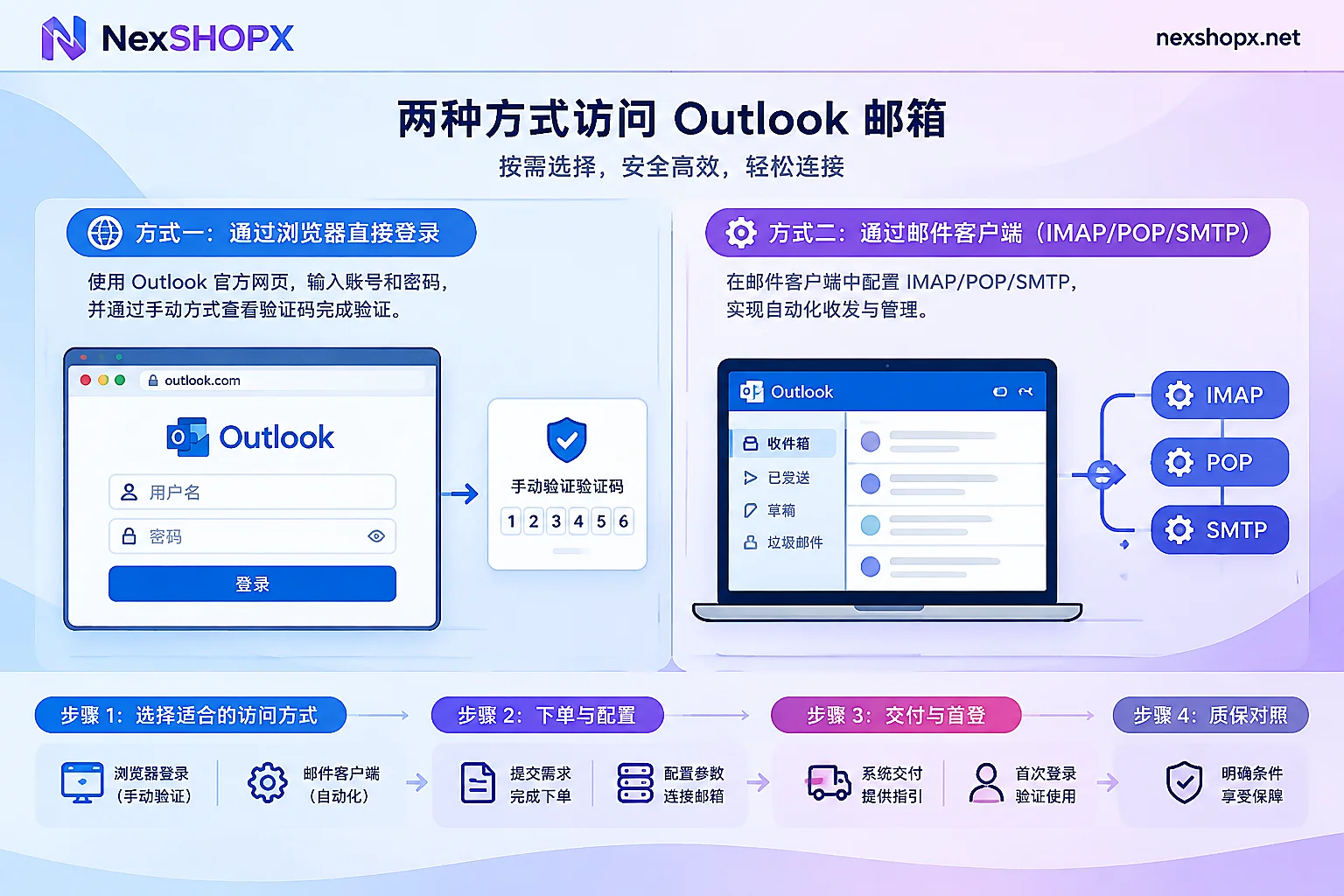
1. Why do current Outlook emails strictly distinguish between "web login" and "IMAP protocol"?
In the past, many teams, after purchasing email accounts, were accustomed to directly entering the account and password into third-party email clients (such as Foxmail, Thunderbird) or automated code-receiving tools for batch email retrieval. However, since Microsoft fully discontinued "Basic Auth" for personal emails and enforced OAuth2 modern authentication, the method of directly connecting to email protocols using only "account + password" has undergone major changes.
In the current procurement environment, NexSHOPX's Outlook email category clearly distinguishes between the following two connection specifications:
- Web account password login specification:
These accounts do not support direct mounting to old third-party clients via traditional account password methods. You need to open Microsoft's official web client (outlook.live.com) in a browser and enter the account password to log in. It is very suitable for manual operations teams: for example, operators manually log in to the email in a browser to receive registration verification codes or binding confirmation emails from social media platforms or cross-border stores. - IMAP / POP / SMTP enabled specification:
If your business scenario requires unified management of multiple emails through an email client, or your development testing system needs to automatically pull verification codes from the inbox via standard email protocols, you must choose a specification that explicitly states "IMAP/POP/SMTP enabled" on the product page. If you buy a web-login-only specification to run protocol interfaces just to save money, you will inevitably encounter repeated connection failures.
Also note the sending and receiving function description on the product page: some email specifications can only receive but not send. If you buy an email only for receiving codes to register on other platforms, receiving only is sufficient; but if it is used to send business development letters to overseas clients or for after-sales replies, be sure to check whether the product description supports normal sending before ordering.
2. What is the difference between "brand new direct login accounts" and "locked pending unlock accounts"?
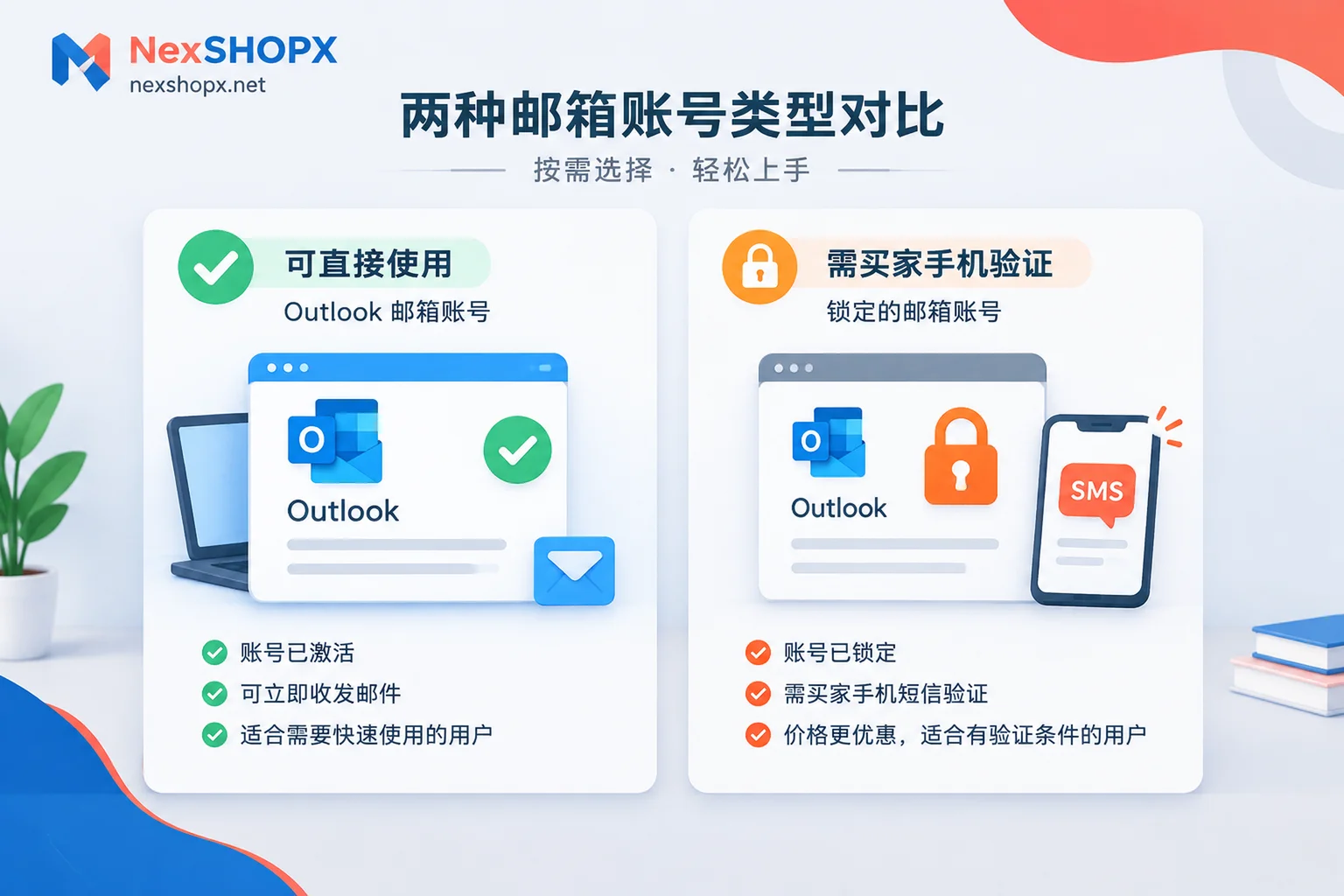
When browsing Outlook / Hotmail email products, you will see a clear price gradient. The core difference usually lies in the activation status at the time of account delivery:
- Brand new direct login accounts (ready to use upon receipt)
These accounts have completed basic verification before delivery and are in normal usable condition. After buyers receive the account and password, they can log in via the web or corresponding client following the normal process and directly send and receive emails. Suitable for teams or individuals who do not have additional phone verification resources, pursue efficiency, and want to put them into business immediately after purchase. - Locked pending unlock accounts (high cost-effectiveness)
Microsoft has strict anti-fraud interception for newly registered or cross-region logins, sometimes triggering the prompt "account locked, need to verify phone number to unlock". The specification marked "locked pending unlock" on the product page is exactly a semi-finished account in this state.
Its advantage is that the unit price is significantly lower than direct login accounts. After the buyer uses their own phone number to receive a Microsoft SMS verification code and completes the unlock, the account returns to normal use. Moreover, because it is bound to a verification phone operated by the buyer, subsequent logins in the same environment are more likely to establish trust. If you have sufficient and low-cost phone verification channels, purchasing pending unlock accounts can significantly reduce team account costs.
3. How to choose between Outlook.com and Hotmail.com suffixes?
Microsoft email currently mainly provides two suffixes: @outlook.com and @hotmail.com. They share the same Microsoft account system at the underlying level, and the login entrance is exactly the same, but there are still subtle differences in actual business:
- Compatibility differences: The vast majority of mainstream overseas platforms (such as various AI tools, e-commerce platforms, gaming platforms) treat both suffixes equally. However, in a very small number of established overseas forums or traditional B2B sites,
@hotmail.com, as a historically long-standing domain suffix, sometimes has a subtle advantage in registration pass rates; while@outlook.comappears more standard in registrations for modern SaaS tools and enterprise services. - Diversion and anti-association testing: When a team needs to batch register on the same target platform (for example, preparing binding emails for dozens of Instagram accounts or X (Twitter) accounts at the same time), do not put all eggs in one suffix basket. Alternately purchasing both Outlook and Hotmail suffixes, or even pairing some Gmail accounts or overseas emails like Yahoo, Proton, Onet.pl, can effectively reduce the probability of triggering risk control on the target platform due to "concentrated registration with a single email suffix in the same batch".
4. Four details to avoid pitfalls in procurement delivery and first login
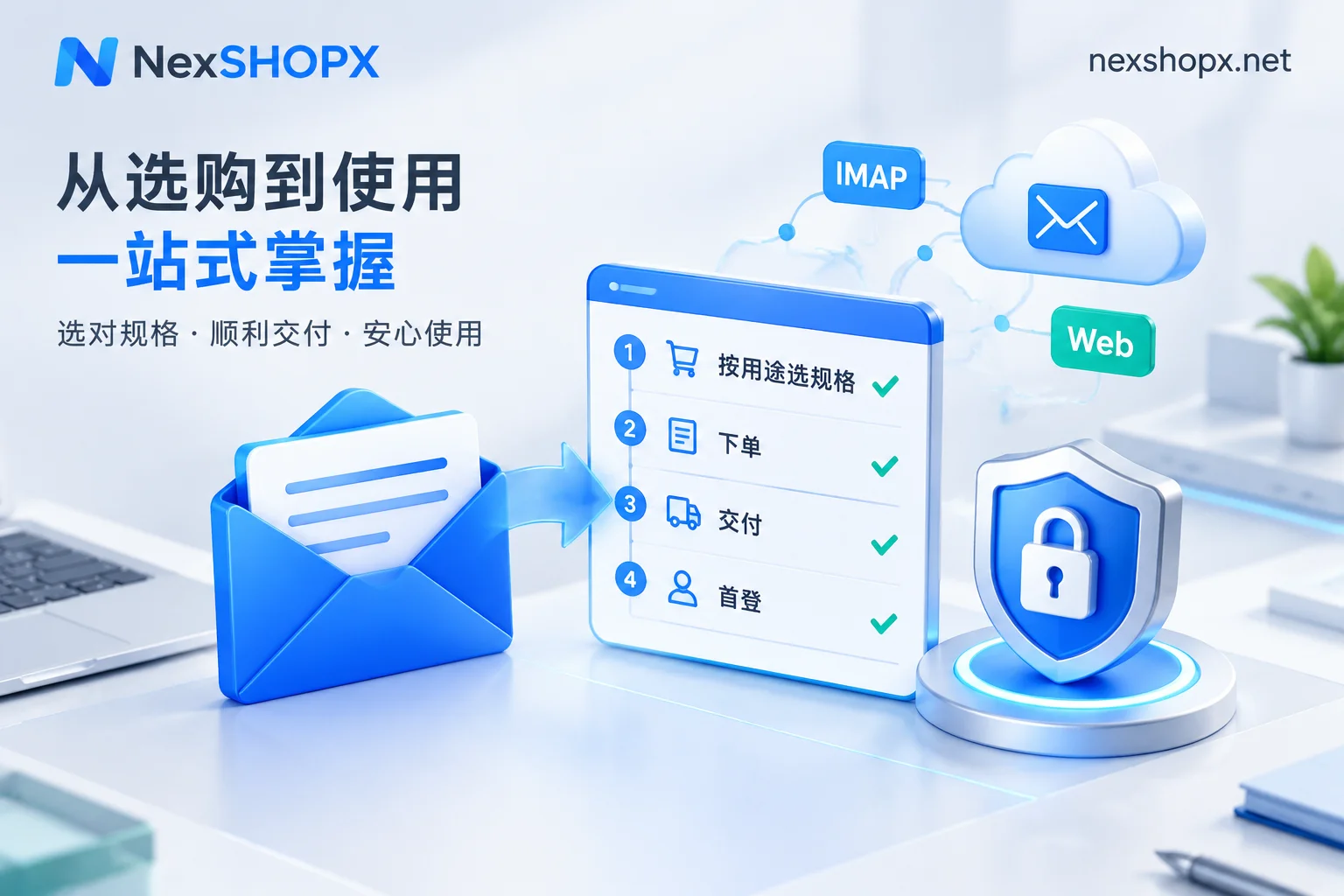
To ensure the purchased emails are stable and durable, and to properly enjoy the platform's warranty service, after completing Outlook email purchase at NexSHOPX Mall, please be sure to follow the process below:
- Understand ordering and pickup methods: The mall supports registered account orders and also guest orders without registration. In-stock specifications are automatically shipped after payment confirmation and displayed directly on the order page; for guest orders, you can retrieve account information at any time via the order inquiry page using the order number. Alipay and USDT (settled in CNY) are supported. If your team has bulk wholesale needs, you can directly contact Telegram customer service for price negotiation.
- Strictly comply with the first login time limit: Do not stockpile accounts after receiving them; you must complete the first login check within the time limit specified on the product page. For the calculation rules of the first login time limit, please refer to When must purchased accounts complete first login? From which moment does the time limit start?. If the first login is not completed within the specified time, it will be impossible to determine whether it was a pre-delivery issue, thus losing after-sales support.
- Check rules first when troubleshooting login abnormalities: If you encounter additional verification requirements or password errors during first login, do not rush to retry frequently or blindly modify settings. It is recommended to first refer to Is it normal to be asked for re-verification when logging in on a new device? Reasons, required materials, and first login precautions and Login requires additional verification but you cannot receive the code? First distinguish which type of code is required for troubleshooting.
- Read clearly the restrictions on data modification during the warranty period: Different batches of emails have clear rules on whether immediate password changes or auxiliary information changes are allowed. Some categories prohibit data modification during the warranty period (see What does it mean that data cannot be modified during the warranty period? Which changes will void the warranty). During the warranty period, if the account is disabled due to non-human violations, it can be replaced according to the product page rules; however, if it is due to failure to log in on time, violation of data modification restrictions, use for spam or other illegal purposes that trigger anti-cheat mechanisms, it is not covered by the Terms of Service and Warranty Rules.
Summary: Match according to business scenarios
In short, before purchasing Microsoft emails, just ask yourself three questions:
- How to log in? For manual email checking in a browser, choose ordinary web direct login accounts; for batch pulling via software, choose specifications with IMAP/POP/SMTP enabled.
- Who verifies? If you want convenience and immediate use, choose brand new direct login accounts; if you have your own code-receiving channels and want to reduce costs, choose "locked pending unlock" accounts.
- What is it used for? If only for receiving verification codes, you can choose receive-only specifications; if you need to contact customers externally, look for complete specifications that support sending.
After clarifying these three points, go directly to the NexSHOPX Outlook / Hotmail email section and order according to the product page labels as needed, so that every procurement budget is spent where it matters most.


Comments(0)