 NexSHOPX-官方新闻
Conclusion First: The Threads Account Buying Guide Tells You That What You Buy Is a Binding Relationship, Not a Standalone Entry
This Threads account buying guide gives the conclusion first: what you buy is not a string of passwords, but a set of cross-app binding relationships attached to the Meta Account Center. According to the Meta Help Center update from May 2026, Threads, Instagram, Facebook, and Messenger have native Passkey integration, with credentials stored in the user's local hardware security module and supporting centralized cross-app management. The Meta Account Center also consolidates app profiles, cross-app posting, and unified credentials. This means that just changing the password on the day of receipt is far from enough; you must follow the Account Center path to verify five binding relationships to determine whether the account is truly under your control.
Binding Relationship 1: Is a Threads Account the Same Account as Instagram?
Many people ask, “Is a Threads account the same account as Instagram?” Strictly speaking, Threads is not a standalone account system; it is attached to the Meta unified Account Center. The official help center clearly states that Threads' authentication is underpinned by the associated Instagram account. Even if you independently deactivate Threads, your Instagram account will not be deleted, but the underlying dependency remains. In other words, when buying a Threads account, if the associated Instagram account is not in your hands, Threads may become inaccessible at any time due to the failure of the underlying identity. Therefore, before buying a Threads account, be sure to confirm that the seller also transfers the login credentials of the associated Instagram account.
| Binding Relationship | Actionability | Description |
|---|---|---|
| Threads and Instagram (master-slave) | Cannot be split | Underlying identity verification depends on Instagram |
| Deactivate Threads alone | Possible | Officially supported, does not affect Instagram |
| Cross-app connection | Can be removed in Account Center | Requires action in Accounts Center |
| Passkey credentials | Need to clean device authorizations | Local hardware, not invalidated by password change |
| Recovery entrance | Must be transferred | Email, 2FA, devices all need to be changed |
Binding Relationship 2: In the Account Center, Which Cross-App Connection Settings Are Shared?
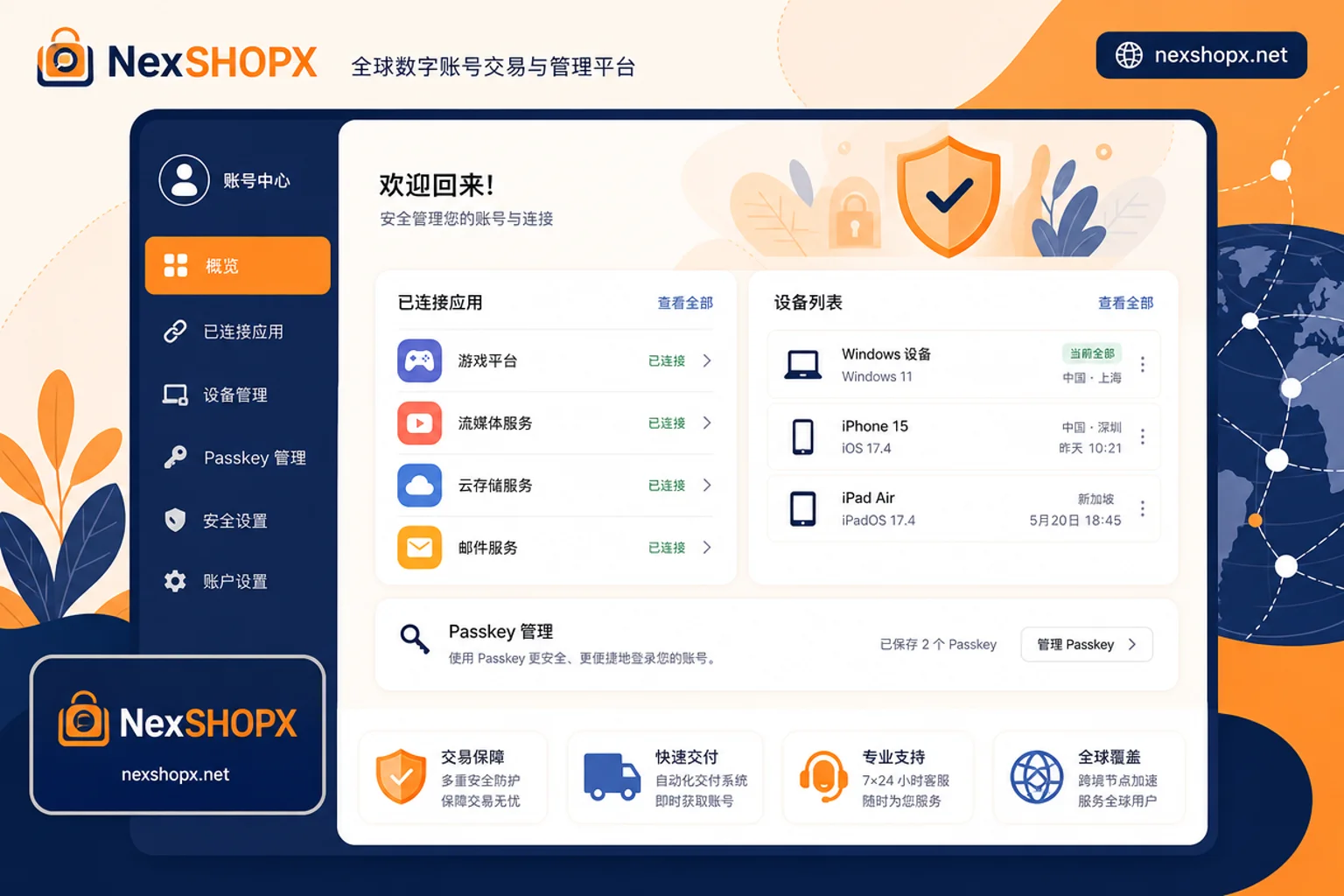
Meta's upgraded Account Center (Accounts Center) consolidates Threads' cross-app posting, cross-account login, and unified credentials. How do you check the cross-app connections of a Threads account on the day of receipt? After logging in, go to Account Center in the app settings, and check “Connected apps,” “Authorized devices,” “Login methods,” etc. Remove all apps and devices you don't recognize. Note that the specific menu hierarchy may vary based on what's displayed in the app, but each item corresponds to a shared setting—any connection you see here means another app or device has operational permissions for your Threads account.
Binding Relationship 3: On Whose Local Device Do Passkey Credentials Reside?
Meta has fully integrated Passkey, meaning the original holder's phone or computer may still store passkeys for the account. Credentials are saved in the user's local hardware security module. Changing your password does not automatically invalidate these Passkeys on those devices; the original holder could still log in directly via biometrics before you even receive the password. Therefore, on the day of receipt, be sure to check entries like “Passkey management” in the Account Center and delete any device records that are not yours. The specific entry names and hierarchy should follow what's actually displayed in the app.
Binding Relationship 4: Ownership of Recovery Entrance, Complete Transfer of Email and Two-Factor Authentication
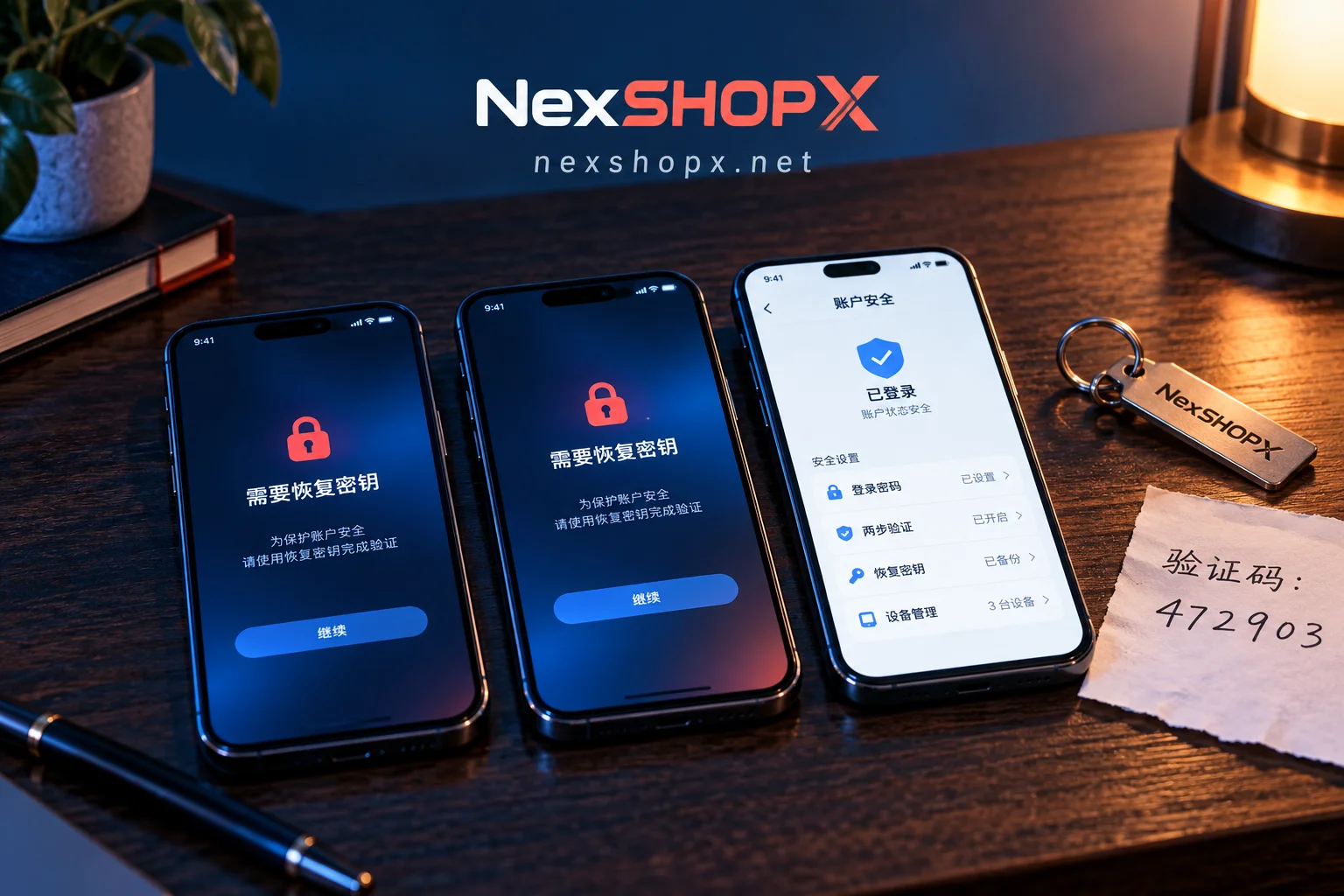
Judging whether a Threads account truly belongs to you is not based on “whether you can log in,” but on “whether the recovery entrance is in your hands.” Can you change the bound email of a purchased Threads account? Yes, but changing the bound email generally requires a one-time identity verification in the Account Center. The specific verification method and steps should be based on what's actually shown in the app. The key criterion is whether the original holder has completely logged out and handed over the recovery entrance. Before ordering, you must ask for three pieces of information:
- Is the currently bound email solely owned by the seller?
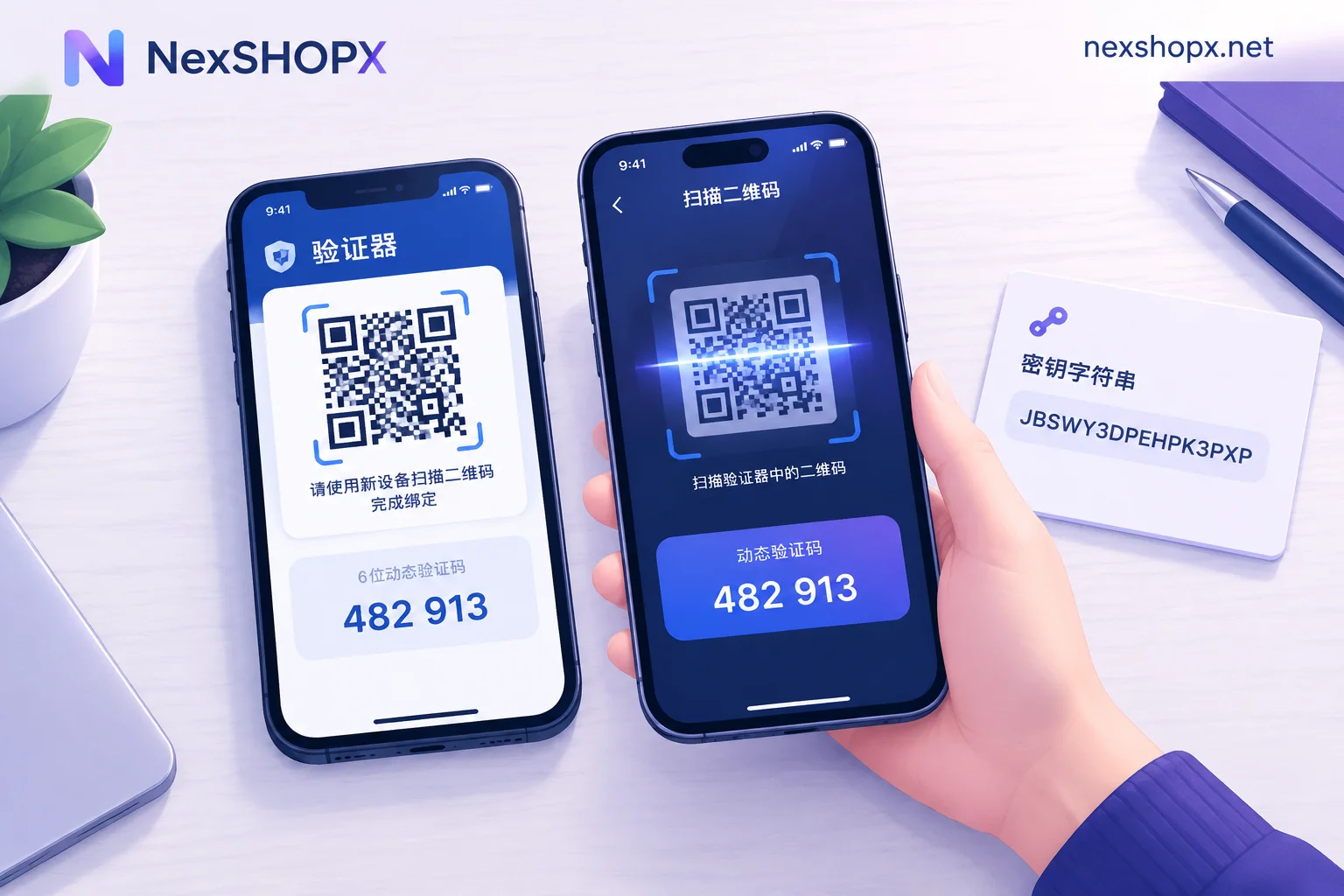
- Can the 2FA phone number be unlinked?
- Have all authorized devices in the Account Center been cleared?
If the seller cannot answer or refuses to cooperate, consider giving up on that account.
Binding Relationship 5: Can a Threads Account Be Deactivated Alone, and What Are the Boundaries?
Can a Threads account be deactivated alone? The answer is yes. According to Meta and Instagram Help Center updates from June 2026, users can independently deactivate or permanently delete their Threads account in the Account Center or app settings, and this operation will not delete the linked Instagram account. However, note that Threads' authentication still relies on Instagram as the underlying foundation, and deactivating Threads does not eliminate that underlying dependency. Additionally, account history (such as restrictions or violations) will not disappear with deactivation, so proactively inquire before purchase to avoid buying an “infected” account.
Verification Order on the Day of Receipt: Login → Account Center Check → Recovery Entrance Transfer → Environment Fix
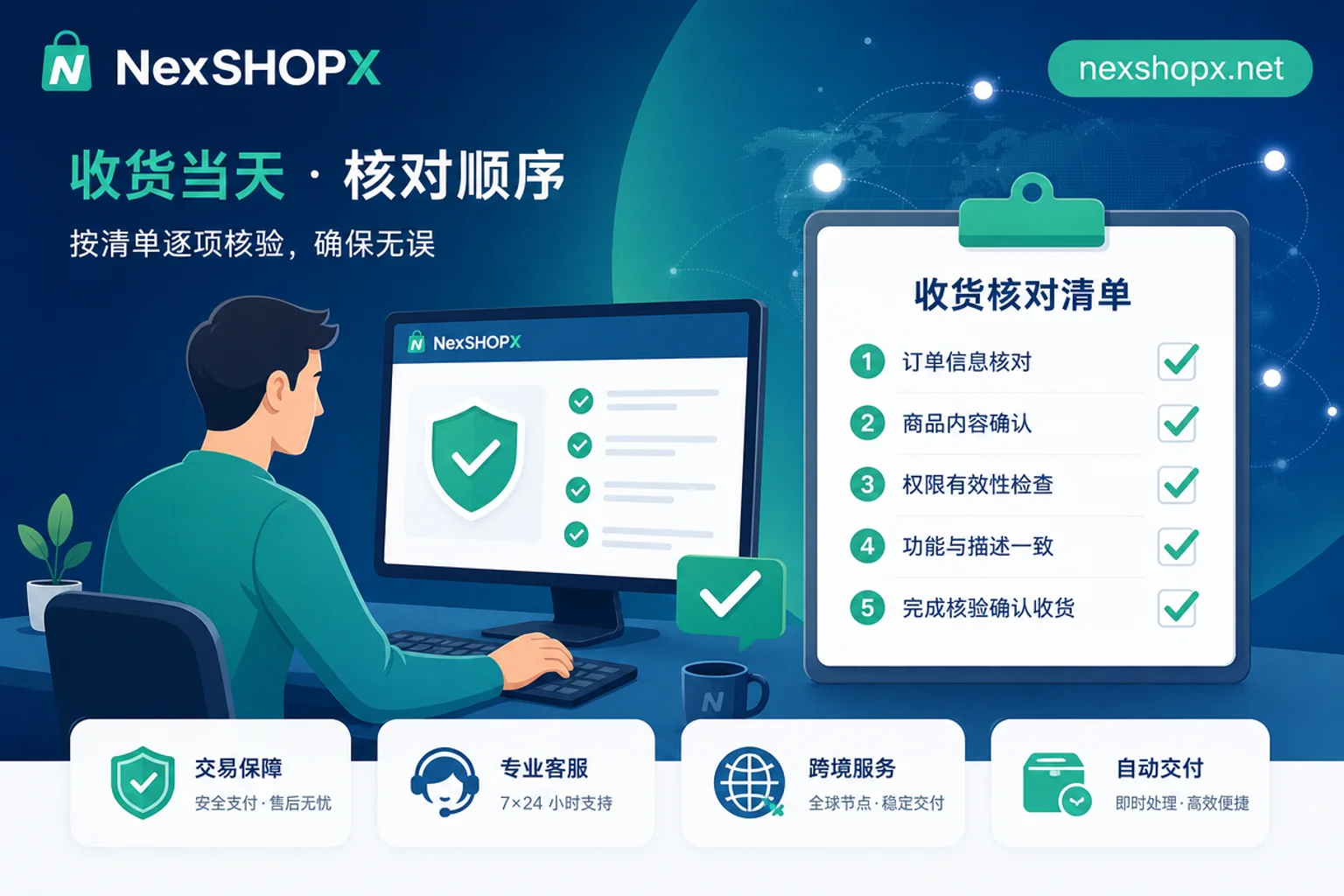
This Threads account buying guide's core actions can be condensed into five steps. On the day of receipt, performing the following order will quickly expose problems:
- First, try logging in with the credentials provided by the seller. If it fails, immediately trigger the after-sales process.
- After login, go to the Account Center, perform cross-app connection checks, and remove all unknown devices and apps.
- Check the Passkey list and delete any hardware credentials not belonging to you.
- Change the email and 2FA, and confirm that only you control the recovery entrance.
- Fix your usual device and network environment to avoid triggering risk controls later.
What if you can't log in after purchasing a Threads account? First, confirm whether the password includes uppercase/lowercase letters or special characters, then check if you're being blocked by 2FA; if it still fails, take screenshots immediately and submit a record within the limited-time login after-sales window. Do not repeatedly try to avoid triggering risk controls. You can also refer to the layered troubleshooting approach in What to do if account login fails.
Comparison of Two Delivery Forms: Password-Only vs. Complete Recovery Entrance Transfer
| Delivery Form | Where the Risk Falls | Recommendation |
|---|---|---|
| Password only | Buyer | High chance of pitfalls; original holder can recover at any time |
| Complete recovery entrance transfer | Seller | Recommended; confirm in Account Center |
The acceptance standard given by the Threads account buying guide is simple: who holds the recovery entrance. Choosing a delivery form that fully transfers the recovery entrance has the lowest risk. You can refer to Overseas account delivery process to set your acceptance criteria.
Where NexSHOPX Can Help in This Process, and Where It Cannot
NexSHOPX provides account type filtering, self-service ordering, and fast delivery, making it convenient for you to do small-batch verification first; its 24/7 Telegram customer service and limited-time login after-sales can cover first-login failure scenarios. However, it should be clear: cross-app connections and Passkey credential status are internal settings within the Meta Account Center, which the platform cannot check for you; you must confirm these yourself by following the process in this article. Also, cooperate with Facebook account security settings to reinforce the Account Center and avoid hidden risks.
Compliance Reminder
Purchasing third-party accounts inherently carries the risk of platform restrictions or bans. No seller or platform can guarantee permanent account availability. Please use the verification process above to control your own risks. Be sure to comply with Meta's Terms of Service, local laws, and identity verification (KYC) requirements. Do not attempt to bypass identity verification.
Frequently Asked Questions
Do I need an Instagram account to buy a Threads account?
Yes. Threads' authentication relies on Instagram as its foundation, so when buying a Threads account, you must also have the associated Instagram login credentials transferred to you; otherwise you cannot control it independently.
Can Threads and Instagram accounts be managed completely separately?
No, they cannot be completely separated. While you can deactivate Threads independently, identity verification and Account Center settings are shared. Cross-app connections can be removed, but the underlying dependency remains.
How does the seller change the bound email for a purchased Threads account?
Changing the bound email generally requires identity verification in the Account Center. The specific verification method and steps depend on what's displayed in the app. The key criterion is whether the original holder has completely logged out and handed over the recovery entrance. Be sure to confirm the ownership of the recovery entrance before ordering.
Will my Instagram account be affected if I deactivate Threads alone?
No. Official support allows you to deactivate Threads independently without affecting your Instagram account. However, be sure to check your privacy settings and export any needed content before deactivation.
What should I do first if I can't log in to the Threads account after receiving it?
First, check your network and whether the account/password are entered correctly, then confirm if you're blocked by 2FA. If it still fails, take screenshots and submit a record within the after-sales window. Do not keep trying to avoid triggering risk controls.


Comments(0)