 NexSHOPX-官方新闻
Log in as soon as you receive the account credentials. Don't wait until your business is ready.
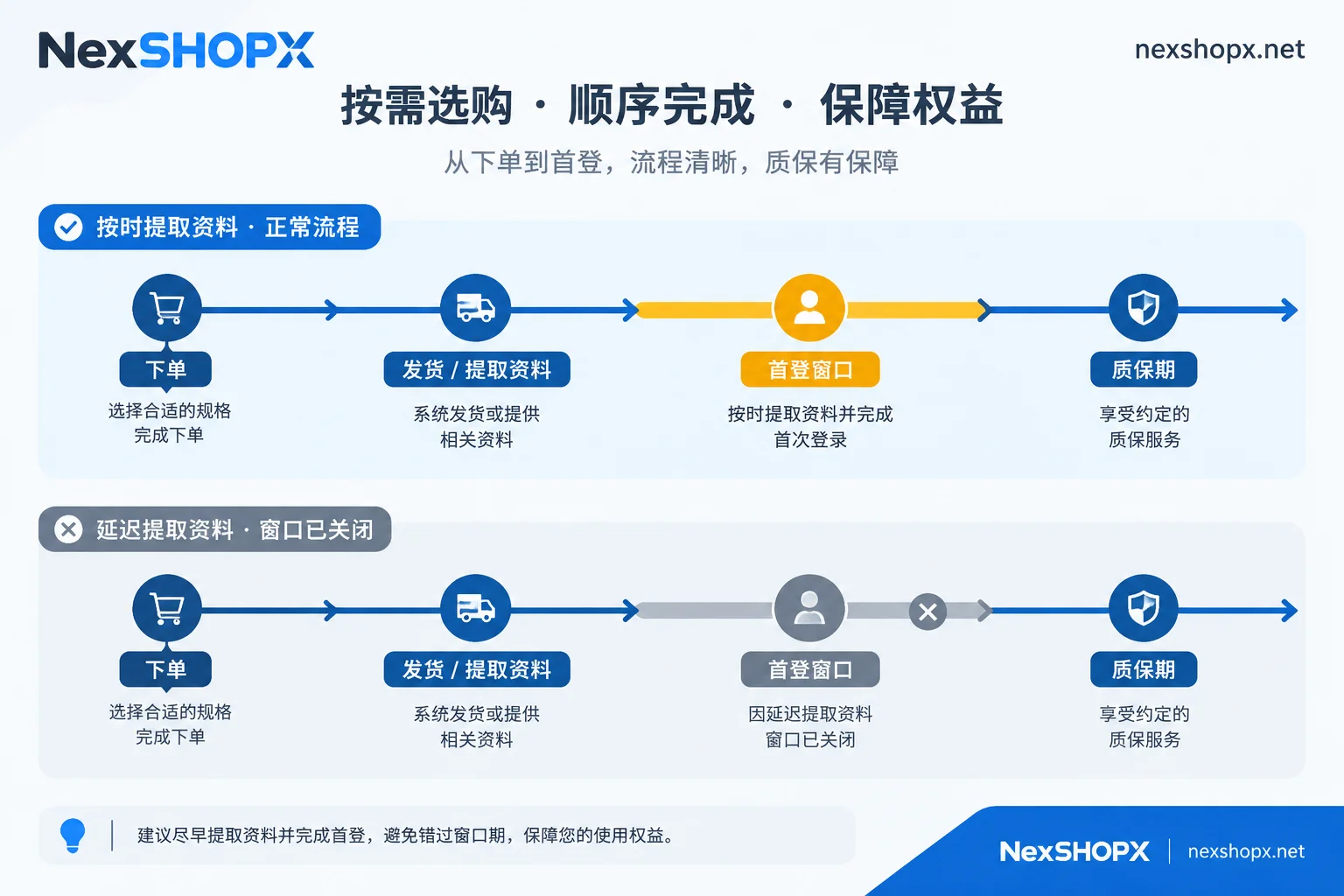
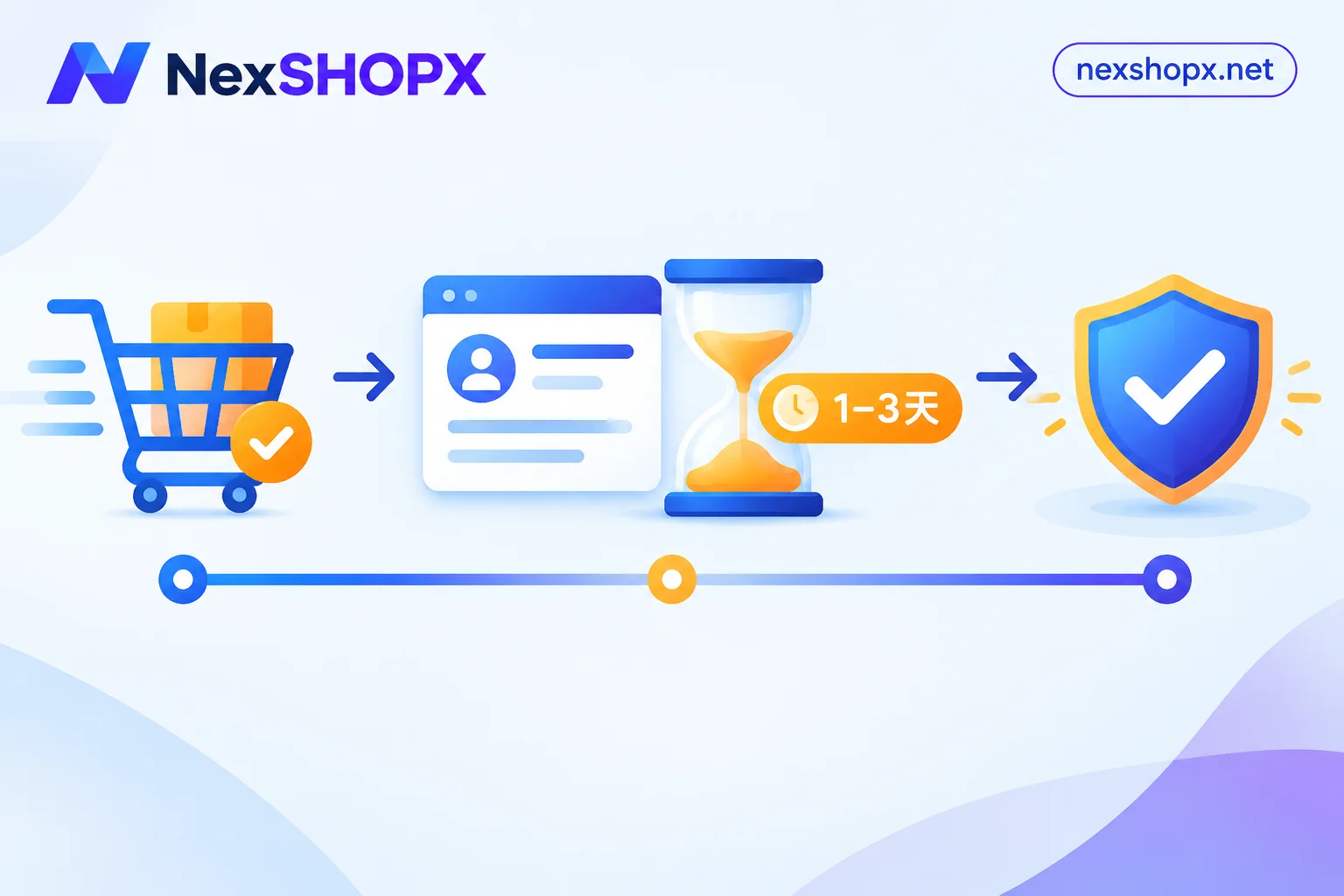
Most virtual account products have a "first-login deadline," commonly within 24 or 48 hours after credential extraction, or counted from the order date. The exact number depends on the specific product page you purchased—different categories and platforms have different rules. Don't apply one product's rules to all products. This deadline isn't meant to rush you; it's the window for the seller's warranty to take effect. If you log in within the window and find a problem, you're eligible for replacement or compensation. Once the window passes, responsibility essentially shifts to you.
The clock starts at delivery, not when you plan to use it
This is the easiest point to lose out on. The first-login deadline typically starts when the system delivers the account or when you extract the credentials from your order—not when you decide to put it into business use.
So there are two common ways to miss the deadline: first, you get busy after ordering and only come back to extract credentials days later; second, you extract the credentials but think "I'll log in after setting up the browser environment and IP," and the window closes while you delay. Anomalies arising in these situations generally aren't covered by returns or warranty.
Pre-order items are slightly different: they aren't automatically delivered but are handed over after customer service confirmation, so the deadline naturally starts when customer service delivers the credentials to you. If you're unsure whether you bought an in-stock item or a pre-order, you can first read What's the difference between in-stock auto-delivery and pre-order products.
In practice, the safer order is: prepare your login environment first, then place the order. Don't buy first and then set up the environment.
What happens after the deadline passes
"Warranty first login" or "first-login guarantee" is the most basic after-sales tier in these transactions. It only covers usability at the first login within the specified time after delivery—whether the password is correct, the account exists, whether it's banned, and whether membership benefits are still active. If you don't verify within the deadline, it's usually considered buyer acceptance.
After that, two discrepancies appear:
- You log in and find the password is wrong or the account is disabled, but the deadline has passed, so the seller has grounds not to replace it.
- Even if you log in within the deadline, if the product isn't full-cycle warranty, a subsequent disconnection or platform risk control isn't automatically covered.
In other words, the first-login deadline protects "the goods you received were good," not "this account will work forever." The boundary between these two is clearest on the product page. It's worth two minutes before ordering, and you can also refer to Terms and warranty rules.
Before first login: environment matters more than speed
"Log in as soon as possible" doesn't mean "log in carelessly." The first login basically determines the account's first impression in the platform's eyes.
Things to prepare before ordering:
- A network environment consistent with the account's registration region, clean, independent, and not sharing an exit with your other accounts.
- An anti-association browser environment or device, one account per environment. Don't casually log in from your daily browser just to test.
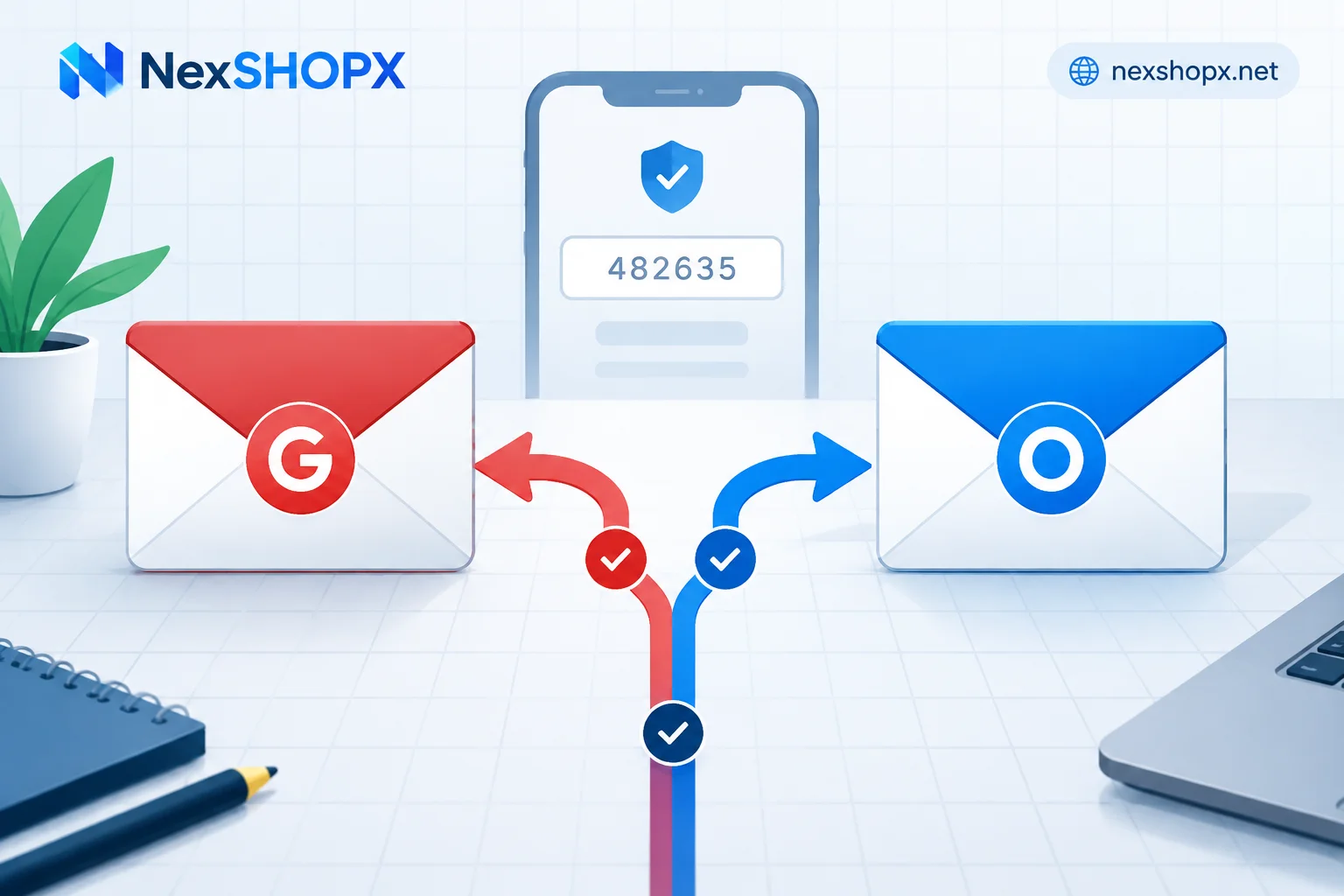
- A code-receiving method. If the account triggers SMS or email verification, you must receive it on the spot, not scramble for a number later.
- Access to the auxiliary email. If the seller provided an auxiliary email, confirm you can access it first.
With these ready, first login takes only minutes. Without them, you either miss the deadline or log in once in the wrong environment and push the account straight into risk control.
What to verify at first login
After getting in, don't rush to use it. Confirm in order:
- Password logs in normally, no need to contact customer service for a reset.
- Account status is normal, no bans, restrictions, or pending appeal notices.
- Two-factor authentication works—whether it's a 2FA key, auxiliary email, or phone number, can you actually receive the verification code?
- Delivered information matches the product page description: registration year, region, linked info, and whether it has the permission you need.
- For membership products, check benefits and expiration date: correct tier, correct expiration date, not just that you can log in.
Any mismatch counts as a problem exposed within the first-login deadline. For a more detailed checklist, refer to Account delivery acceptance checklist. If you're still unsure whether what the seller gave you is enough, Does giving only account and password count as complete delivery and What's the use of an account with 2FA and auxiliary email cover exactly that.
The most common first-login mistake: changing the password immediately
Many people habitually change the password, switch the linked email and phone, and rebind 2FA to themselves the moment they buy an account. Doing so here often hits two pitfalls at once.
On the platform side: completing the first login on a new device and new IP, then immediately changing the password and switching core security info, is a typical account-theft pattern. It easily triggers security risk control—at best requiring extra verification, at worst disabling the account. Frequently switching proxy nodes or devices after first login has the same effect.
On the seller side: many categories explicitly state "no profile changes during the warranty period." If you change the password or auxiliary verification info during the warranty period without authorization, it's usually deemed voluntary warranty voiding—if any problem arises later, replacement and refund are gone.
So the safe approach during first login is: verify only, don't modify. If you really need to change the account info to your own, first check whether the product page has restrictions. If unsure, ask customer service when and how to change it without affecting the warranty. Before making changes, it's best to finish all verifications.
If you find a problem within the deadline, evidence decides whether you can get a replacement
If you encounter a disabled account, wrong password, or abnormal two-factor authentication within the first-login deadline, the process is fixed:
- Don't try repeatedly. Trying the same wrong password a dozen times only makes the platform flag the account as harder to recover.
- Take screenshots of the full page, including the error text and the page itself, not just a single error message.
- Submit to customer service before the deadline expires, with your order number. Reporting within the deadline versus after makes a completely different outcome.
- Explain your login environment. Customer service needs to determine whether it's a product issue or an environment issue.
With this evidence ready, replacement, account swap, or repair can proceed.
Membership activation doesn't look at "first login," but at benefit arrival
One product type doesn't fit the above logic: membership activation. It activates or renews on your own existing account. Your account stays with you; there's no "taking over a stranger's account."
For activation, confirm: whether the benefit has arrived, whether the tier is correct, the expiration date, and how to renew after expiration. These should be aligned with customer service at the time of ordering. To see the difference from buying a finished account, Is ChatGPT Plus activation done on your own account explains it concretely.
Read the deadline when you order
The real way to avoid missing the deadline is to read these lines when choosing a product: how long the first-login deadline is, when it starts, how long the warranty lasts, whether profile changes are allowed during warranty, and how many days the after-sales window is. These are written on each product page at NexSHOPX. Different categories differ, and precisely because they differ, don't act from memory.
When choosing specifications by use, you can enter from the corresponding categories: email and platform accounts, social media accounts (including aged and unlocked accounts), AI accounts and membership activation, and memberships and streaming subscriptions. The four groups are listed separately, with entry at All categories. Once you've confirmed the specs, order at Store. In-stock items ship automatically; pre-order items are delivered after customer service confirmation. If you haven't decided whether to buy a new or aged account, read What's the difference between new and aged finished accounts first.
Finally, the rhythm in one sentence: prepare environment → order → log in as soon as credentials arrive → verify only, don't modify → screenshot and contact customer service immediately if there's a problem. The first-login deadline isn't long, but it's the only period in the entire transaction when "a problem can still be exchanged." Don't waste it waiting.


Comments(0)