 NexSHOPX-官方新闻
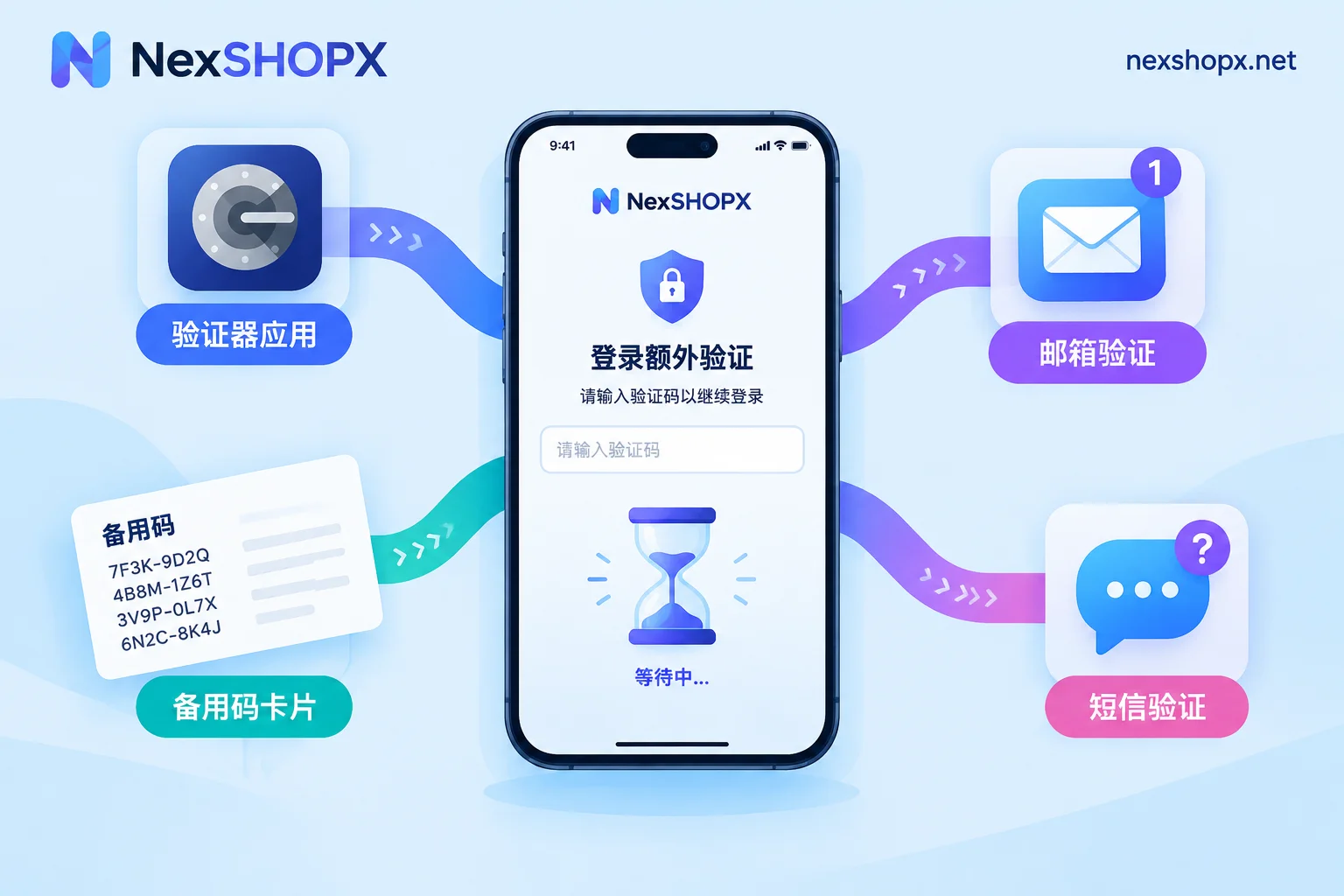
Extra Verification at Login but No Code Received? First Determine Which Code Is Required, Then Handle Four Scenarios
When extra verification appears at login and the code never arrives, the issue is usually not that the code wasn't sent, but that the verification channel wasn't identified correctly: a TOTP secret was mistaken for an SMS code, 'Try another way' wasn't used, or the recovery email was delayed or blocked. This article provides troubleshooting steps for four scenarios—authenticator codes, backup codes, recovery email, and mandatory SMS—and explains what materials to keep when a purchased account hits an unavoidable verification during the first-login window and after-sales support is needed.
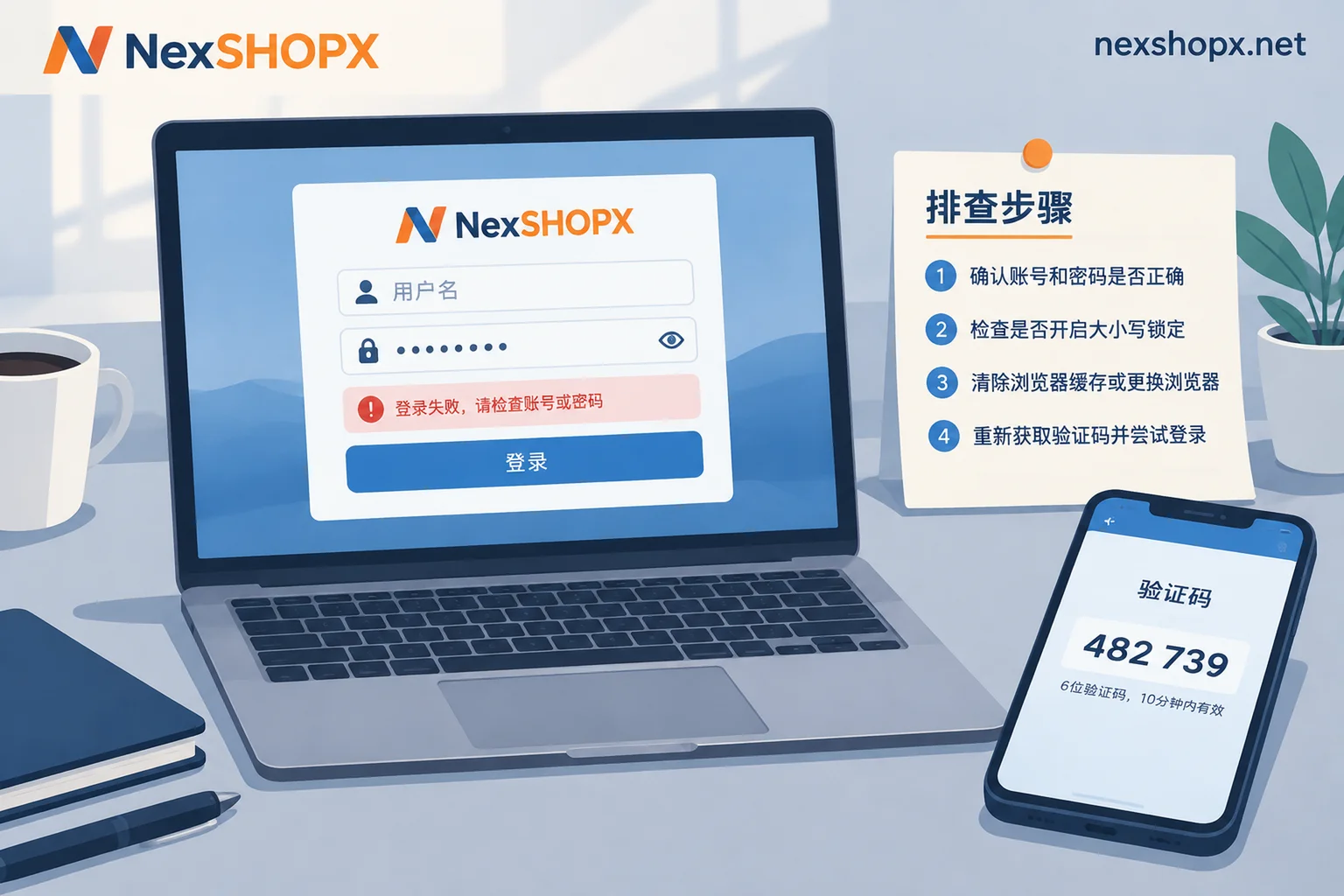
Password Correct but Login Keeps Failing? Check These 5 Causes, and How to Handle First Login for Newly Purchased Accounts
When your password is confirmed correct but login fails, it is usually not the password itself but hidden characters, temporary lockouts from repeated retries, platform extra verification, app-specific passwords for email clients, or app cache issues. This article provides a troubleshooting sequence and explains how to verify newly purchased accounts on first login using delivery credentials, and what information to keep before contacting support.
