 NexSHOPX-官方新闻
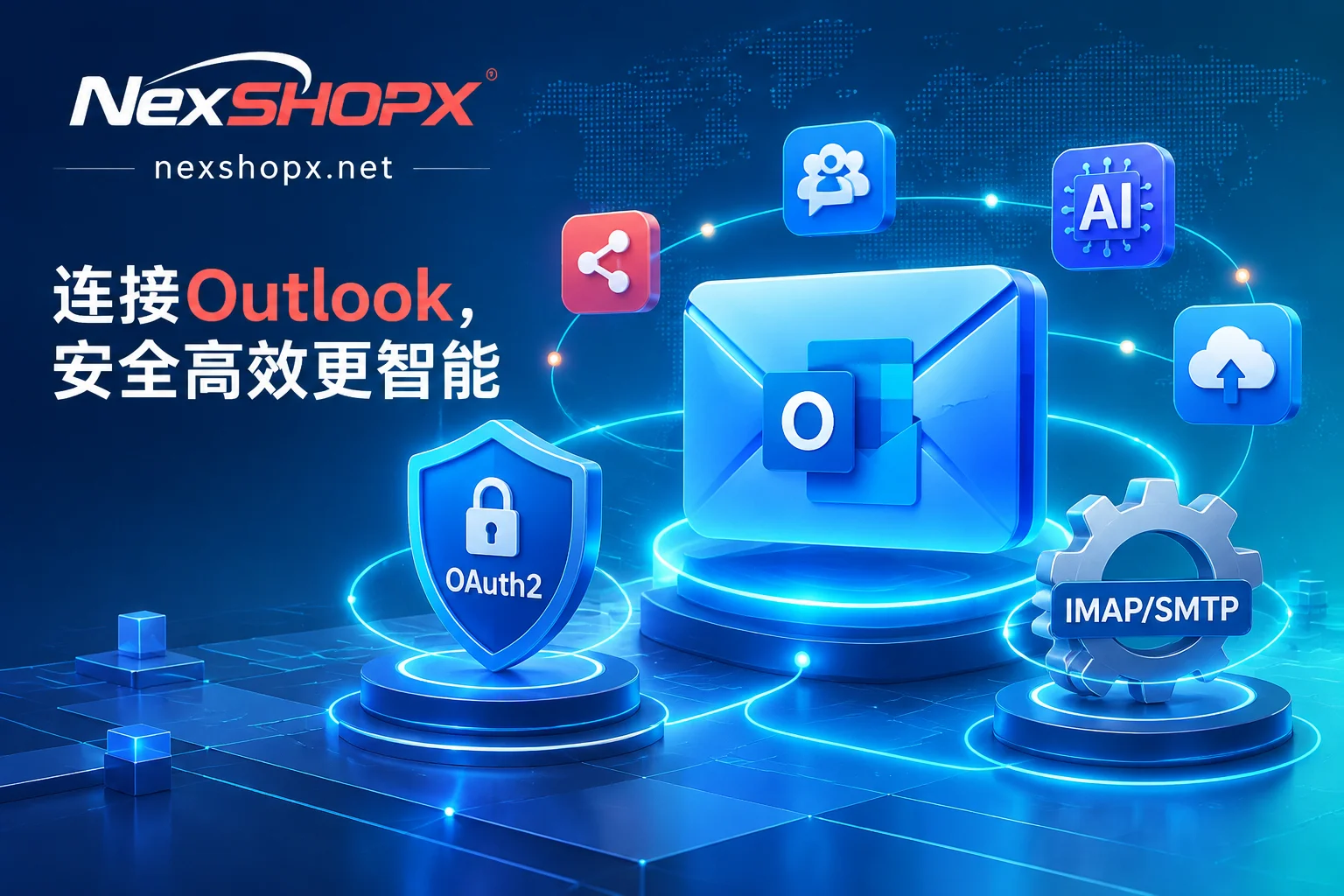
How to Avoid OAuth2 Receiving Errors and Sending Limits When Buying Outlook Emails? 2026 Guide to Underlying Email and Social Media AI Matrix Configur
In 2026, Microsoft fully enforces OAuth 2.0 modern authentication and tightens SMTP/IMAP permissions for new accounts, causing many teams to encounter client receiving errors, sending restrictions (535 5.7.139), or login locks after purchasing Outlook emails. This article, from the actual scenarios of going global and multi-account matrices, analyzes the precise matching solutions for web direct login accounts, protocol accounts, and locked accounts, and provides combined purchasing strategies with Gmail, overseas emails, and social media AI accounts.
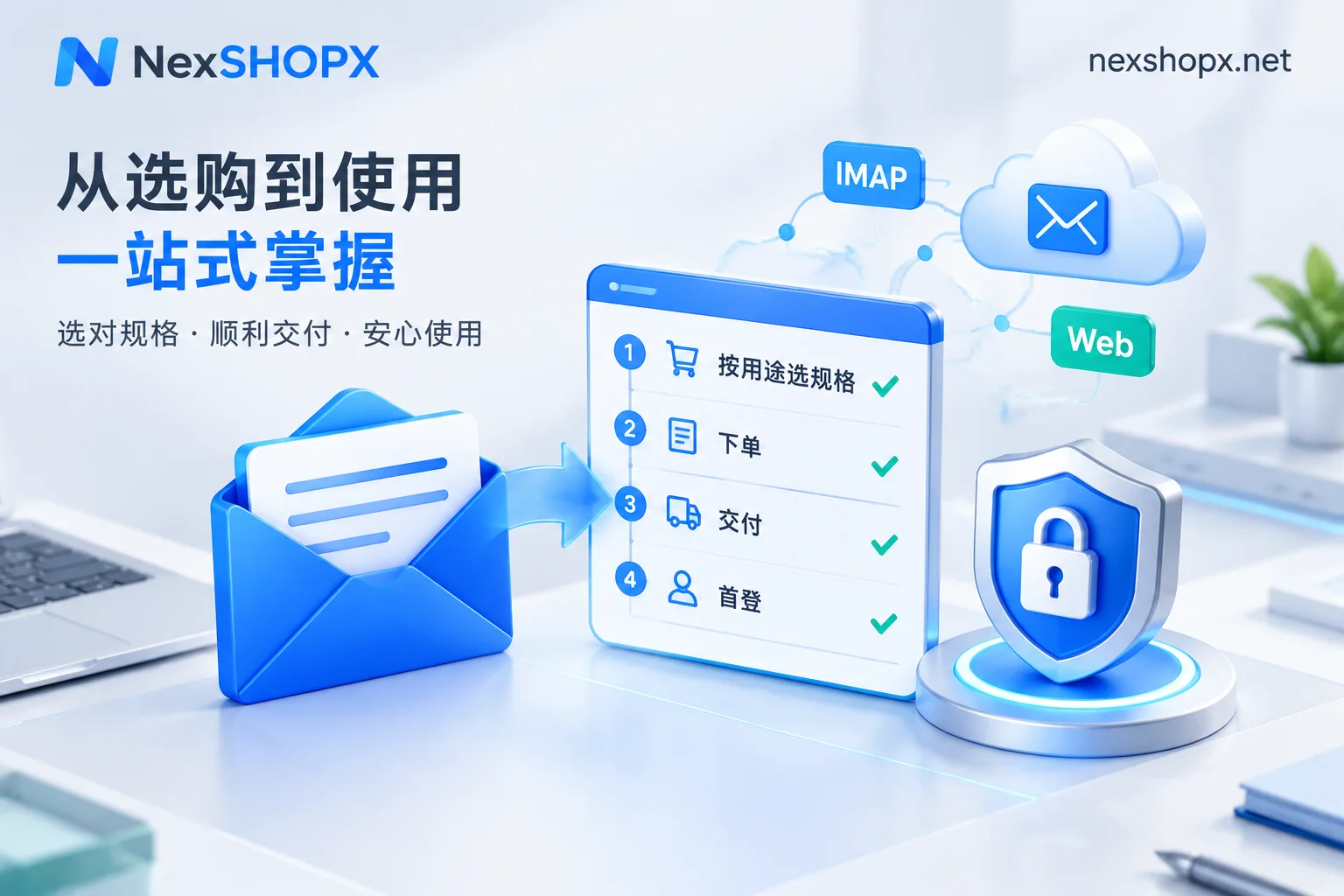
How to Choose Specifications for Outlook Email Purchase? Direct Login New Accounts, Pending Unlock Accounts, and IMAP Protocol Comparison
When purchasing Outlook emails, many cross-border and social media teams encounter issues such as being able to log in to the web version but not connect via client, or not knowing how to handle accounts that require phone verification. This article, combined with Microsoft's latest OAuth modern authentication rules, details the differences between Outlook and Hotmail suffixes, the distinction between brand new direct login accounts and pending unlock accounts, and the selection methods for web login and IMAP protocol specifications, helping teams purchase accurately according to business scenarios.