 NexSHOPX-官方新闻
Yes. In the proper sense, "ChatGPT Plus activation" or "recharge" means opening or renewing the membership on your existing ChatGPT account. After activation, the account remains yours: chat history, custom instructions, GPTs, and uploaded files are all preserved, and the login method stays the same. It is a different product from "buying a ready-made account that already has Plus activated." Before ordering, distinguish between the two, as the delivery method, warranty rules, and after-sales materials differ.
First, identify which product you are buying
There are roughly three specifications related to ChatGPT Plus on the market, and mixing them up easily leads to the wrong purchase:
- Membership activation/recharge: Upgrade on your own account. You need to cooperate (log in, click upgrade, provide the checkout link); it is not just sending a card code. Suitable for those who already have a frequently used account and do not want to migrate.
- Ready-made account (exclusive): The seller delivers a registered account with membership activated, and you receive the email, password, and other login credentials. Suitable if you do not have an account or your original account is no longer usable.
- Shared account: Multiple people share one account, conversations and settings are visible to each other, and both stability and privacy are compromised. Generally not recommended for long-term personal use.
The distinction is simple: if the product page requires your account information or your cooperation for an operation, it is activation; if it only gives you a set of login credentials, it is a ready-made account.
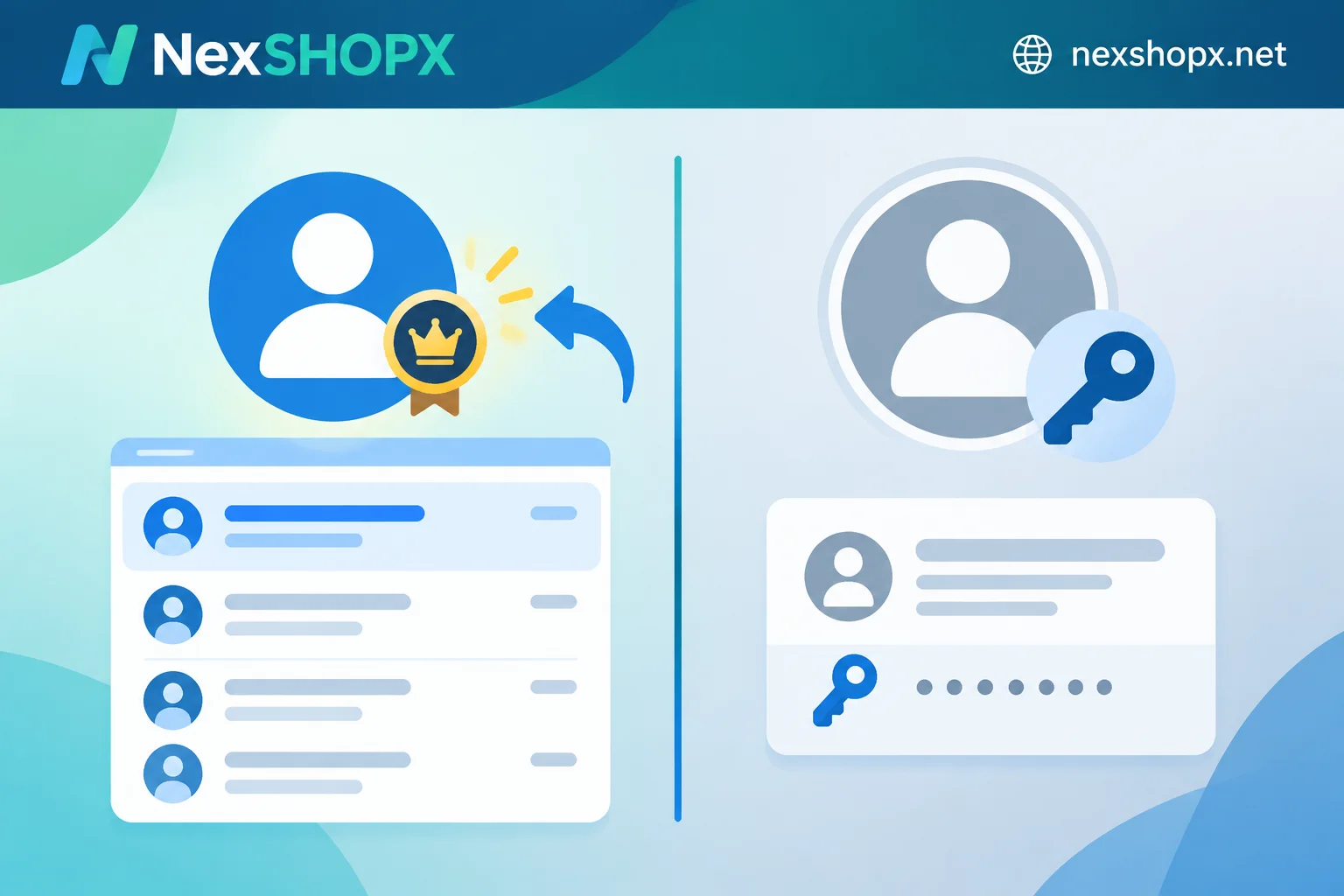
How activation lands on your account
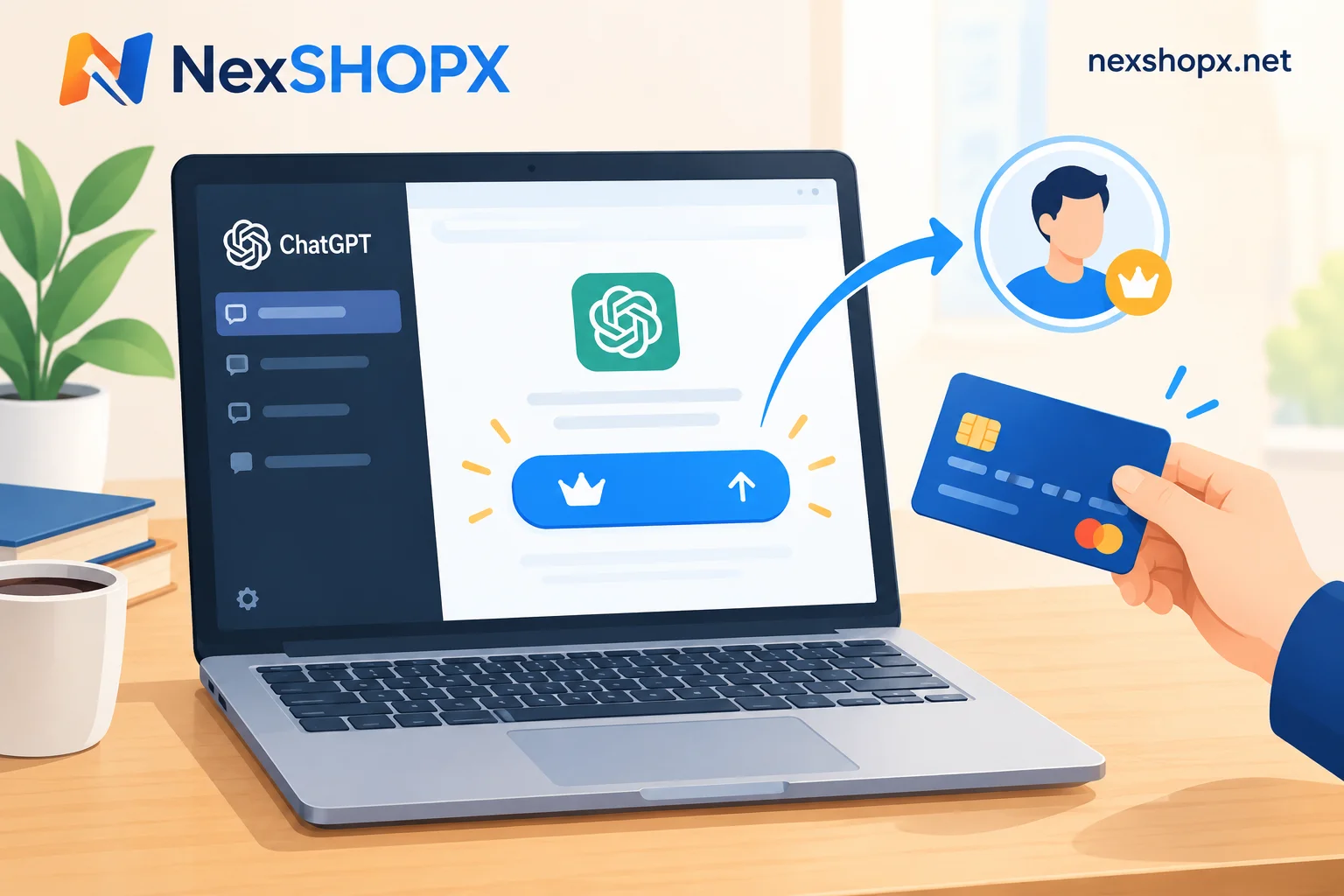
ChatGPT's web subscription goes through Stripe's checkout flow (official price $20/month, billed monthly). When you click Upgrade in your own account, the system generates a checkout page for that session—this page is bound to your account. The reason activation can "open on your own account" is through this channel: the payment action can be completed by someone else using a supported overseas card, but the membership lands on the account that generated the link.
This leads to two operation methods with very different levels of security.
1. Password-free link payment (recommended)
You control the account throughout and do not hand over your password:
- Log in to ChatGPT on your own device and confirm you can access the chat interface normally;
- Click Upgrade / Upgrade to Plus to enter the payment page;
- Follow the activation provider's fulfillment instructions, copy this checkout link (some services require copying a session authorization message) and send it to them;
- The other party completes payment with an overseas card within the validity period;
- Refresh your account and see the Plus badge and subscription start date; delivery is then complete.
There is a common pitfall here: checkout links are time-sensitive, and OpenAI periodically adjusts the payment page's validity period and anti-fraud policies. In some periods and regions, links may not support being forwarded for others to pay. Therefore, try to schedule a synchronized operation with the provider, send the link and stay on it; do not come back hours later asking "why hasn't it been activated yet?" For specific validity periods and reissue rules after failure, refer to the fulfillment instructions of the product you purchased.
2. The other party logs into your account to bind a card (avoid if possible)
This is an earlier approach: you give your account password to customer service or a script, and they log in to bind a card and pay. There are two problems: you must hand over your password, and logging in from a different location and multiple IPs can easily trigger risk control, potentially pushing your account into a verification process.
If you must go this route, immediately change your password, check active sessions and kick off unfamiliar devices, and enable two-factor authentication. For the order of first login and session cleanup, refer to the handling in What to do first when logging into an overseas account.
Check three things before ordering
Most activation failures are not due to the payment agent but to the current state of the account. Go through these before ordering:
- Is the account currently in Free status? If the account is already within an active Plus period, topping up directly is usually blocked or shows an error that it cannot be overridden; you must wait until the current period expires. An account with an expired previous period can be renewed normally.
- Can the account log in normally? Is it stuck in verification, restriction, or appeal? If the account itself has issues, resolve them first; do not rush to pay.
- Can the upgrade entry and payment page open? If clicking Upgrade leads to a blank page or an error, send a screenshot to customer service first instead of retrying repeatedly.
Renewal does not connect automatically; plan ahead
This is the difference between activation and binding your own card: your card is not attached to the account, so whether and for how many months the subscription continues after expiration depends on the payment method and product settings used by the activation provider. Do not assume "once activated, it lasts forever." A safe practice is to note the subscription expiration date in your account and repeat the same process one or two days in advance. If the product page states it includes several consecutive months, confirm the effective time of each period according to the page.
Delivery and after-sales: activation requires different proof than ready-made accounts
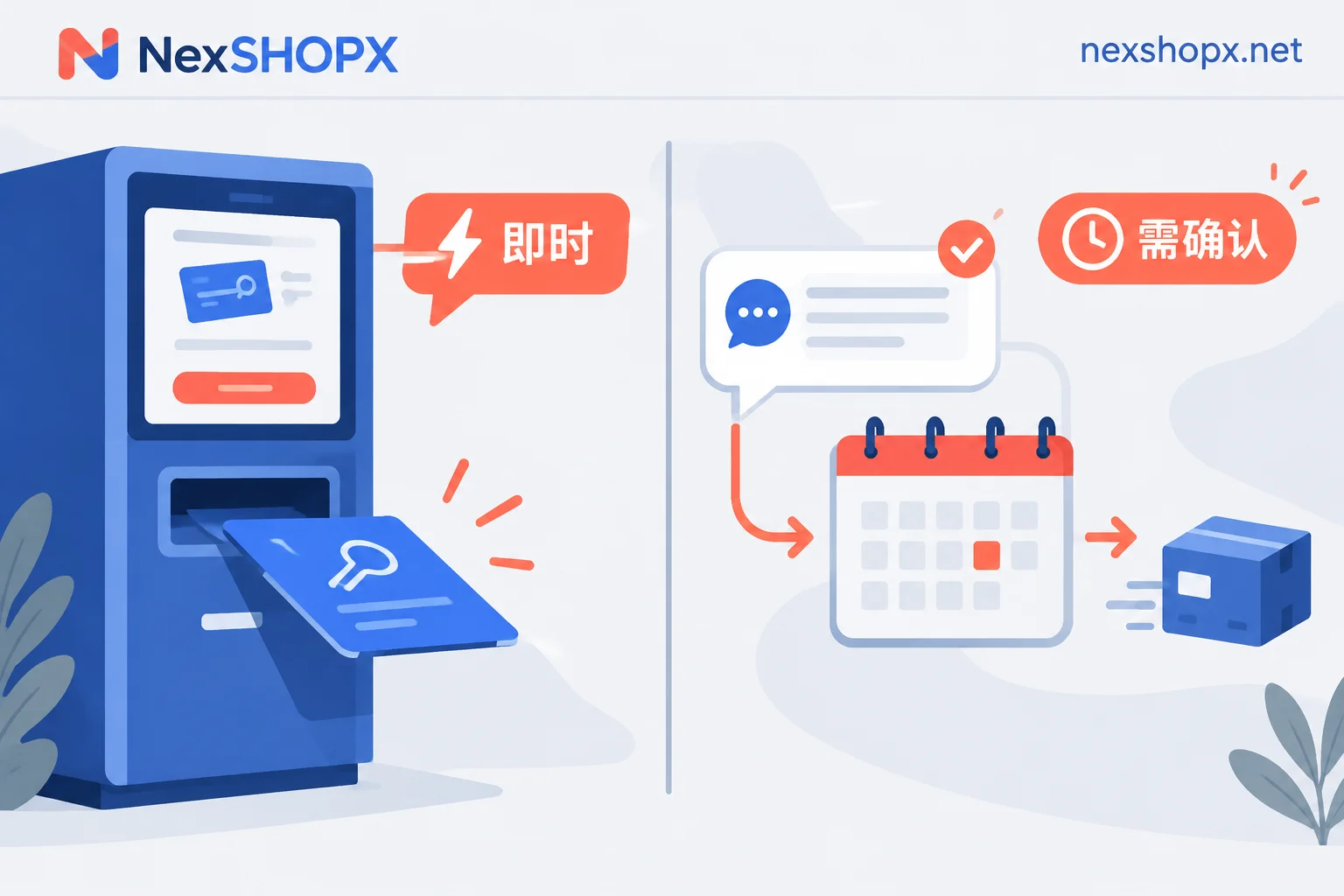
Activation requires your cooperation, so most are delivered after customer service confirmation, not instant card codes. If you are unclear how these two delivery rhythms affect when you can use it, see What is the difference between in-stock automatic delivery and pre-order products.
If a problem arises, providing these materials all at once will speed things up:
- Order number and product name;
- Your account login email (not password);
- Screenshot of the upgrade page or checkout page, including time;
- Original screenshot of the error message, not a paraphrase;
- Screenshot of the subscription status page in your account after activation.
Warranty duration, after-sales acceptance window, and whether you must complete cooperative actions within a certain time are all subject to the specific product page; do not apply other sellers' rules. Common terms for ready-made accounts, such as "limited first login, replacement within warranty if disabled, no data changes during warranty," are not the same as activation fulfillment conditions. Activation disputes usually revolve around "whether it successfully landed on the specified account" and "whether cooperation was provided at the agreed time." For full terms, see Terms and Warranty Rules.
When not to choose activation: buy a ready-made account instead
- You do not have a ChatGPT account at all and do not want to register one;
- Your original account is restricted or cannot log in normally;
- You need to distribute to team members, require account isolation, and do not want to bring your private chat history into it;
- You need immediate availability and have no time to coordinate the synchronized operation of link payment.
Conversely, as long as your original account is normal and has accumulated chats and custom configurations, activation is almost always the more suitable option—account ownership remains unchanged and the risk surface is smaller. By the way, whether account delivery is complete is not just about receiving the password; for the ready-made account direction, you can first read Does buying an account with only account and password count as complete delivery.
Choosing specifications and ordering
Once you decide between "opening on your own account" and "getting a new account," the rest is checking the specific product's cycle, delivery method, and warranty terms. NexSHOPX groups AI accounts and membership activation into a separate category. Membership activation means opening or renewing on the user's own account, while ready-made accounts are listed as separate products. In-stock self-service orders are automatically delivered, and pre-order products requiring cooperation are delivered after customer service confirmation. You can compare specifications by usage on the All Categories page, and after choosing, check current stock and prices at the Store. Alipay and USDT are both supported.
Before ordering, review the product page's first-login/cooperation time limit, warranty days, and after-sales scope—it saves much more trouble than communicating afterwards.


Comments(0)