NexSHOPX-官方新闻
In cross-border e-commerce store opening, overseas social media matrix building, third-party SaaS tool authorization, and daily development testing, Gmail is almost the "infrastructure" for all overseas digital businesses. However, entering 2026, many operations and technical teams have found that the old method of self-registering Google emails in bulk using clean networks and SMS receiving platforms is no longer feasible—web pages frequently pop up a QR code scanning wall, or repeatedly prompt "This phone number cannot be used for verification."
When the time cost and environment depreciation of self-built accounts far exceed the value of the accounts themselves, directly purchasing Gmail accounts through compliant channels has become the mainstream choice for overseas teams. But what exactly are the differences between the "pure Gmail email" on the market, "Google full ecosystem finished accounts," and various overseas suffix emails? How should you precisely select for different business scenarios? This article will break it down one by one based on the latest 2026 risk control logic.
I. Why Is Gmail Registration Getting Harder in 2026? Analysis of QR Code Verification and Risk Control Upgrades
From the announcement in 2025 to gradually replace traditional SMS verification codes to the large-scale global rollout in 2026, Google's account creation and login risk control have undergone a fundamental restructuring. Currently, self-registering accounts mainly faces three high walls:
- Desktop devices commonly trigger QR Code scanning verification
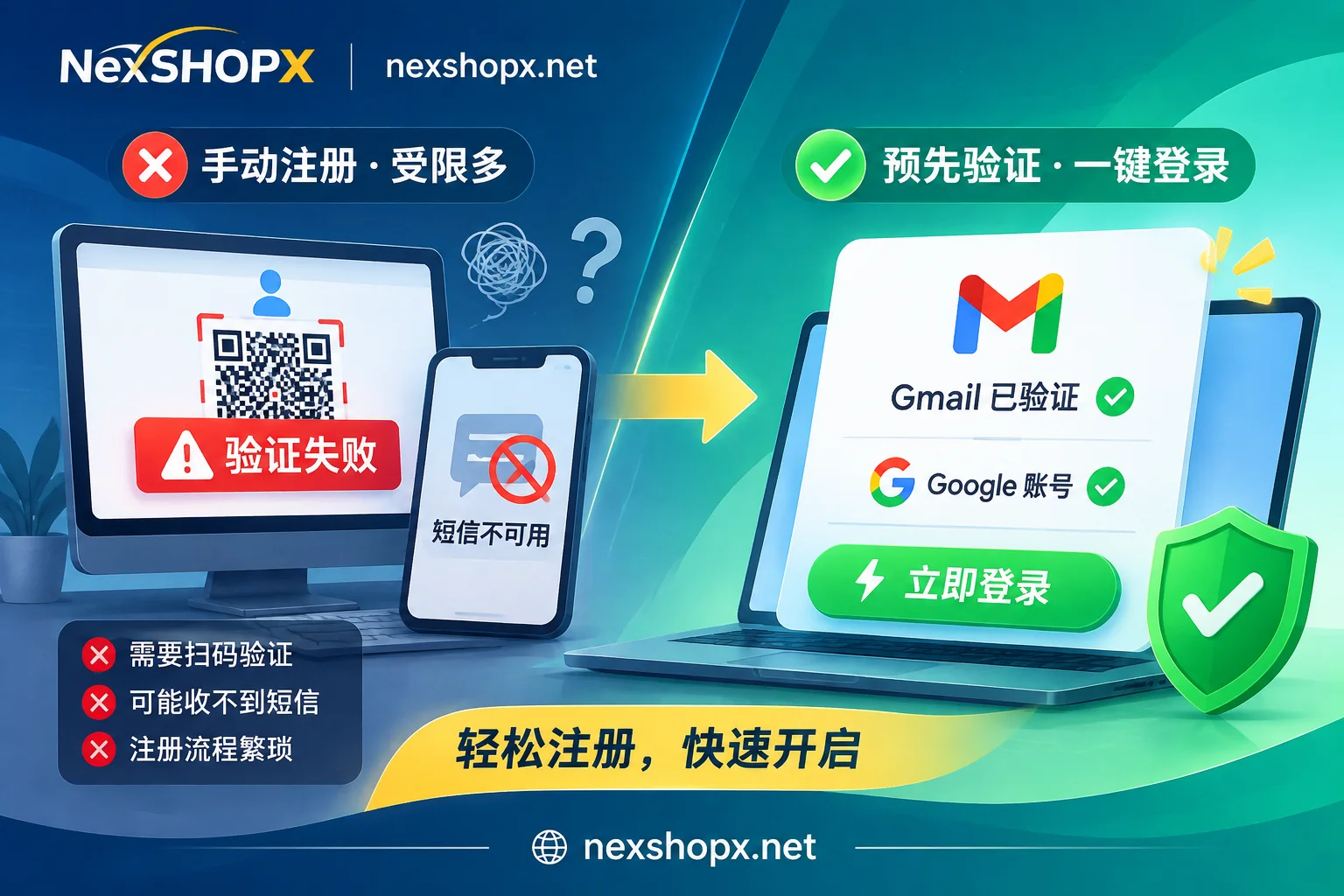
To prevent traffic pumping and automated script bulk registration, Google has introduced strict device-level and network-layer feature recognition on desktop web pages. When the system determines that the current environment lacks real mobile device features or historical trust signals, it no longer sends traditional 6-digit SMS but requires users to scan the on-screen QR code with a smartphone already logged into Google services, and even requires the phone to actively send a preset international verification SMS. Once the local carrier blocks international outbound SMS, or you don't have a compliant trusted physical phone on hand, the registration process will be completely stuck. - Single number creation limit and "number cannot be used for verification"
Google has significantly tightened the account quota that a single phone number can create and has marked public virtual number segments and high-frequency SMS receiving segments in real time. Once there is a slight deviation between the IP country, browser language time zone, and phone number attribution, the system will directly reject the verification request for that number. - New account survival rate is greatly affected by environment association
Even if registration is lucky enough to pass, if multiple new accounts are produced on the same device or network environment within a short period, it is very likely to trigger a secondary phone review after creation or direct suspension. For the underlying logic of why platforms gradually phase out traditional SMS verification, you can further refer to the article 《Why Do Some Platforms No Longer Allow SMS Verification? Security Flaws and Fraud Costs Force Platforms to Switch to TOTP》.
For this reason, outsourcing the cumbersome "phone verification" and "environment cultivation" steps to professional supply chains and purchasing verified finished accounts on demand can help teams save a lot of trial and error effort.
II. Gmail Accounts vs. Google Full Ecosystem Accounts: Precise Selection by Business Scenario
In the NexSHOPX procurement system, Google-related needs are divided into two independent categories: "Gmail Accounts" and "Google Accounts." Many first-time buyers easily confuse the two, but in reality, the business scenarios and budget structures they target are completely different:
1. Pure Email Sending/Receiving and Verification Code Receiving: Choose "Gmail Accounts"
If your core need is sending and receiving overseas business emails, receiving registration verification codes sent by various platforms to the email, or conducting software development testing, then directly purchasing Gmail Accounts is the most cost-effective solution.
- Delivery Standard: All are brand-new exclusive finished email accounts, with account and password delivered; some specifications come with an auxiliary recovery email.
- Special Note: Before purchasing, please read the product details page carefully. Some specific low-cost email specifications only support receiving but not sending, specifically for low-cost verification code reception; if you need two-way business communication, be sure to choose a specification that supports normal sending and receiving.
2. Cross-Platform One-Click Login and Ecosystem Business: Choose "Google Accounts"
If you not only need to use email but also need to log in to YouTube, Google Play, Google Drive, Workspace, or frequently use "Sign in with Google" to quickly authorize and log in to third-party AI tools, cross-border workbenches, and overseas applications, then you should choose Google Accounts.
- Delivery Standard: Covers multi-region finished accounts such as US, Japan, Hong Kong/Taiwan, Europe, and America. All have passed phone verification before delivery, saving you the trouble of dealing with QR codes and SMS interception yourself.
New and Old Account Tiers:
- Google New Accounts: Suitable for regular app downloads, cloud storage, and basic third-party website authorization login.
- Google Old Accounts: Have a longer registration age and higher initial system trust. If your business involves YouTube channel operations, OAuth authorization login for high-risk control SaaS platforms (such as mainstream overseas AI model platforms), or has higher requirements for account risk resistance, prioritizing old accounts can significantly reduce the probability of triggering secondary verification due to remote login.
III. High-Frequency Verification Code Receiving and Social Media Matrix: Which Scenarios Can Use Other Overseas Emails as Alternatives?
When building social media matrices (such as batch configuring Instagram, X, Discord, or Reddit accounts) or conducting large-scale platform registration, not all steps must consume high-value Gmail. Reasonably combining multi-suffix emails can not only greatly reduce procurement costs but also avoid systemic risks caused by changes in the risk control rules of a single email service provider.
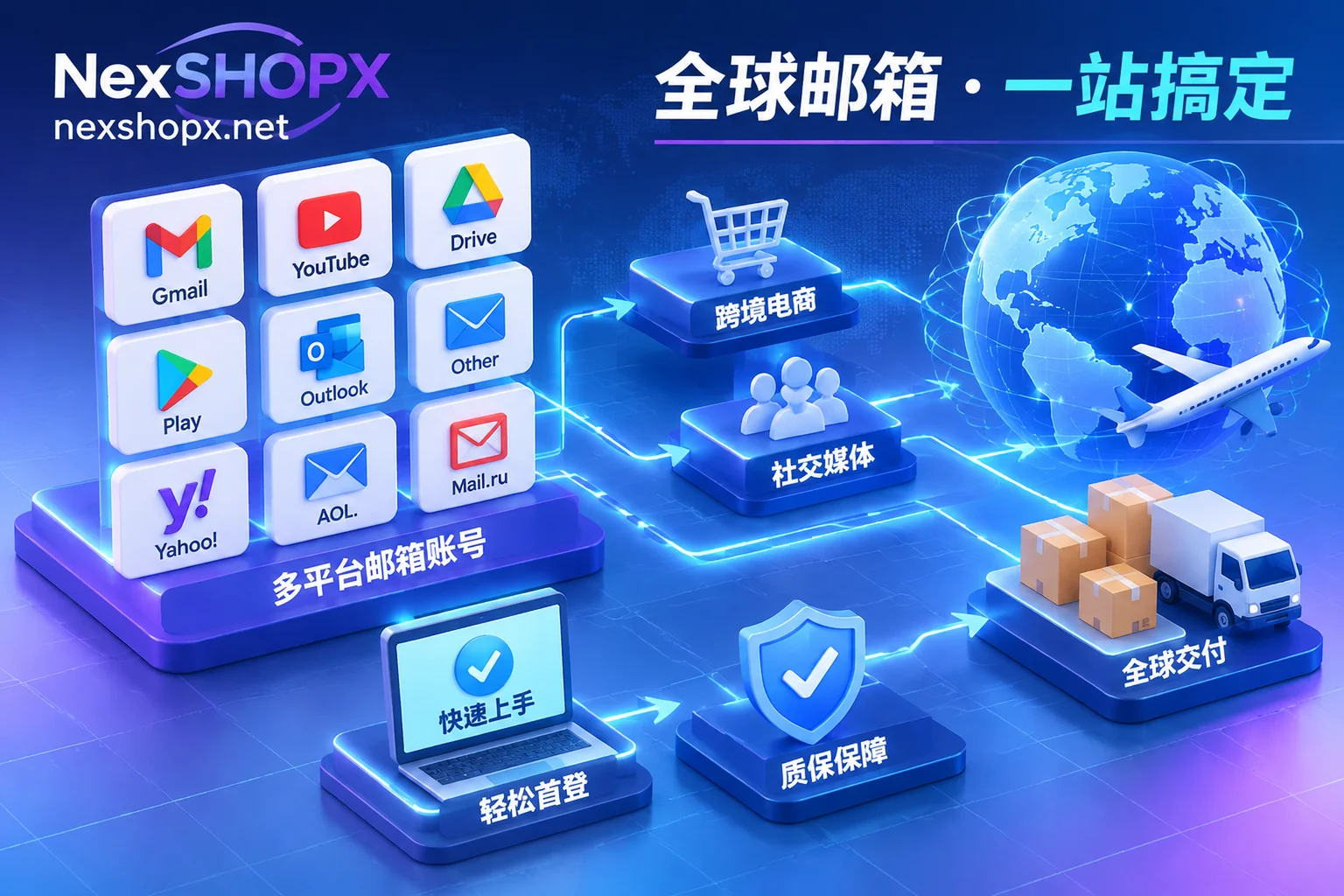
You can compare the characteristics of different email categories to combine the optimal procurement list:
| Email Category | Suffix / Specification Features | Applicable Business Scenarios | Official Purchase Entry |
|---|---|---|---|
| Gmail Accounts | @gmail.com Brand-new exclusive, some with auxiliary email (note the distinction between receive-only and send/receive specifications) | Core business binding, high-weight platform registration, daily email sending/receiving and development testing | Gmail Account Zone |
| Google Accounts | Multi-region new/old accounts, passed phone verification, full access to Google services and third-party quick login | YouTube operations, Play Store downloads, Google Drive collaboration, third-party platform one-click authorization login | Google Account Zone |
| Overseas Email Accounts | Yahoo, Proton, Onet.pl, Firstmail, etc.; verification completed, sold one format per item; Onet.pl also has old accounts over 1 year | Underlying binding for cross-border social media accounts (FB/IG/X/Discord), businesses focusing on privacy or requiring European regional old email characteristics | Overseas Email Zone |
| Outlook / Hotmail | Brand-new direct login accounts, low-priced "locked pending unlock" accounts (buyer needs to verify once with own phone number); some have IMAP/POP/SMTP enabled | Microsoft ecosystem association, automated scripts batch reading verification codes (need to choose IMAP-enabled specifications) | Outlook Email Zone |
Extended Selection Advice: If you are struggling with the protocol differences of Microsoft emails, you can read 《How to Choose Specifications for Outlook Email Purchase? Comparison of Direct Login New Accounts, Pending Unlock Accounts, and IMAP Protocol》; if you are preparing a full set of accounts for multiple platforms for the year-end peak season, you can also refer to 《2026 Q4 Finished Account Purchase Guide: How to Avoid Risk Control and Precisely Configure Business Environment?》.
IV. First Login and Security Takeover Specifications After Receiving Finished Gmail / Google Accounts
Buying a qualified finished account is only the first step. In 2026, Google is extremely sensitive to logins from unfamiliar devices in different locations. If the first login operation is improper, it is very easy to trigger a security lock. To smoothly transition the account to your business environment, please strictly follow these handover steps:
1. Strictly Observe First Login Time Limit and Environment Purity
- Time-limited First Login Verification: After placing an order on NexSHOPX Mall (supports registered or guest checkout, in-stock items are automatically shipped, and you can retrieve credentials at any time with your order number on the Order Query Page), please be sure to complete the first login check within the time limit specified on the product page.
- Isolated Login Environment: Do not continuously log out and log in to multiple newly purchased Gmail accounts in the same browser window. Ensure each account is in an isolated browser configuration environment, and the network IP location should be as consistent as possible with the registration region of the purchased account. If you encounter verification prompts during first login, do not blindly retry at high frequency; you can troubleshoot according to 《Is It Normal to Be Asked for Re-verification When Logging in on a New Device? Reasons, Materials to Prepare, and First Login Precautions》 and 《Password Correct but Login Keeps Failing? Check Five Reasons, and Handle First Login for Newly Bought Accounts Like This》.
2. Auxiliary Email Verification and Taboos on Modifying Information
- Make Good Use of Auxiliary Email Verification: When you log in with a new device to a Gmail specification with an auxiliary recovery email, Google often pops up a prompt to "confirm your auxiliary email address" (note: this requires you to fully enter the bound auxiliary email address itself, not to receive a verification code in the auxiliary email). Simply copy the auxiliary email address delivered with the order and fill it in to pass smoothly.
- Follow the Warranty Period Information Modification Rules: Do not immediately change the password, replace the recovery email, or add/remove security settings on the first login of a new account. Changing core security credentials immediately after logging in on an unfamiliar device is a typical "account theft takeover" feature in Google's anti-fraud model and can easily lead to instant ban. Whether password changes and information modifications are allowed should be strictly followed according to the instructions on the corresponding product page (some categories explicitly prohibit modification during the warranty period). After the account has been stably running in a fixed local environment for a trust buffer period, then gradually complete security takeover and TOTP two-step verification configuration according to 《How to Confirm the Account Recovery Channel Belongs to You? Check Five Types of Entries One by One, Then Wait for the Buffer Period》.
3. Clarify Warranty Boundaries and Compliant Use
Understanding the after-sales rules before purchasing can make team collaboration smoother. The specific warranty duration for each specification is subject to the product details page (common practice is time-limited first login, replacement for non-human suspension during the warranty period). Note that the following situations are not covered by the Terms of Service and Warranty Rules:
- Failure to complete first login within the time limit specified on the product page;
- Violation of the restrictions on information modification stated on the product page;
- Illegal abuse (such as mass spam), triggering platform anti-fraud or anti-cheat mechanisms;
- Multiple people sharing the same account across regions causing login anomalies, or exceeding the warranty period.
V. Conclusion: Replace Inefficient Trial and Error with Standardized Procurement
Facing increasingly stringent Google QR code verification and device risk control in 2026, rather than letting team members spend time searching for SMS receiving channels and debugging underlying network parameters, it is better to establish a standardized account tiered procurement strategy: for daily verification code receiving and development testing, choose Gmail finished emails or cost-effective overseas emails; for core business authorization and full ecosystem operations, directly configure multi-region Google new and old accounts that have passed phone verification.
NexSHOPX supports self-service ordering via Alipay and USDT (CNY settlement), with instant delivery of in-stock items; if your team has large-volume bulk ordering needs, or requires customized procurement for specific country regions and registration years, please feel free to contact Telegram Online Customer Service for exclusive quotes and inventory support.