 NexSHOPX-官方新闻
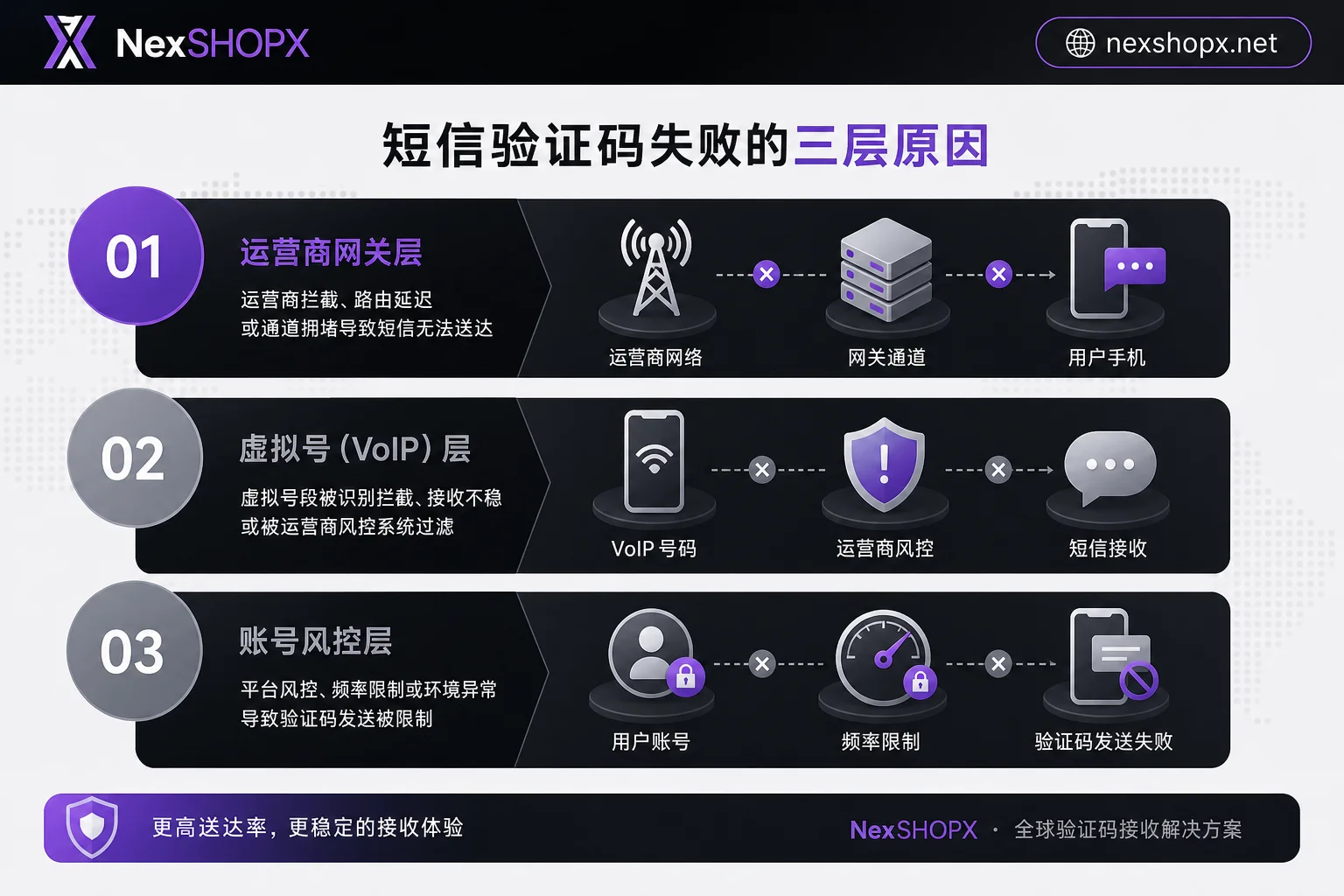
Many people think that when they see a prompt for extra verification but no code arrives, their account has been flagged or banned. In reality, it's usually one of three layers blocking it. As of 2026, overseas platforms have generally tightened SMS channels and cracked down on virtual number ranges; commercial short codes are blocked by carrier gateways, numbers are silently shielded, and high-frequency retries trigger rate limits, all of which can keep the code from arriving. Follow the steps below in order, and you can resolve most cases yourself.
Conclusion First: Three Layers Why You Don't Receive the Code—Don't Keep Resending
A login prompt for extra verification without receiving the code usually isn't a broken account; it's one of three layers intercepting: the delivery channel (commercial short codes filtered by carrier gateways, international roaming routing delays), the number layer (Non-Fixed VoIP ranges silently blocked by platforms), or the account status layer (rate limiting from high-frequency retries, or a normal re-verification triggered by a device change). The right approach is to stop, quickly categorize using the three-minute classification below, then decide whether to wait, switch verification method, or contact the original owner and support.
Three-Minute Categorization: Symptom Comparison for Channel, Number, and Account Status Layers
Use this table to quickly identify which layer you're in:
| Problem Layer | Typical Symptoms | Diagnostic Action |
|---|---|---|
| Delivery Channel | Other SMS on the same number arrive, but platform verification codes don't | Switch network (e.g., from Wi-Fi to mobile data) and try again, or disable spam filtering and resend |
| Number Layer | No platform receives verification codes, and no failure prompt appears | Check if the number is a VoIP range; test with a physical SIM |
| Account Status Layer | After a few taps, the send button grays out or prompts to try later | Stop operations and wait for cooldown (official duration not disclosed) |
If the same number receives other SMS but the platform's code never arrives, suspect the delivery channel first. If no platform receives any code and there's no failure prompt, it's likely the number layer. If the button grays out after clicking, the account status layer is rate-limiting.
Delivery Channel: How to Confirm Commercial Short Code Blocked by Gateway or International Roaming Delay
Overseas platforms often use commercial short codes (Short Code) to send verification codes. These numbers are prone to filtering at carrier gateways, especially during international roaming where routing configuration delays can cause late or missing codes. To confirm if it's the delivery channel, try: switching networks (e.g., from Wi-Fi to 4G), turning off spam call/SMS blocking, or opting for a voice call instead of SMS. Note that such delays are probabilistic and not guaranteed, so waiting a few minutes and retrying is often more effective.
If you still don't receive it and you've recently changed phones, refer to our previous article Re-verification when you log in on a new computer for common causes.
Number Layer: Why Non-Fixed VoIP Ranges Are Silently Filtered and You See No Failure Prompt
Platform risk control silently blocks Non-Fixed VoIP ranges; the interface still shows "Sent," but it's not actually delivered, so you see no failure prompt. These ranges are often used for virtual numbers, and platforms blacklist them for security reasons (specific lists are not published). If you're using such a number, it's perfectly normal not to receive the code. This means the number isn't suitable as a long-term verification method. Also, it's crucial to emphasize: NEVER use virtual numbers or SMS relay services to bypass identity verification or KYC requirements.
Account Status Layer: How to Distinguish Rate-Limiting from Normal Re-verification on Device Change
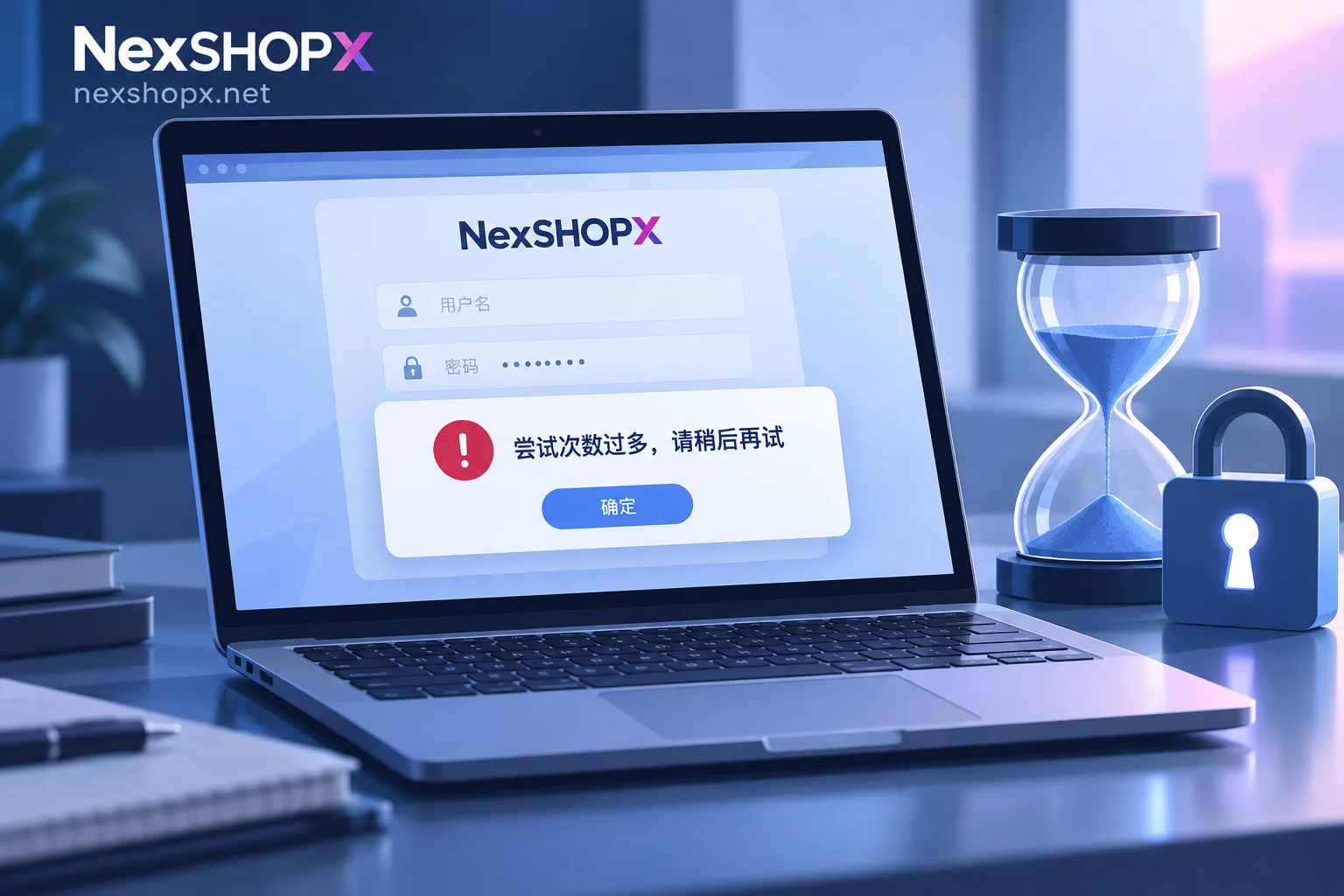
Rapidly tapping "Resend" within a short time can trigger a risk control cooldown, resulting in a grayed-out button or a "try later" prompt. In this case, stop and wait (cooldown duration not disclosed). Another scenario is a routine secondary verification required after a device or network change—this is a one-time challenge that resolves after you verify, not an anomaly. Key points: if a cooldown prompt appears immediately after clicking, it's likely rate-limiting; if it's the first time you're prompted for verification, it's a normal check.
Why Device Changes Prompting Re-verification Is More Common: Chrome 146 Enables DBSC by Default
On May 28, 2026, Google announced that Device Bound Session Credentials (DBSC) went GA and is enabled by default in Chrome 146+ on Windows, binding login cookies to the local device via TPM 2.0 hardware chips. This means pure cookie reuse across devices fails at the protocol level, and triggering extra verification after a device change is a designed, normal mechanism, not an account issue. So if you've recently switched computers or phones and get such a prompt, it's normal—just follow the process to verify.
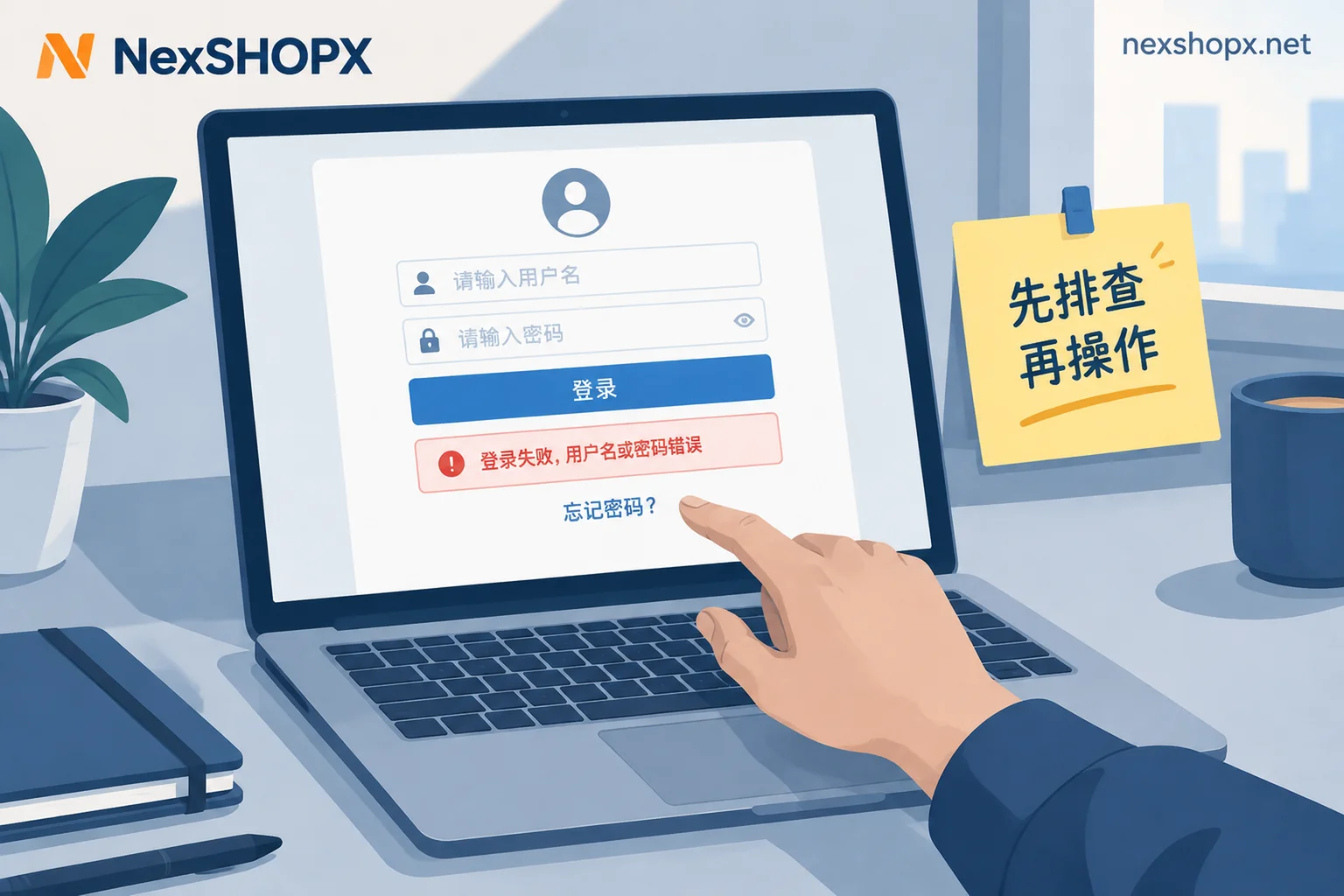
If you're encountering login failures, you can also refer to the generic troubleshooting steps in What to do if login fails.
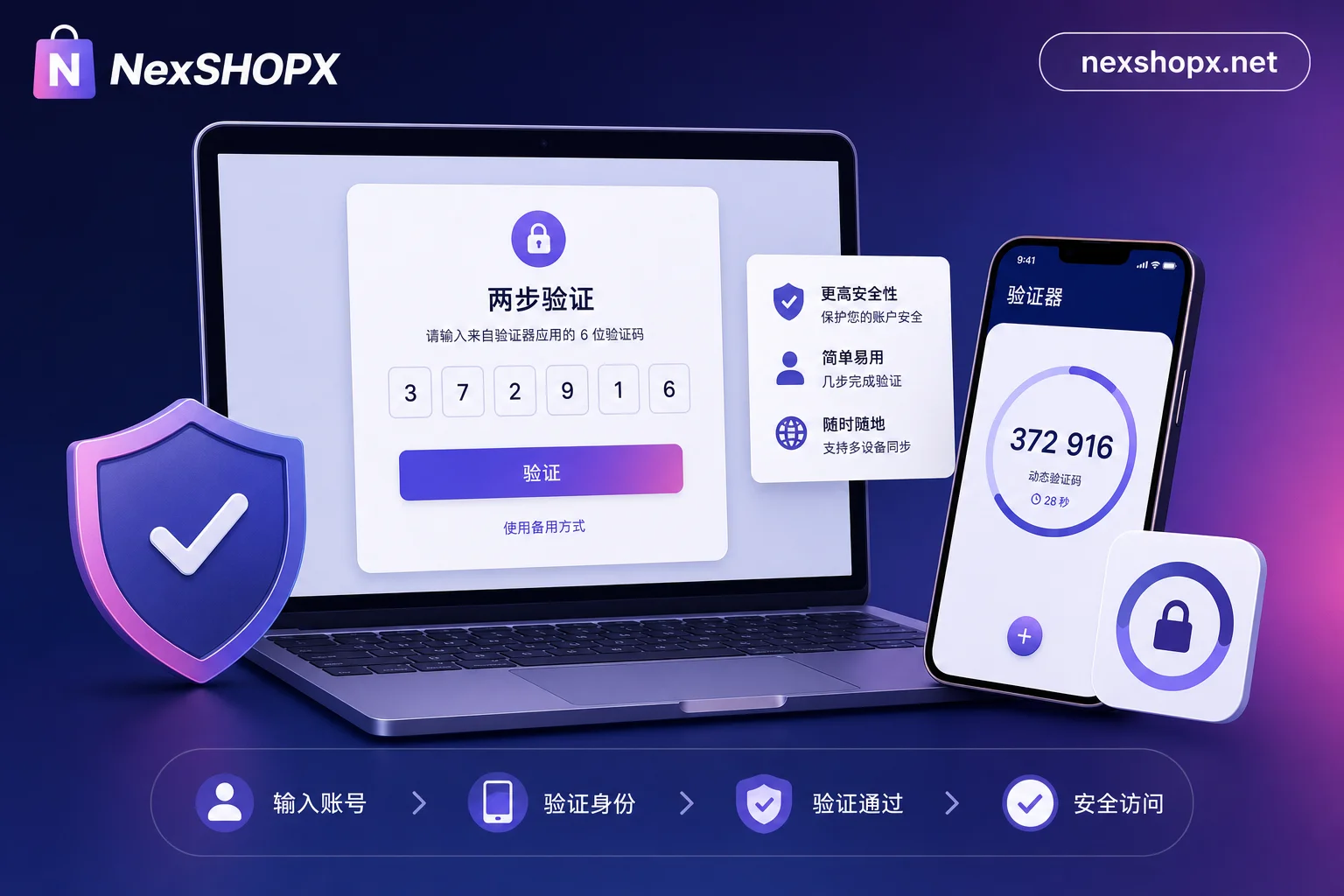
Alternative Paths: Prerequisites for Authenticator Apps, Passkeys, and Backup Codes
Many ask "Can I switch to an authenticator if I don't receive SMS codes?" Yes, but with conditions: Authenticator apps (e.g., Google Authenticator) and backup codes usually need to be bound or exported while you can still log in normally; Passkeys rely on device private keys and can't be generated on the fly. Therefore, first log in via an existing channel (e.g., use voice verification), then add alternative verification methods. If you've taken over an account, be sure to remove any old verification methods not belonging to you to prevent the original owner from still logging in.
Account Takeover Scenarios: What Requires the Original Owner's Cooperation vs. What's Irreversible
For "How to handle a newly purchased account that prompts extra verification at login," first distinguish three cases:
| Situation | Handling |
|---|---|
| Network/number/cooldown issue | Self-service; troubleshoot per the three layers above |
| Bound number/email is in the original owner's hands | Must contact the original owner to provide the code or change binding |
| Platform mandates identity verification via live video | Not reversible in the short term; may need to wait or abandon |
If you're buying an account, make sure the original owner has handed over complete recovery channels (e.g., bound email, backup codes); otherwise, you'll be in a tough spot later.
Evidence and After-Sales: What Screenshots to Take, What Times to Note, and How NexSHOPX Can Help
If you've tried all the above and still can't log in, and you suspect the issue is that the seller didn't provide alternative verification methods or recovery access, you can submit materials via screenshot and time records within NexSHOPX's limited-login after-sales window. Specifically, record: a screenshot of the exact verification prompt, the exact time you requested the code (including time zone), the number's region and network environment, and the number of failed retries. This helps support determine the problem. NexSHOPX's Telegram support will help verify, but please understand that no platform can guarantee permanent account security or that verification will never trigger. If you haven't purchased yet, you can learn how to confirm the delivery form of verification methods via Account purchase after-sales service.
Compliance Reminder and FAQs
Always comply with the target platform's terms of service, local laws, and KYC requirements; never use any means to bypass identity verification. Platform risk control thresholds and number blacklists are not public; the above troubleshooting is based on general mechanisms and subject to each platform's actual feedback.
FAQ
After switching phones, I don't receive verification codes for overseas accounts. What should I do?
First check the three layers in order: switch network, disable spam blocking, wait out cooldown; if the number is a VoIP range, consider switching to a physical SIM; if it's the account status layer, stop retrying and wait.
How long should I wait if I get an extra verification prompt but no SMS?
If it's a delivery channel delay, it usually arrives within a few minutes; if it's rate-limiting, the duration isn't officially disclosed, so wait at least 10-15 minutes before retrying. If over 30 minutes pass with no code and no failure prompt, try voice verification or contact support.
Is my virtual number blocked by the platform for receiving verification codes?
Highly likely. Platforms silently filter Non-Fixed VoIP ranges; the interface shows sent but it's not delivered. Switch to a physical number and avoid using relay services to bypass verification.
Can I switch to an authenticator if I don't receive SMS codes?
Yes, but only if you previously bound an authenticator or exported backup codes. If not, you can't enable it temporarily; you must log in via another method first, then set up the authenticator and remove old methods.
For a newly purchased account, does an extra verification prompt mean it's the seller's fault?
Not necessarily. First troubleshoot per the three layers. If it's due to a bound number/email not being handed over or lack of recovery access, you need to contact the seller or purchase platform support with screenshots and timestamps for verification.


Comments(0)