 NexSHOPX-官方新闻
Let's start with the conclusion: when buying ready-made accounts on mainstream overseas platforms, if the seller only gives you a string of username and password, in most cases it does not count as complete delivery. This is not a matter of industry custom but is determined by platform mechanisms—when you change devices or IPs and log in for the first time, the verification step will likely require you to provide something beyond the account credentials. If you can't provide it, the account gets stuck on the verification page, which is as good as not receiving it.
The only exception is membership recharge services, which will be discussed separately below.
With Only Credentials, Where Do You Get Stuck?
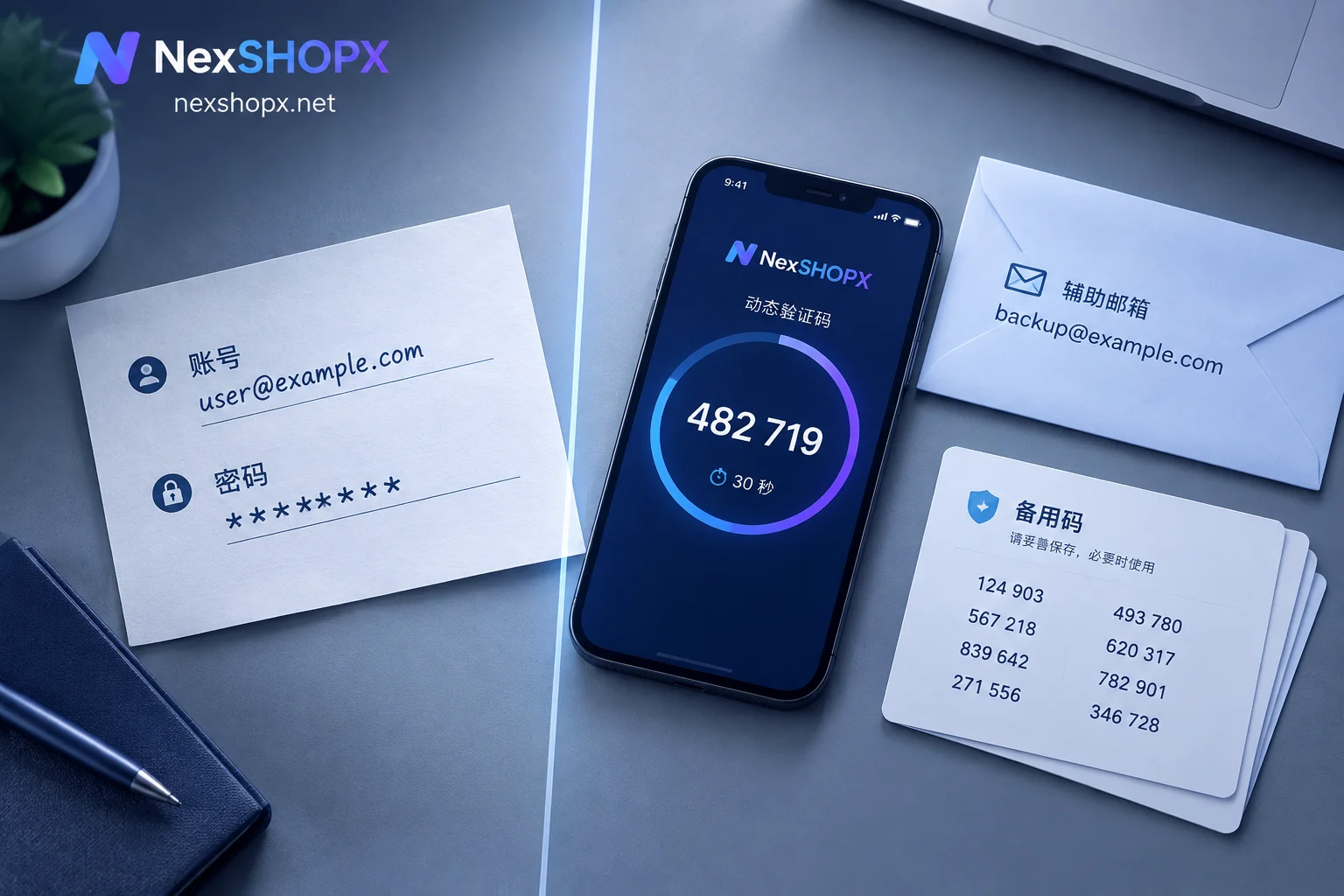
Platforms like Google, Facebook, and X have interception mechanisms for logins from new devices, new environments, and new IPs. There are three common interception methods on first login: requiring confirmation or completion of a recovery email address, requiring a 6-digit dynamic code from an authenticator app, or requiring receipt and entry of a verification email or SMS. None of these can be solved by a password alone.
The three types of actual losses that arise from this:
- First login gets stuck. The password is correct, but you cannot provide the 2FA dynamic code, nor can you receive the verification email sent to the originally bound email, so the login process cannot be completed.
- Control is in someone else's hands. If the phone number is not unbound and the recovery email still belongs to the original owner, the other party can use the recovery process to take back the account at any time. The longer you use it, the greater your loss.
- Key information cannot be changed. Changing the password, rebinding the email, or disabling old verification methods typically require secondary confirmation using the original security tools. Without the original credentials, you cannot even take the step of making the account your own.
What "Complete" Looks Like for Each Category
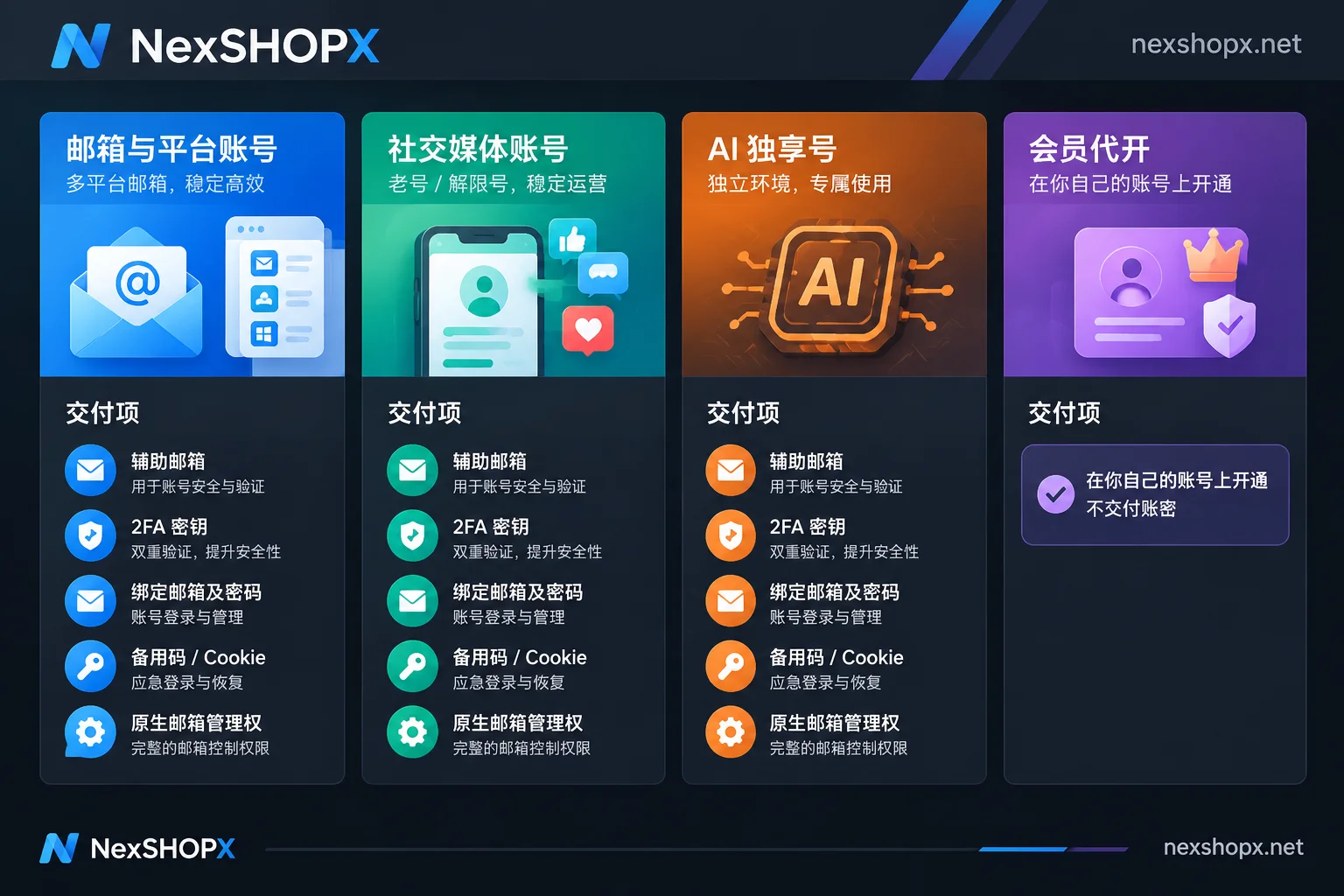
Email and platform accounts (such as Gmail, Workspace): In addition to the username and password, these usually must include an already configured recovery email. When a login from a different location triggers verification, the system often requires confirming or completing this address to prove ownership. You should at least know what it is, and preferably be able to receive emails at it.
Social media accounts, especially aged accounts, unblocked accounts, and accounts with followers: Standard delivery generally starts with four items—username/account, login password, 2FA secret key (TOTP Secret Key, used to generate dynamic codes in an authenticator app), and the bound original or current email and its password. Some aged accounts also come with backup codes, or cookies/tokens for import into a browser. This category is the least acceptable to receive "only credentials," because aged accounts often have the most complete security settings and are the most likely to trigger verification.
Exclusive AI ready-made accounts: These must include management rights over the native email. Without the email, you cannot access subsequent verification emails, recovery, or subscription changes.
Membership recharge and subscription services: The delivery logic is reversed. These products are recharged or activated on your own account. You already hold all the credentials and security information, and the merchant does not need to—and should not—request or deliver these. Therefore, it is normal for such orders not to receive an account and password. Verification depends on whether the benefits have arrived, how long the validity period is, and how to renew.
Clarify These Things Before Ordering
Check whether the product page states them; if not, ask customer service. Do not rely on defaults:
- Exactly which items are included in the delivery (compare item by item according to the corresponding category above);
- In what form the 2FA is provided—whether it is a secret string for you to bind yourself, or already bound elsewhere;
- Whether the bound email can be logged into, or only the address is given;
- Whether the phone number has been unbound and whether the recovery email can be changed to yours;
- What the first-login time limit is and whether the warranty still applies after it expires;
- Whether changing the password or bound information is allowed during the warranty period.
The last two are the most easily overlooked, yet they directly determine whether you can get a replacement if something goes wrong.
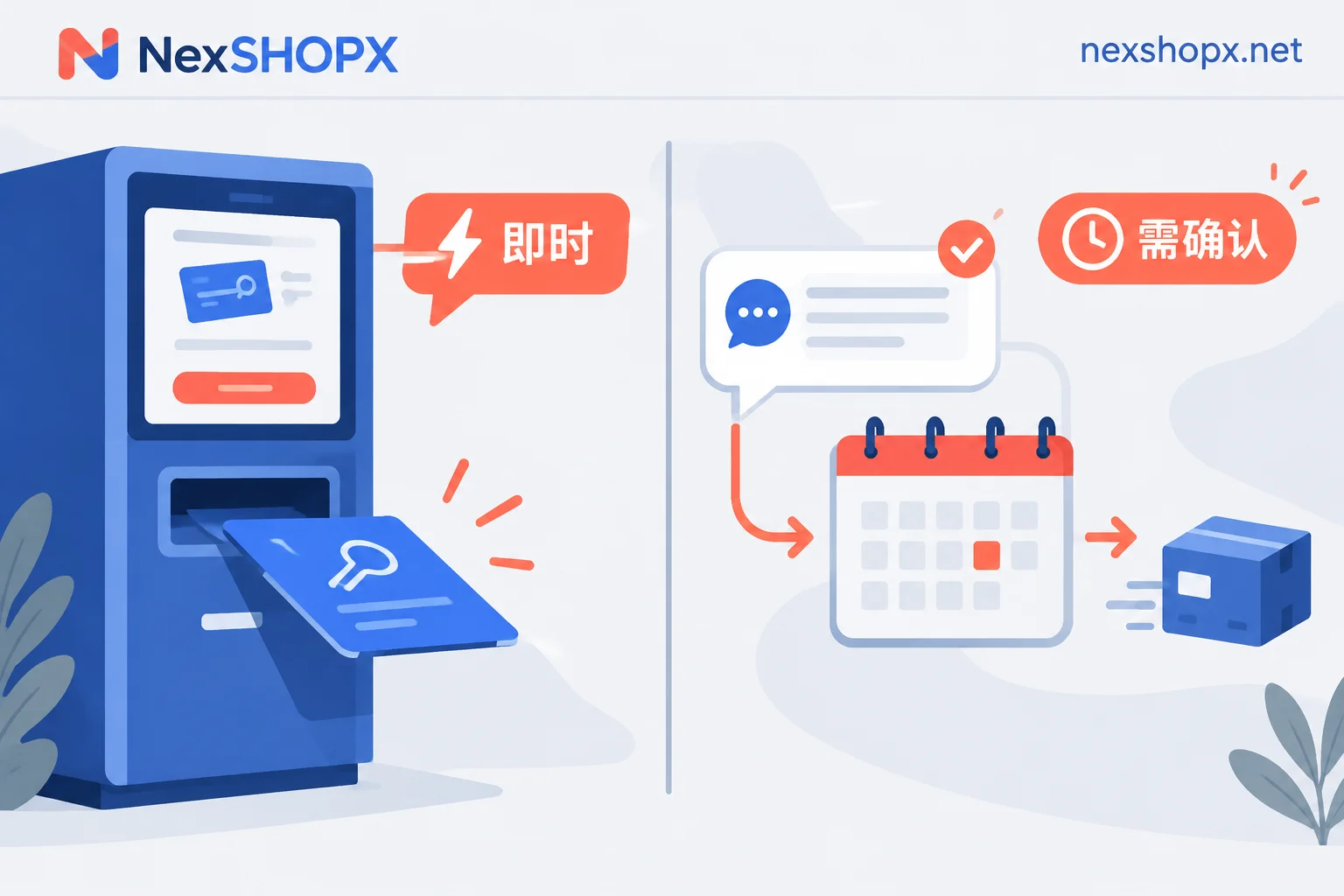
When browsing on the NexSHOPX store, you can check against these four categories: email and platform accounts, social media accounts (including aged and unblocked accounts), AI accounts and membership recharge, and memberships and streaming subscriptions. The category entry is on the All Categories page, and ordering is done through the Store. In-stock self-service orders are automatically delivered, while pre-order products are delivered after confirmation by customer service. Warranty duration, first-login time limit, and whether materials can be changed during the warranty period vary by category; the product page shall prevail. For general rules, see the Terms and Warranty Description. Do not apply the rules of one category to another.
After Receiving, Follow This Order
Verify first, then log in, and only then discuss changing the password.
After receiving the materials, first go through the delivery checklist on the product page item by item. If anything is missing, raise it immediately within the time limit—this is the easiest time to get it supplemented. Then complete the first login in the environment you have prepared, and confirm that you can pass the verification steps yourself: the 2FA can generate codes and the email can receive messages.
Do not rush to change the password or rebind. Some categories explicitly prohibit changing the password or bound information during the warranty period, because frequent changes to key information can easily trigger risk controls. If you change it and then get banned, your after-sales eligibility may be lost. Before taking action, first confirm what the product page says.
To seek after-sales service, prepare the order number, the delivery materials you received, and screenshots of error pages within the warranty time limit. For some categories, the after-sales window is only a few days. Raise issues the same day you discover them; do not delay.
A Self-Check Standard
To judge whether the delivery is complete, you do not need to remember so many items: Can you independently complete a first login from a different location without any involvement from the seller, and then log in again at a different time the next day? If you can, the materials are basically complete; if you cannot, the missing item is what you should ask for now.
For more details, see What Is the Use of an Account with 2FA and a Recovery Email, and What Happens Without Them, Account Delivery Acceptance Checklist: Complete Actions from Verifying Credentials to Passing First Login, and What to Do First When Logging into an Overseas Account for the First Time.


Comments(0)