 NexSHOPX-官方新闻
What Problems Do 2FA and Recovery Email Solve Respectively
When purchasing overseas platform accounts (Facebook, Google, Twitter, etc.), product descriptions often indicate "with 2FA" or "includes recovery email". These two items are not bonus benefits but core credentials that determine whether the account can successfully log in from a different device for the first time:
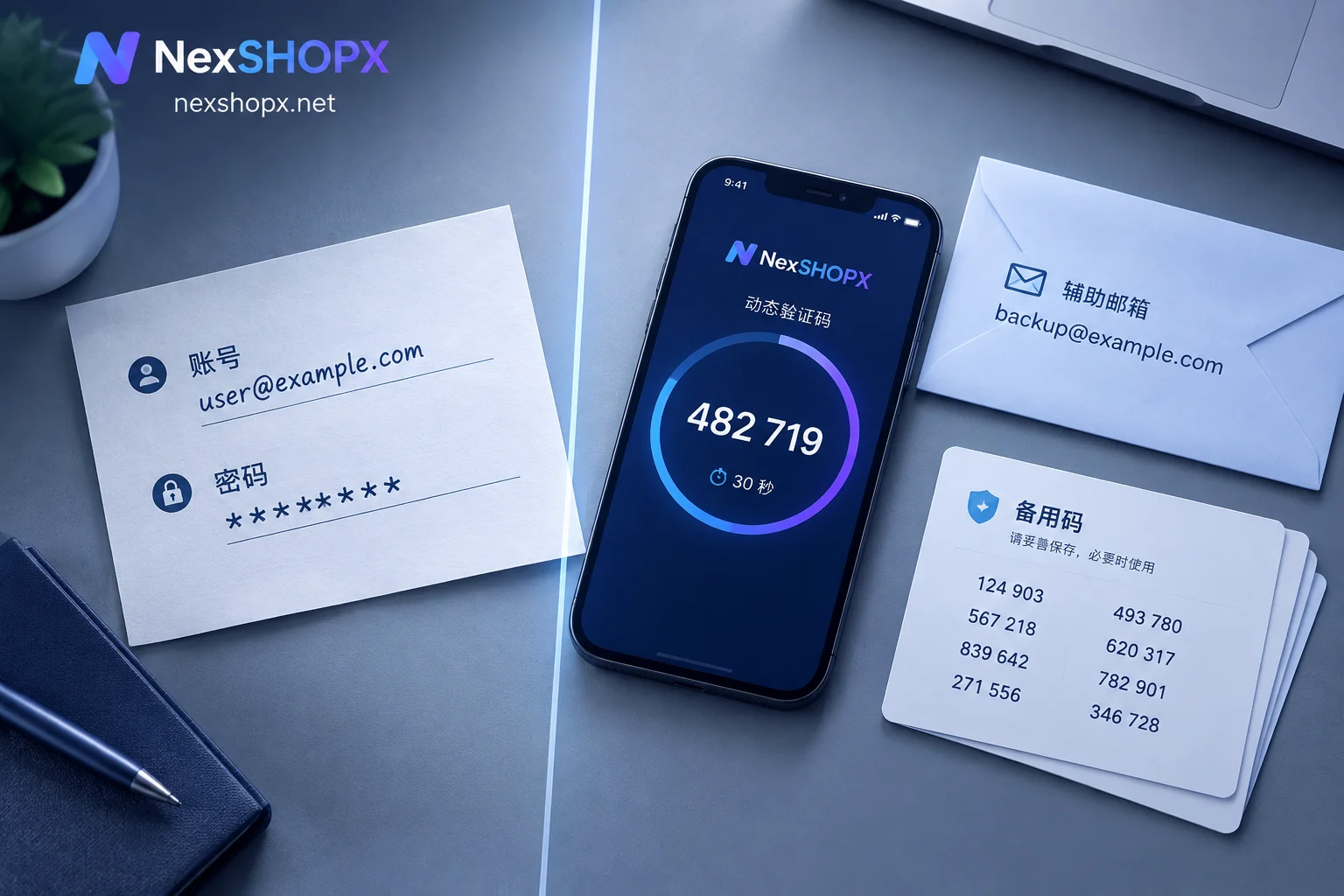
2FA (Two-Factor Authentication secret key) allows you to directly pass the platform's two-factor verification when logging in from a new device or proxy network by using a locally generated 6-digit dynamic verification code, without relying on the original registered phone number SMS.
Recovery Email is the primary credential for platforms like Google to identify account ownership, verify login identity, and reset passwords. Some platforms require entering the complete recovery email address to confirm "this account belongs to you" during sensitive operations such as off-site login or password change.
Accounts lacking these two items are highly likely to trigger verification challenges that the platform cannot satisfy during first login from a different location—such as requiring an SMS to the original phone number or confirming login on the old device. Virtual accounts are often registered using one-time SMS receiving services, so buyers cannot receive SMS again. The account gets stuck and abandoned directly, and the platform provides no manual appeal channel.
What 2FA Enables, and Where Accounts Without It Get Stuck
When mainstream overseas platforms (Meta/Facebook, Google, etc.) detect an unrecognized browser fingerprint, new device, or off-site IP login, they automatically trigger two-factor verification (Login Challenge). The verification method at this step depends on the security settings currently enabled on the account:
Accounts with 2FA
If the account has 2FA enabled and comes with a TOTP secret key, you can:
- Import the key into apps like Google Authenticator or Microsoft Authenticator
- Or paste the key into an online TOTP tool (e.g., 2fa.live)
- Directly generate the currently valid 6-digit dynamic verification code
- Enter the code to immediately pass the platform's two-factor verification, without requiring authorization from the original device or the seller's online cooperation
The entire process is completed locally, without going through any third-party server, and the code refreshes automatically every 30 seconds.
Accounts Without 2FA
For accounts without 2FA enabled, when the platform encounters a risk challenge during off-site login, the default and often only verification channel is:
- Sending an SMS verification code to the bound registered phone number
- Or sending a confirmation prompt (Google Prompt) to the original login device
Virtual accounts are often registered using one-time SMS receiving services, and buyers typically cannot receive SMS again. Once such verification is triggered, the account gets stuck directly:
- The platform does not allow skipping verification to continue logging in
- There is no manual appeal entry for "I cannot receive SMS"
- Account assets cannot be retrieved, equivalent to abandonment
This situation is particularly common in cross-border business scenarios: the buyer's IP location and device fingerprint are completely different from the account's registration environment, so the platform's risk control system will inevitably trigger a challenge.
What Recovery Email Enables, and Where Accounts Without It Get Stuck
On platforms like Google and Microsoft, the recovery email is a core security verification element, with two layers of function:
Identity Confirmation During Login
During off-site login or sensitive operations such as password change or binding a payment method, the system often requires entering the complete recovery email address to confirm identity. This step has two verification forms:
- Spelling match only: The system displays partial characters of the recovery email (e.g.,
a***@gmail.com) and asks you to enter the complete address. After entering correctly, you pass directly without needing to receive a verification code. - Email verification code: The system sends a 6-digit numeric verification code to the recovery email, and you need to log into that email to receive and enter the code.
If the account has no recovery email bound, or you do not have the complete information of the recovery email, the system will directly determine "cannot verify that this account belongs to you" and refuse login.
Account Recovery and Password Reset
When the account loses access, the password becomes invalid, or it is locked by risk control, the recovery email is the primary channel for official self-service appeal and password reset:
- The platform sends a password reset link or verification code to the recovery email
- You can directly set a new password and restore access via that link
If the account has no recovery email and no available backup verification device (such as a bound phone number or hardware security key), the official automated recovery mechanism will be completely interrupted, and account assets cannot be recovered. Although some platforms provide manual appeal forms, they require information such as account creation time, historical login locations, and recent contacts, which virtual account buyers typically cannot satisfy.
Forms of Recovery Email at Delivery
In actual procurement, "includes recovery email" in product descriptions may refer to two delivery forms:
- Only the recovery email address is provided: Used to pass spelling match verification, but you cannot log into that email to receive verification codes
- The recovery email login password is also included: You can log into the webmail to receive verification codes or reset links
The specific delivery format is subject to the product page description in the store. If your business scenario requires frequent email verification codes (e.g., multiple password changes, binding new devices), you need to confirm whether email login credentials are included.
How to Choose When Purchasing: What Uses Require These
Whether 2FA and recovery email are needed depends on your actual usage scenario:
Scenarios that must have 2FA and recovery email:
- The account needs first login under a proxy network or off-site IP environment (cross-border store operation, social media management, ad delivery, etc.)
- You need to switch login across multiple devices or browser profiles
- The account needs to be held long-term and may require password change or permission recovery in the future
Scenarios where they may not be needed:
- The account is only used in the local network environment, and the device fingerprint matches the registration environment
- One-time use or short-term holding, not involving sensitive operations
In practice, virtual accounts purchased for cross-border business almost always encounter off-site login scenarios, and accounts without 2FA and recovery email carry extremely high risk. The "low-price accounts" offered by some suppliers often do not include these two items, have a low first-login success rate and no appeal channel, and are not suitable for formal business use.
What to Do After Receiving: Do Not Immediately Change Security Bindings on First Login
The security mechanisms of platforms like Google stipulate that after modifying account recovery information (such as changing the recovery email or security phone), the system may have a security period of up to 7 days. During this period, security challenges involving sensitive operations may still fall back to the original verification methods.
This means:
- If you immediately modify the recovery email or 2FA binding after first login to a purchased account, it is highly likely to trigger high-risk platform risk control interception
- Some products' warranty terms explicitly state "modifying information during the warranty period is prohibited", and replacements will not be provided if violated
It is recommended to first complete account acceptance after first login (check the card and password, test 2FA code generation, confirm the recovery email is usable), and then gradually replace security bindings after the account has been used stably for some time. For specific operations, refer to Account Delivery Acceptance Checklist and What to Do First When Logging Into an Overseas Account for the First Time.
How to Confirm Specifications When Purchasing at NexSHOPX
Among the email and platform accounts and social media account categories provided by NexSHOPX, some products are marked "with 2FA" or "includes recovery email". The specific delivery content is subject to the product page description:
- Product titles and descriptions indicate whether a 2FA secret key, recovery email address, or email login credentials are included
- The warranty duration and first-login time limit are shown on the product page, commonly limited-time first login after order and replacement for disablement within the warranty period
- Some categories prohibit modifying information during the warranty period, subject to the product page and Terms of Service
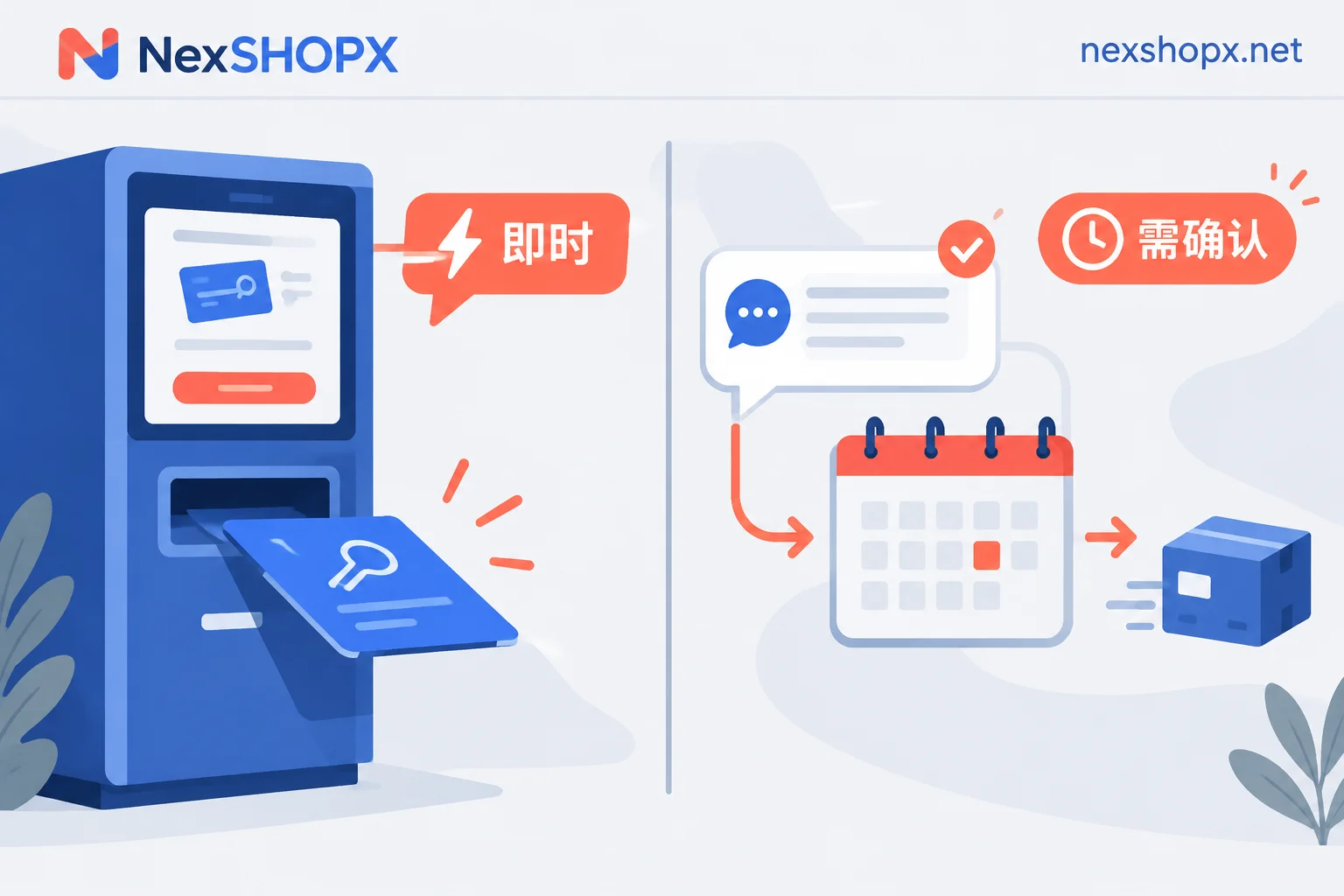
You can filter account products for the corresponding platform through the NexSHOPX Service Categories page, or directly enter the Store to view current inventory and prices. The store supports self-service ordering and automatic delivery for in-stock items; pre-order products are delivered after confirmation by customer service.
For formal business scenarios such as cross-border store operation and social media management, it is recommended to prioritize account specifications with 2FA and recovery email to avoid immediate account abandonment due to failure to pass off-site login verification.


Comments(0)