 NexSHOPX-官方新闻
The difference between the two isn't about the price or the prestige of the category—it's about whether this delivery can be written into a fixed string of credentials in one go.
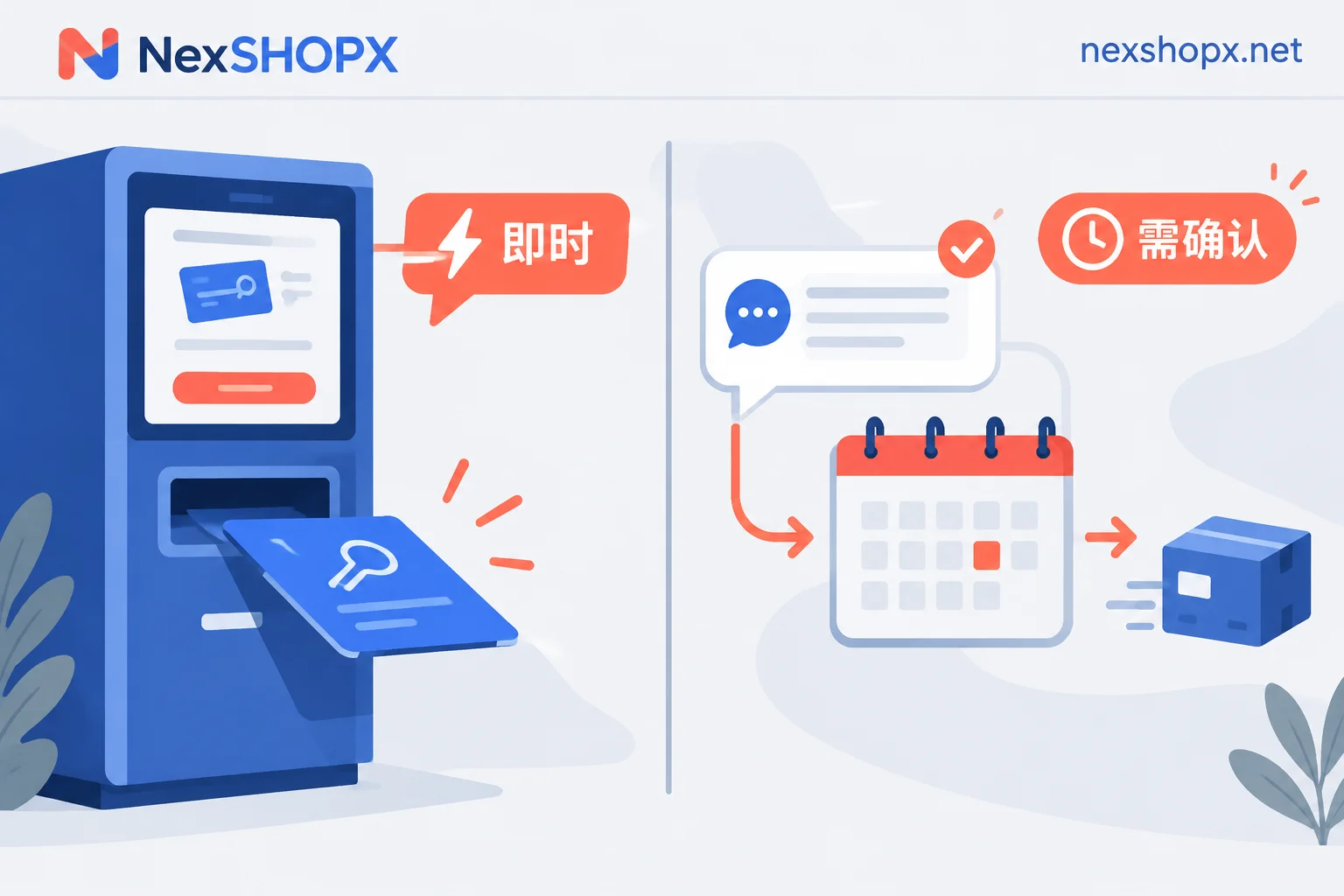
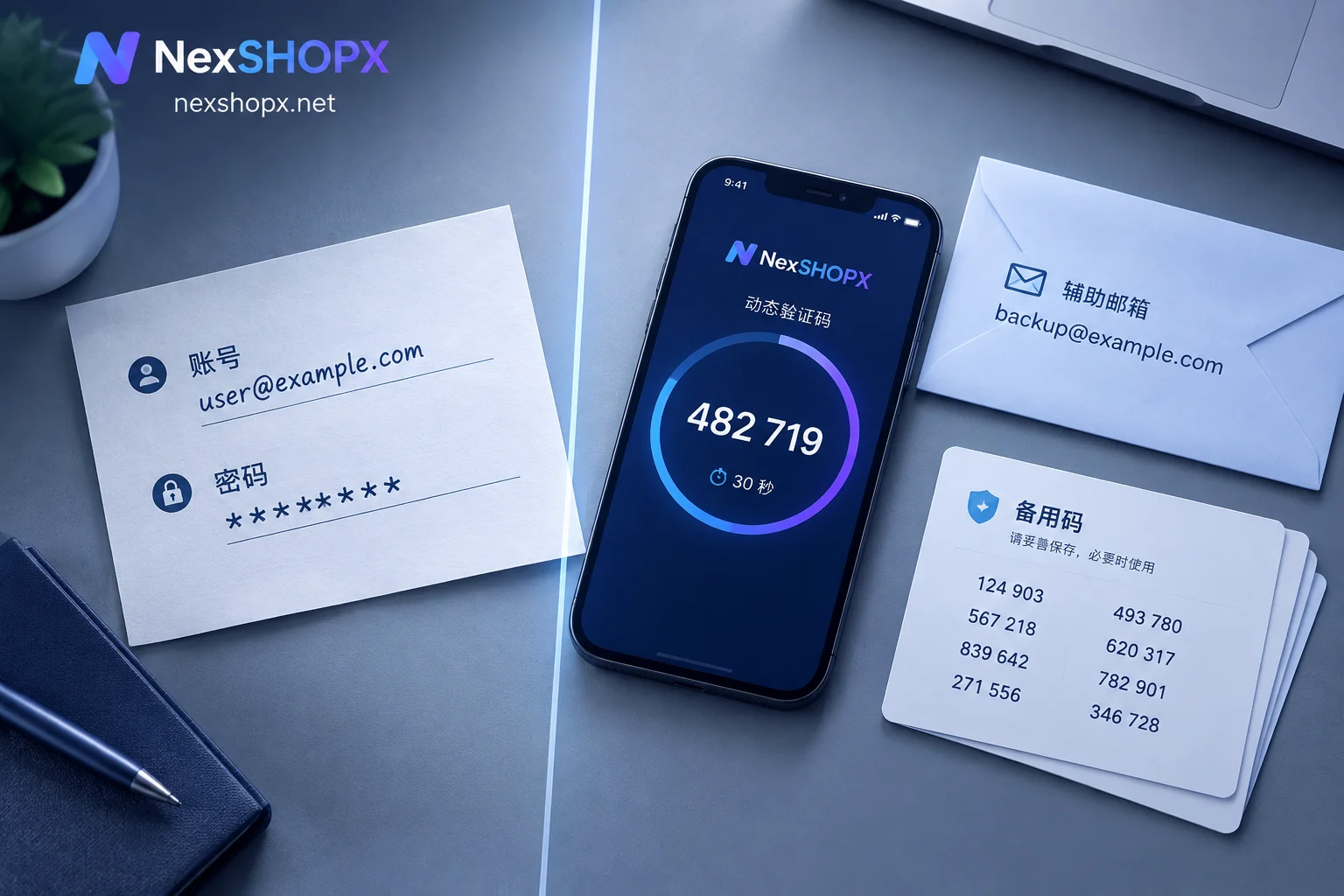
If it can be written into credentials, it goes through in-stock auto-delivery: you place a self-service order, pay with Alipay or USDT, and the system immediately dispatches the card key—account, password, 2FA key, auxiliary email, etc. You can usually extract it yourself within minutes, then start first-login verification right away, with no human involvement needed throughout.
If it can't be written into credentials, it goes through pre-order or manual support delivery: either the delivery involves your own existing account, or there's temporarily no item on the shelf matching your specs. Support first confirms the conditions or queues the order, then completes delivery within the agreed time window.
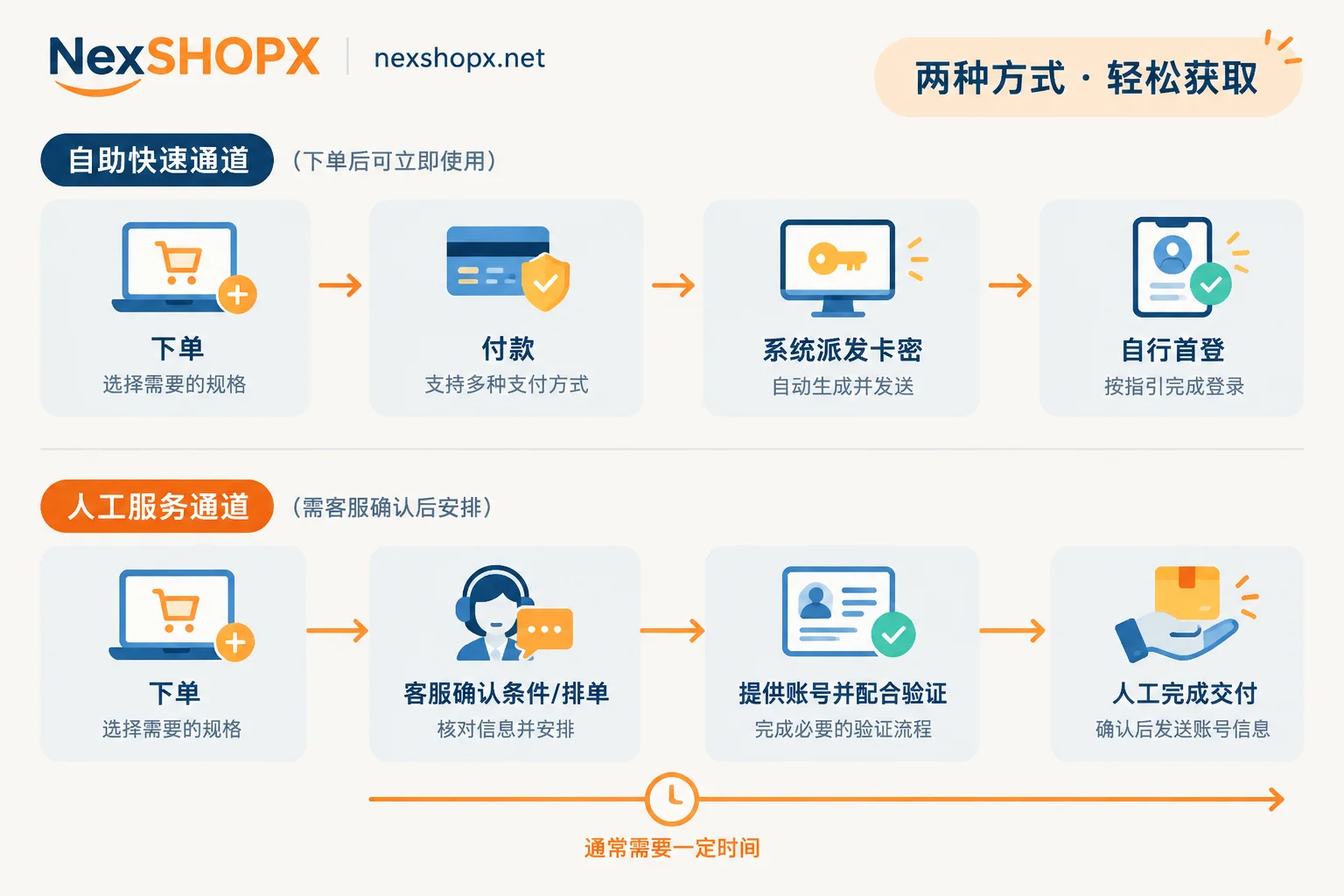
Which products are usually in-stock auto-delivery
Standardized ready-made accounts with specs fixed on the product page and stock on hand: regular email and platform accounts, out-of-the-box social media new and aged accounts. What you're buying is an existing account, and the only delivery action the seller can take is "give you the credentials," so it's fully automatable.
The way to tell is simple: if the product page clearly lists the specs, included materials (whether it comes with a 2FA key, whether it comes with an auxiliary email), first-login time limit, and warranty conditions, and stock shows available, then it's auto-delivery.
Which products usually go through pre-order or manual delivery
First category: Membership and AI subscription activations and renewals. For things like ChatGPT Plus / Pro, Claude, X Premium, what's activated is a subscription on your own account, not a new account given to you. The seller must obtain your account and cooperate to complete a verification before topping it up—this inherently can't be replaced by a card key.
Second category: Non-standard custom and rare specs. Aged accounts with a specified registration year, accounts from a specific country/region, accounts with a certain follower count, unlocked ad accounts—the shelf may not have the exact SKU available, so support needs to confirm whether it can be sourced and what the actual specs are.
Third category: Temporary out-of-stock backorders, or large-volume bulk purchases. The former is a temporary state of the same product; the latter involves quotas, tiered pricing, and batch scheduling, all of which require human arrangement.
Three situations where you should contact support before ordering
1. Buying a membership activation—check the account conditions first
This is the easiest category to fail after payment. Before ordering, you should verify with support your own account's billing region, binding status, and whether there are any active subscriptions that haven't been unbound or that conflict with each other. If these conditions don't match, even after payment it can't be topped up, and changing or refunding is far more troublesome than asking beforehand.
2. Wanting non-standard specs—confirm whether the corresponding stock exists first
If your requirements—year, region, follower count, ad permissions—don't have an exact match on the product page, don't order the "close enough" one. First tell support your specific use case and hard requirements, and let them reply whether they can pick from existing stock, or need to source and queue it, and roughly how long.
3. Bulk purchases, or stock already showing as pre-order
If stock is marked pre-order, it means delivery is already queued; for bulk, you need to negotiate quotas and batch scheduling in advance. In both cases, delivery time is something to be discussed, not a fixed number on the page.
Two situations after ordering where you need support
1. Cooperating to complete an activation
Activation is a two-party process: you provide your own account information as guided by support, and at the moment of activation you provide a one-time login verification code (2FA or email code). So pick a time when you're available and can receive codes promptly—don't simultaneously log in, change password, or change settings during the activation, as that will directly interrupt the process.
2. First-login issues—report within the time limit
If after receiving the card key you encounter a password error, risk-control block, or invalid credentials on first login, contact support within the first-login time limit specified on the product page. Many categories have a limited first-login window after ordering (for example, on the order of 24 hours), but the exact duration and warranty period vary by category—refer to what's written on the product page, and don't apply one category's rules to all products.
Prepare three things when reporting an issue to save a round of back-and-forth: order number, login environment (device and IP), and original error screenshot.
One red line to pay special attention to: do not change data or password yourself during the warranty period. Some categories explicitly prohibit changing data; after unauthorized changes, even if the account truly has issues, you may lose eligibility for a free replacement. The correct order is to report the issue first and follow support's instructions, not try to fix it yourself first.
If you're still unsure whether the credentials you received are complete enough and in what order to do first login, you can go through the Account Delivery Acceptance Checklist and Does an Account Purchase with Only Username and Password Count as Complete Delivery?; What's the Use of an Account with 2FA and Auxiliary Email explains the consequences of missing included materials. If the first-login error is "password is correct but can't get in," it's probably not a password issue—the three types of non-password blocks in this article can be self-checked before screenshotting.
How delivery method affects your scheduling
For auto-delivery products, payment to receiving credentials is usually in minutes; the real time spent is your own first-login verification. Pre-order and manual delivery also have short typical windows, but the fulfillment upper limit for bulk and rare categories depends on the specific product page, and can be slower during peak periods or when platform risk controls tighten.
Practical scheduling advice:
- For things with hard deadlines like launches, ad campaigns, or registrations, put account procurement with a buffer before the deadline, especially for pre-order items—don't push it to the day before.
- The first-login time limit starts from the order time, so don't order during a period when you're unavailable—buying but not having time to do first login means the limit passes and affects warranty claims just the same.
- For activation types, reserve a time window when you can receive verification codes at any moment.
Choosing specs and ordering
On NexSHOPX, these two delivery methods are naturally separated by category: email and platform accounts, social media accounts (including aged and unlocked accounts) are mostly mall self-service orders with in-stock auto-delivery; AI accounts and membership activations, and the parts of membership and streaming subscriptions that involve activating or renewing on your own account, go through support confirmation before delivery.
You can first go to the All Categories page to decide which group you need based on use case, then to the Mall to see specific specs, stock, and prices. Before ordering, read the three items on the product page—first-login time limit, warranty duration, and whether data changes are allowed—they differ by category and are the only valid basis if problems arise later; verbal promises made uniformly don't count.
To wrap up simply: when you see "ships immediately," place a self-service order and start first login right after payment; when you see "pre-order," or you're buying a membership that opens on your own account, send the conditions to support and ask clearly before paying. These two sentences cover the vast majority of cases.


Comments(0)