 NexSHOPX-官方新闻
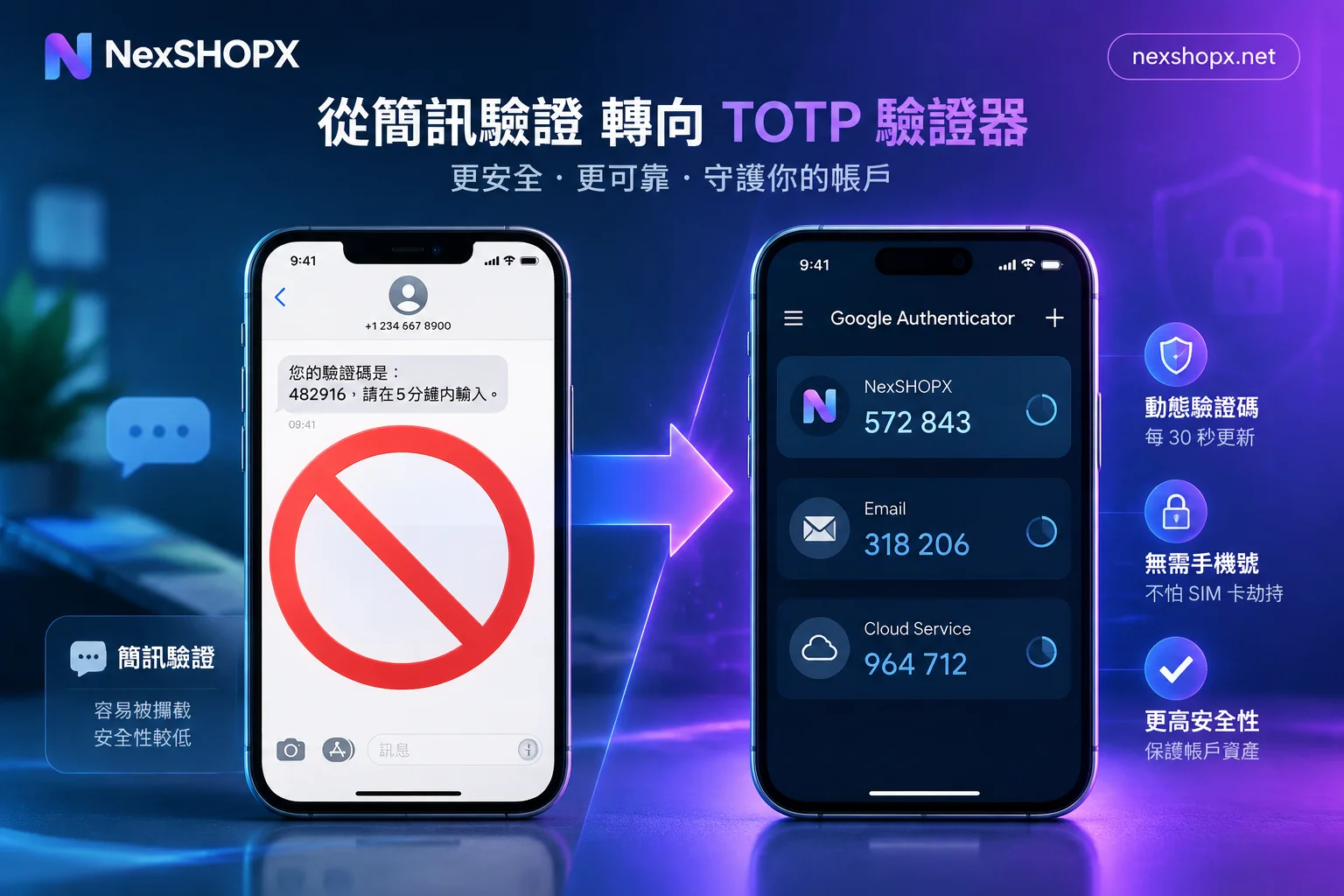
Why Some Platforms Are Dropping SMS Verification: Security Flaws and Fraud Costs Force a Switch to TOTP
Major platforms like X, GitHub, and Google are restricting or eliminating SMS verification due to NIST classifying it as a restricted authenticator with security flaws like SIM swapping and SS7 vulnerabilities, plus SMS pumping fraud costing millions annually. They are shifting to TOTP authenticators and passkeys. When purchasing multiple accounts, verify the 2FA keys and backup codes in the delivery materials, and follow warranty rules after first login.
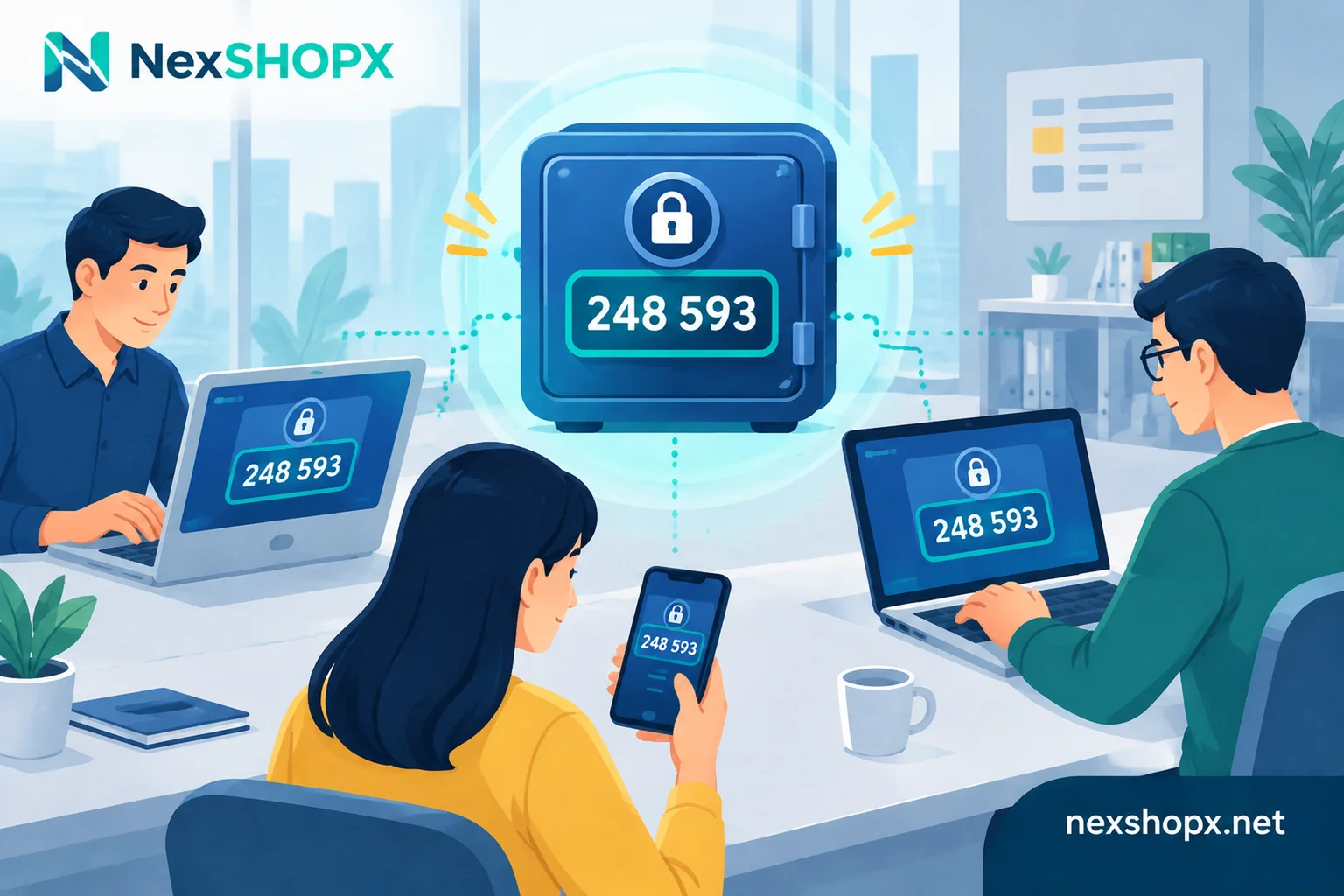
Team Shared Account 2FA: Use TOTP Key with a Shared Vault, Not One Person's Phone
When a team shares one account, use standard TOTP authenticator apps: save the secret key in a shared team password vault, archive backup codes, and use a team email for notifications.
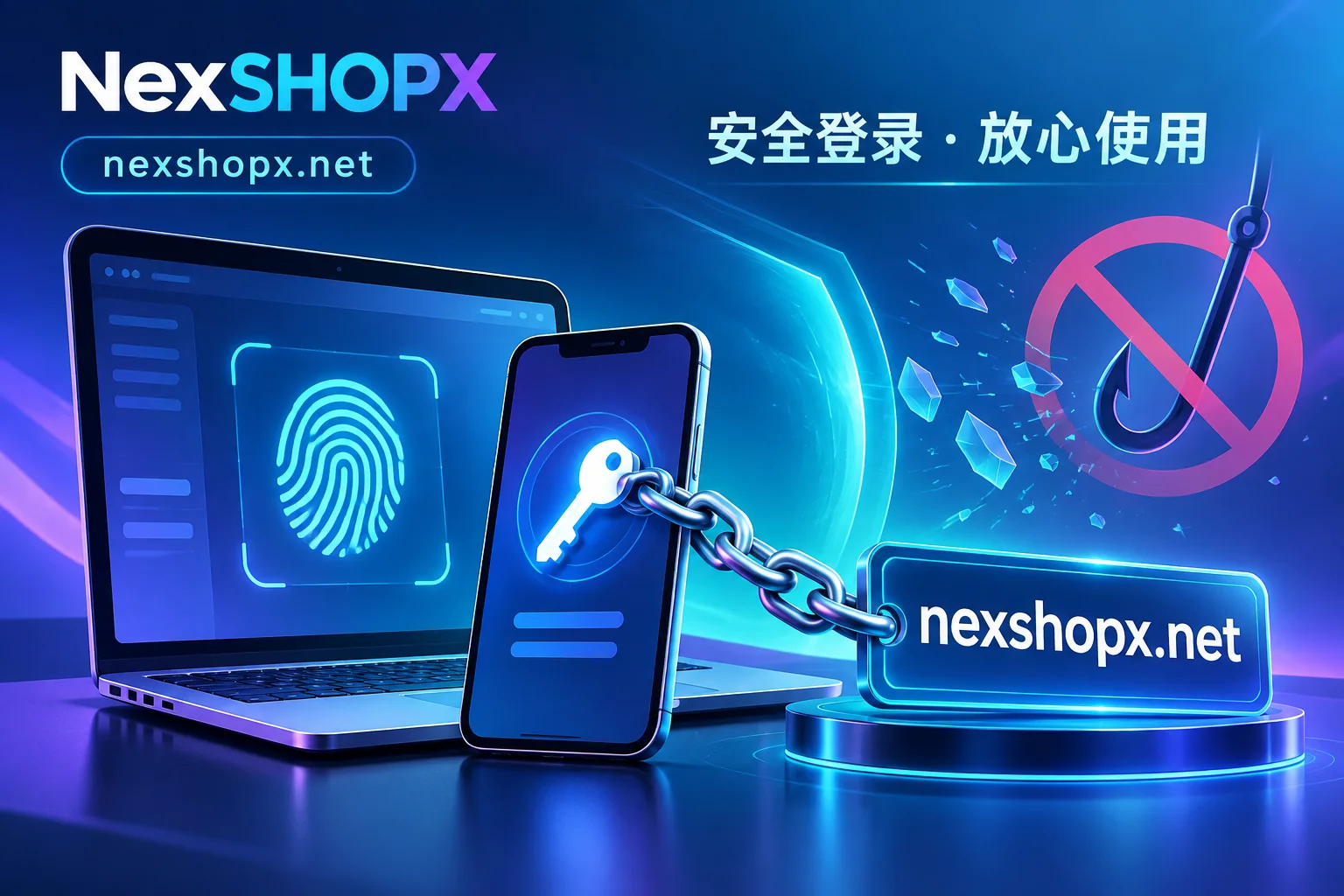
Is Passkey More Secure Than an Authenticator? Configuration Decisions Based on Account Ownership and Login Environment
Passkeys are clearly more secure than TOTP authenticators in terms of anti-phishing and post-server-breach consequences, but authenticator secrets can be migrated across devices and fingerprint environments, making them more practical for bulk business accounts and team handovers. This article explains where the difference lies, which scenario calls for which, and the recovery channels to supplement after binding strong authentication.
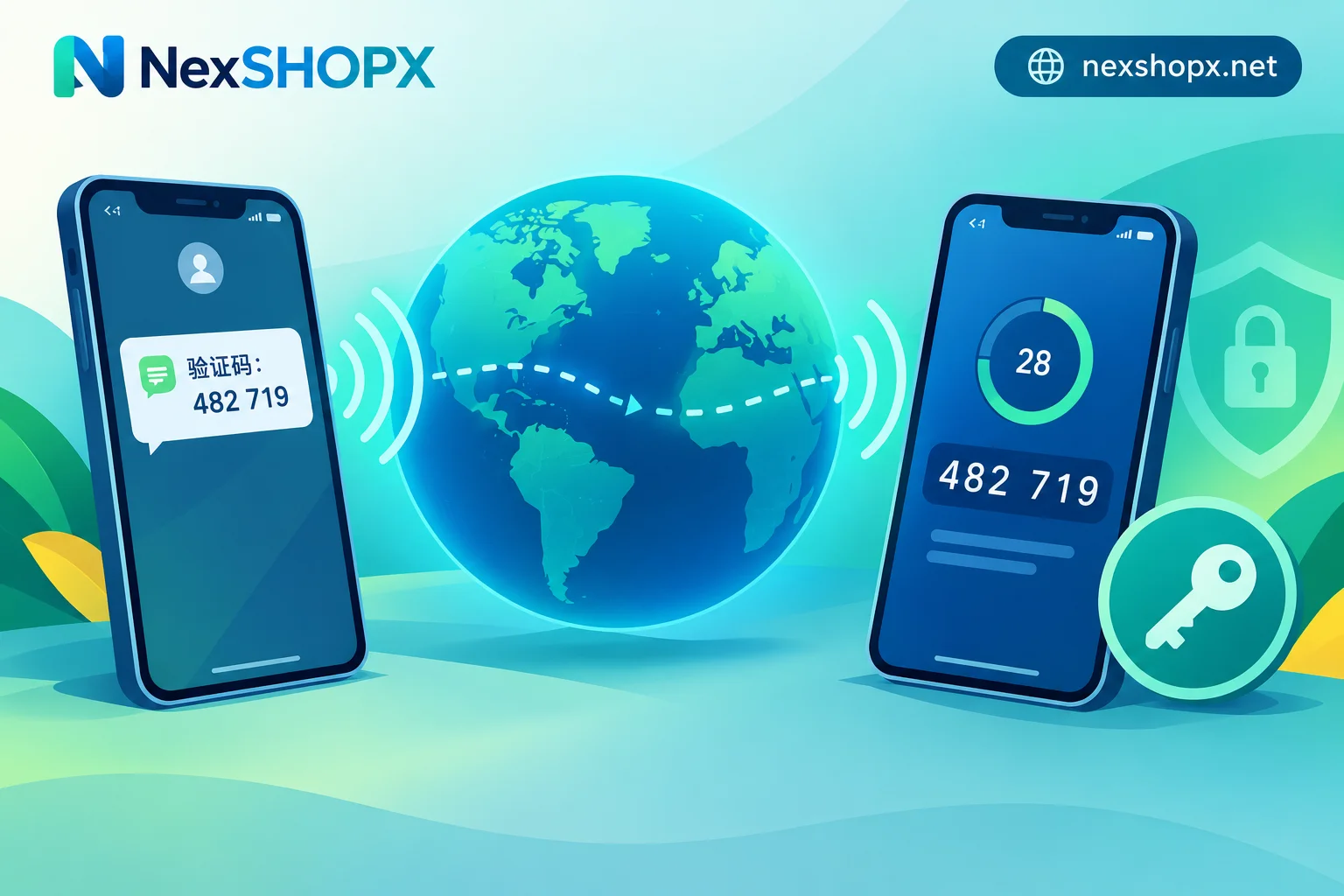
SMS or Authenticator App for 2FA? Choose an Authenticator for Shared and Cross-Border Logins
For shared accounts, cross-border logins, or purchased business accounts, an authenticator app (TOTP) is the better second factor, while SMS fits as a recovery channel on a phone number you own long-term. This article compares their dependencies and risks, explains how teams should store TOTP secrets, what to check in delivery materials when buying accounts, the order of first-login steps, and which security settings to leave alone during the warranty period.