 NexSHOPX-官方新闻
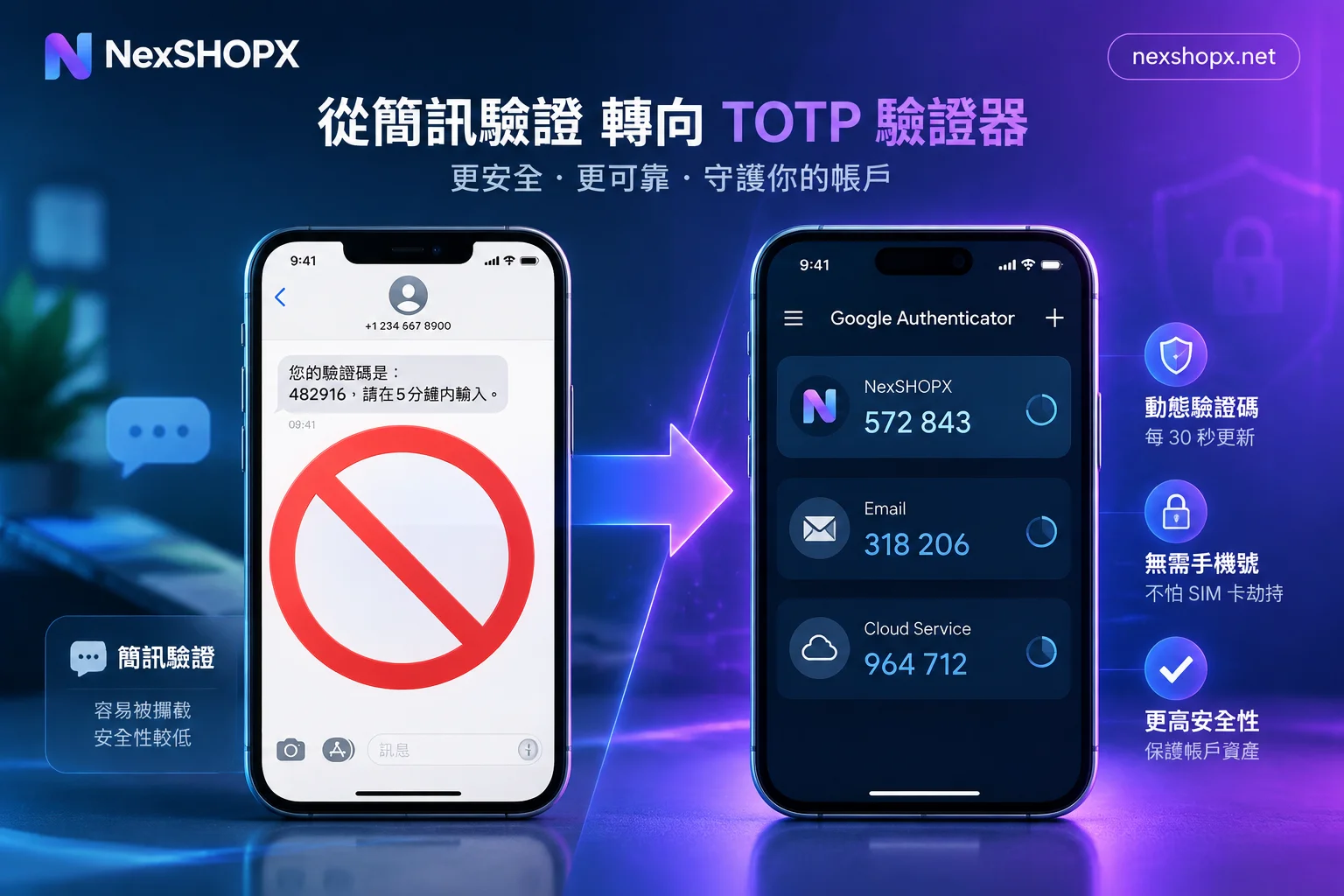
In 2023, X (Twitter) announced that non-paying users can no longer receive verification codes via SMS. GitHub mandates two-factor authentication but explicitly discourages SMS. Google is also gradually guiding users to switch to authenticator apps. This isn't a preference of individual platforms; it's an industry-wide reassessment of the security and cost of SMS verification.
SMS Verification Downgraded: Security Standards and Inherent Flaws
The National Institute of Standards and Technology (NIST) in its digital identity guidelines SP 800-63B officially classifies one-time passwords received via SMS and voice (SMS OTP) as a Restricted Authenticator. This classification means SMS verification has clear security flaws and is not suitable as a mainstream verification method:
- SIM swapping attacks: Attackers use social engineering or bribe carrier customer service to transfer the target phone number to their own SIM card, directly hijacking all SMS verification codes.
- SS7 signaling vulnerabilities: The SS7 protocol used in international telecommunications networks has design flaws that can be exploited to intercept or redirect SMS content.
- Number porting hijacking: In some countries and regions, there is a window during the number portability process where attackers can complete the porting operation first.
- Vulnerable to phishing: SMS verification codes are just a string of digits; users can easily enter them on phishing websites, and attackers can relay them in real-time to pass verification.
NIST explicitly recommends a full shift to time-based one-time password generators (TOTP, such as Google Authenticator, Authy) and hardware security keys (such as YubiKey). These solutions generate codes based on a pre-shared key and timestamp, do not rely on SMS channels, and won't become invalid due to phone number changes.
Exorbitant Costs: SMS Traffic Fraud Forces Platforms to Stop Losses
Beyond security concerns, SMS verification also imposes huge fraud costs on platforms. Criminal groups use automated scripts to launch large-scale requests to platform SMS verification interfaces, deliberately sending verification codes to premium-rate number ranges they partner with. These numbers usually belong to specific regions or countries controlled by rogue telecom operators, and the billing per SMS can be dozens or even hundreds of times the normal rate.
This fraudulent technique is called SMS Pumping or AIT (Artificially Inflated Traffic). Fraud teams share revenue with operators this way, while platforms pay for messages that aren't from real users. X (Twitter) publicly disclosed that the platform loses approximately $60 million annually due to SMS traffic fraud, which directly prompted them to cancel free SMS verification for non-subscribers in 2023, allowing only paying X Premium users to continue using SMS verification or switch to authenticator apps and hardware keys.
SMS service providers like Twilio have also released specific prevention guidelines, recommending that platforms add rate limiting, IP whitelisting, CAPTCHA, and blocking high-risk number ranges to SMS verification interfaces. But these measures increase user experience costs, whereas authenticator apps fundamentally bypass the SMS channel, making fraud impossible.
Platforms Forcing the Adoption of TOTP Authenticators
GitHub now requires all code contributors to enable two-factor authentication and explicitly recommends using TOTP apps or hardware security keys in its documentation, no longer recommending SMS. The reasons given include not only security but also practical availability for cross-border users: SMS verification often encounters delays, blocks, or complete failure to deliver during cross-border logins, while TOTP codes are algorithmically generated locally on the device, independent of network connectivity or carrier channels.
Google is also gradually guiding users to switch to Google Authenticator or Google Prompt (device push-based verification) in account security settings. Although SMS verification is not completely disabled, when adding new two-factor authentication, the SMS option is placed at the end of the list with a security warning.
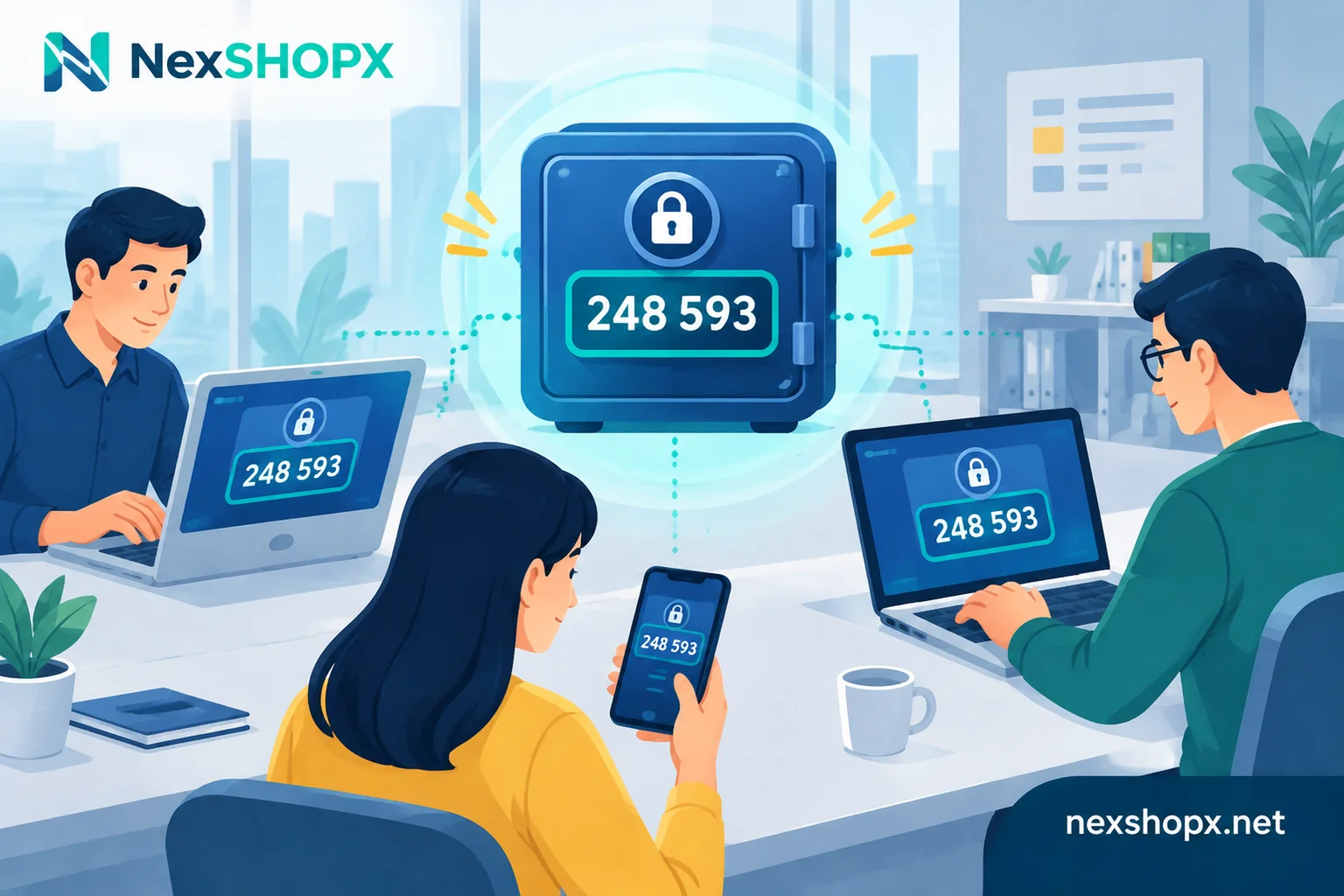
For teams managing multiple accounts, TOTP authenticators have another key advantage: centralized management and backup. A single TOTP secret can be imported into multiple devices or password managers (like Bitwarden, 1Password) simultaneously, and team members can share the same secret without relying on any individual's phone number. This is especially practical in cross-border business and multi-person collaboration scenarios.
How to Verify Verification Materials When Purchasing Accounts
With SMS verification being marginalized, when purchasing platform accounts or social media accounts, you can no longer rely on SMS receiving numbers. Buyers should focus on verifying the security credentials in the product specification list:
- 2FA Secret (TOTP secret): A string of Base32-format characters, usually a 16 to 32-character combination of uppercase and lowercase letters and digits, for example
JBSWY3DPEHPK3PXP. This is the core credential needed when importing into an authenticator app. - Backup Codes (or Recovery Codes): One-time emergency codes generated by the platform when enabling two-factor authentication, usually a set of 8 to 10 numeric codes, each usable only once.
- Recovery Email: A backup email address used to recover the account; some platforms allow resetting two-factor authentication via the recovery email.
After obtaining the 2FA secret, import it directly into apps like Google Authenticator, Microsoft Authenticator, Authy, or Bitwarden. The import method is usually scanning a QR code (seller provides a QR code screenshot) or manually entering the secret string. After successful import, the app generates a 6-digit verification code every 30 seconds. Enter the currently displayed code during login to pass verification.
If the account comes with backup codes, store them separately in a secure location, not together with the account password. Backup codes are the last resort when you cannot access the authenticator; each use consumes one.
Operational Guidelines for First Login and During Warranty
When logging into an account with a 2FA secret, you need to complete the first verification within the first-login time limit specified on the product page. After the time limit, some platforms may trigger additional security checks or directly lock the account due to prolonged inactivity.
After successful first login, during the warranty period, follow these rules to avoid account risk control triggers due to improper operations:
- Do not immediately change the bound email or password: Platforms view a large number of sensitive information changes in a short period as abnormal behavior, especially when the account login location changes across countries.
- Do not disable or reset two-factor authentication: Disabling 2FA or regenerating the secret will invalidate the original 2FA secret, and the seller cannot provide after-sales support.
- Do not frequently change login devices or IPs during the warranty period: Some platforms have strict risk control policies for new device logins; frequent switching increases the risk of account suspension.
If login issues occur during the warranty period, when reporting to the seller for after-sales support, provide: a full screenshot of the error during login, the IP address or proxy information used, the first login time, and whether any account information was modified. This information helps the seller quickly determine whether the issue is a quality problem with the account itself or triggered by the login environment or operations.
Purchasing Accounts with Authenticator Support
If your business needs to purchase social media accounts or platform accounts in bulk, and the platform no longer supports SMS verification or has restrictions on it, you should prioritize account specifications that include a 2FA secret. NexSHOPX's social media account category offers in-stock accounts with various verification method combinations. The product page clearly indicates which credentials are included in the delivery (email, password, 2FA secret, backup codes, etc.), as well as the first-login time limit and warranty conditions.
For accounts that need to be shared by multiple team members, refer to How to set up two-factor authentication for team-shared accounts, import the 2FA secret into a shared password manager instead of binding it to someone's phone. This satisfies the platform's security requirements and avoids handover troubles when personnel change.


Comments(0)