 NexSHOPX-官方新闻
Here's the conclusion up front:
- If you only install free region-locked apps: Buy a dedicated blank account that is already activated in the target region and requires no payment method (commonly called a "blank account"). It's the easiest option.
- If you need to buy a paid app or subscribe in-app: Still buy a dedicated account, but you must pair it with an official Apple Gift Card for that country/region to top up the balance. Bank cards issued domestically can't be linked across regions.
- Shared accounts or public accounts: Only suitable for one-time scenarios where you "install once and that's it." For any app you plan to use long-term and that will follow version updates, don't use a shared account.
Below is why the categories are split this way, and exactly what to look for when purchasing.
The deciding factor is really "whether it will need updates later"
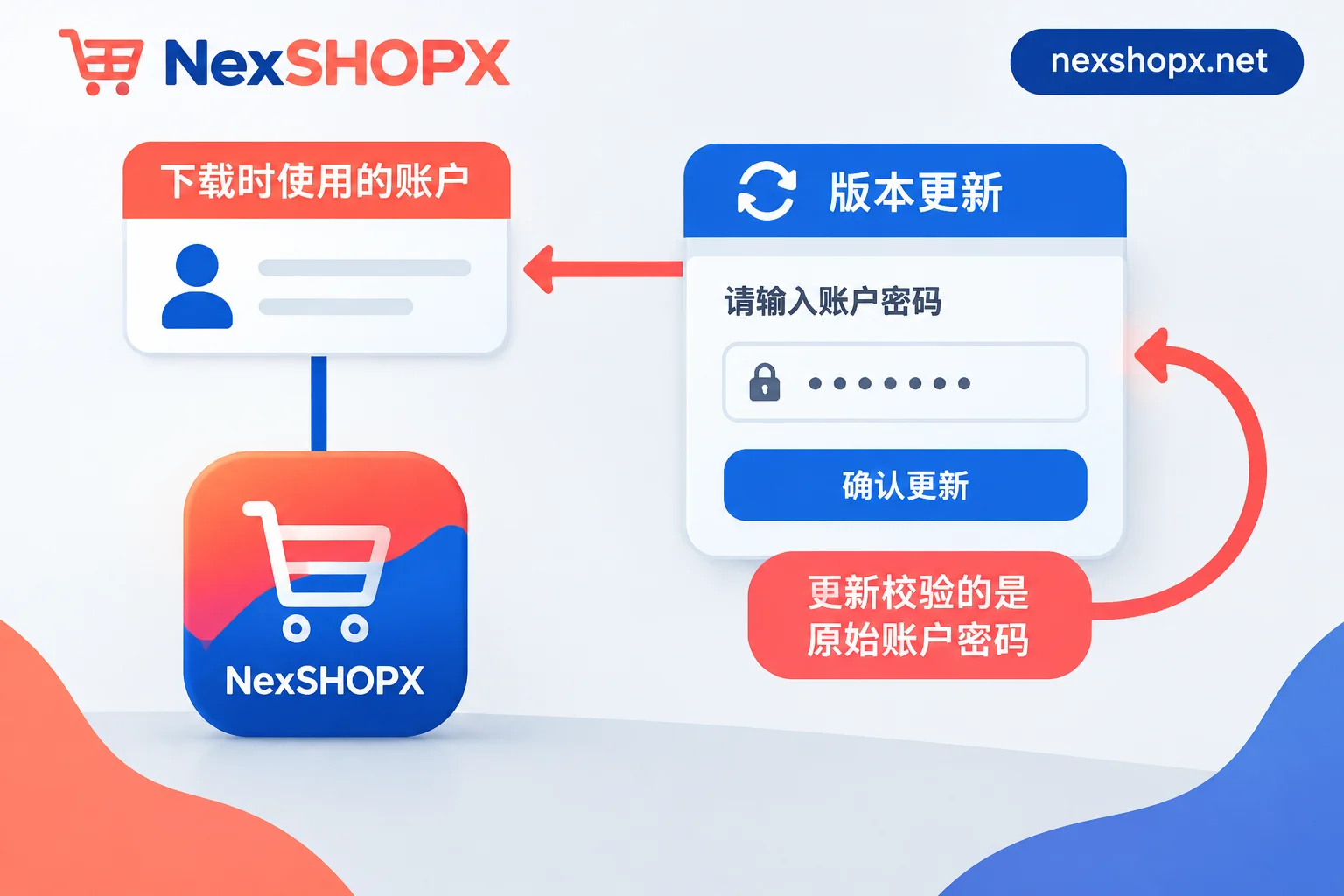
Apps downloaded from the App Store are permanently tied to the Apple account that downloaded them. When a new version is released, the system will ask for the password of the account that originally downloaded it, not the account currently signed in on your device.
This mechanism directly determines how to choose the spec:
- An app installed with a shared account: once the other party changes the password, the account is disabled, or it gets kicked out by too many users, updates are stuck. To continue using it, you can only delete and reinstall, and local data will most likely be lost.
- The more frequently an app iterates (overseas AI clients, social media apps, software for long-term operations), the higher the update frequency, and the greater the chance of hitting this pitfall.
So the judgment is simple: How long do you plan to use this app, and how often does it update? For utility apps you install and then delete, you can relax the spec; for apps that will stay on your phone long-term, go straight for a dedicated account and keep the credentials safe long-term.
One more reminder: A device and the "account used for purchases" establish an association, and Apple has restrictions on this association—you can't change it whenever you want. You can view and remove associated devices in account settings, but don't treat "buy a few cheap accounts and rotate them" as a regular solution—rotation itself will be blocked by association rules. Although Apple supports migrating purchases from one account to another, the applicable conditions are limited and it can't be used as an everyday remedy.
Free region-locked apps: a dedicated blank account is enough
If your target app is free to download in the target region's store (e.g., certain tools or clients only available in the US, Japan, or Hong Kong stores), choose a dedicated blank account already activated in the corresponding region and not bound to a payment method.
Its advantage is that the billing address and payment method verification steps when creating the account have already been skipped. Once you log in to the App Store, you can search and download directly. You don't need to buy a spec with balance in advance "just in case you need to pay"—you can always top up with a gift card later if the balance is insufficient, but extra money spent can't be recovered.
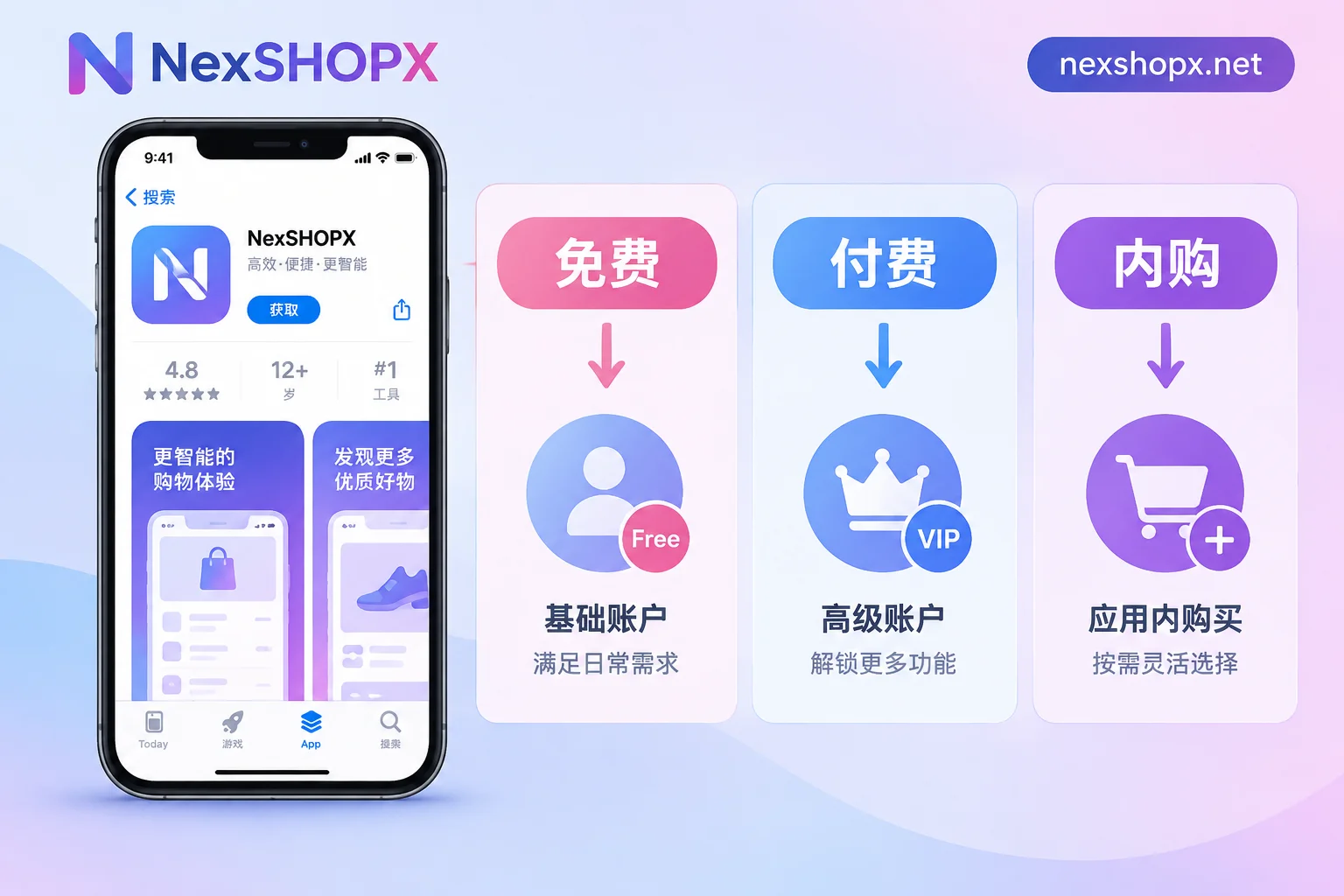
The way to judge is also straightforward: First confirm on the target region's App Store page whether the app is free. "Get" means free, a price tag means paid, and "In-App Purchases" means core features may cost extra.
Paid buyout or in-app subscription: dedicated account + same-region gift card
A blank account has no balance, so it will get stuck when payment is required. Linking a card across regions basically doesn't work; the feasible way is:
- Buy a dedicated account for the target region (not shared; subscriptions and purchase records are tied to this account);
- Buy an official Apple Gift Card for the corresponding country/region—the region must match the account's store; a US card can't be redeemed on a Japan account;
- Redeem the gift card in the App Store and use the balance to complete the purchase or subscription.
For subscription apps, remember that renewals also use the balance of the same account, and the subscription will be interrupted when the balance runs out. For long-term subscriptions, plan the top-up rhythm in advance—don't wait until the charge fails.
Login method: only sign in to "Media & Purchases", don't touch iCloud
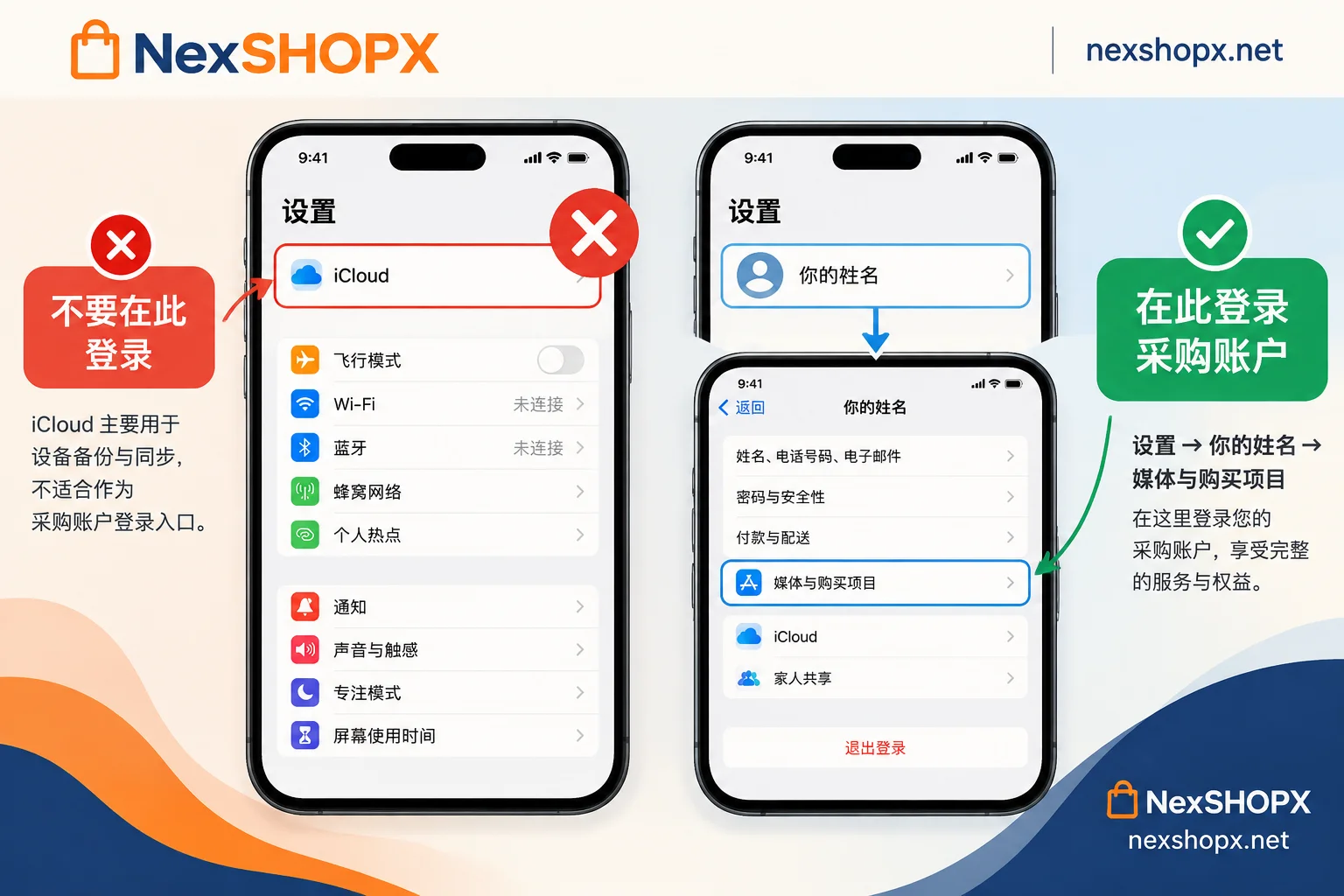
This step is more prone to problems than choosing the spec. iOS/iPadOS supports separate sign-ins for your main iCloud account and the account used for the App Store. The correct approach is:
- Do not sign in to the purchased account at the top iCloud entry in "Settings";
- Go to the App Store, or "Settings → Your Name → Media & Purchases", sign out of the current account, and sign in to the target region account;
- After downloading, if you don't need frequent updates, you can switch back to your own account; but remember you'll need to switch back for updates.
With this login path, contacts, photos, notes, and other data sync normally on your own iCloud, and the device won't be involved in the lockout risk of someone else's account. Signing a purchased account into the main iCloud entry is the most common way to fail—be sure to avoid it.
Delivery info to check when purchasing
For the purpose of only downloading apps, delivery looks simple, but missing any of the following will cause trouble in future updates:
- Account + password: basic items; usually just these two are not considered complete delivery.
- Security question answers, or two-factor authentication (2FA) recovery key / backup email: without these, you can't get in when the account triggers verification. Whether it's security questions, pre-set 2FA, or backup email varies by product—refer to the product details page and check clearly before ordering.
- Account region: confirm it's the region where the app you want is listed.
- First-login time limit and warranty terms: Common rules are that you must complete the first login within a time limit after ordering; within the warranty period, if disabled, it can be replaced; some categories prohibit changing information during the warranty period—if you plan to change the security verification to your own, check whether this is allowed and when.
You can expand these two articles: Is giving only account and password considered complete delivery?, What's the use of an account with 2FA and backup email, and what happens without them.
On NexSHOPX, such accounts are under "Email & Platform Accounts." Specs, delivery info structure, and warranty duration are written on each product page. Conditions vary by product—don't apply one product's rules to another. In-stock products are automatically delivered after self-service ordering; pre-order products require customer service confirmation before delivery. If you're in a hurry, choose in-stock (see the difference at What's the difference between in-stock automatic delivery and pre-order products). To browse the shelves directly: All Categories | Place Order in Store.
Action sequence after receiving the account
- Complete the first login within the time limit—if you delay beyond the merchant's first-login deadline, later problems may not be covered by warranty.
- Use the App Store or "Media & Purchases" for login; don't touch the main iCloud entry.
- Switch to the target region store, search for and download the target app, confirm it opens normally, then discuss anything else.
- Within the scope allowed by the product page, change the security verification method to one you can receive; if changes aren't allowed, store the recovery key, backup email, and security answers as delivered in your password manager.
- Keep the account credentials long-term—don't throw them away after installation; you'll need them for updates.
The complete actions for the first-login phase can be found in What to do first when logging into an overseas account for the first time and Account delivery acceptance checklist.
What to prepare for after-sales support
For situations like unable to log in, not receiving verification, or abnormalities upon receipt, when contacting customer service, send the order number, original card and password, complete screenshot of the failure (including error text), and operation time together. It will be handled much faster than just saying "can't log in." After-sales timeliness and replacement rules are per the product page and vary by category—don't assume they're all the same.
Finally, back to the selection itself: If you only install free apps, buy a dedicated blank account; if you need to spend money, pair it with a same-region gift card; for long-term apps, don't skimp and use a shared account. Remember these three sentences, and the rest is just checking the product page for delivery info and first-login conditions.


Comments(0)