NexSHOPX-官方新闻
Does an Account Purchase Deliver Complete if It's Just Username and Password?
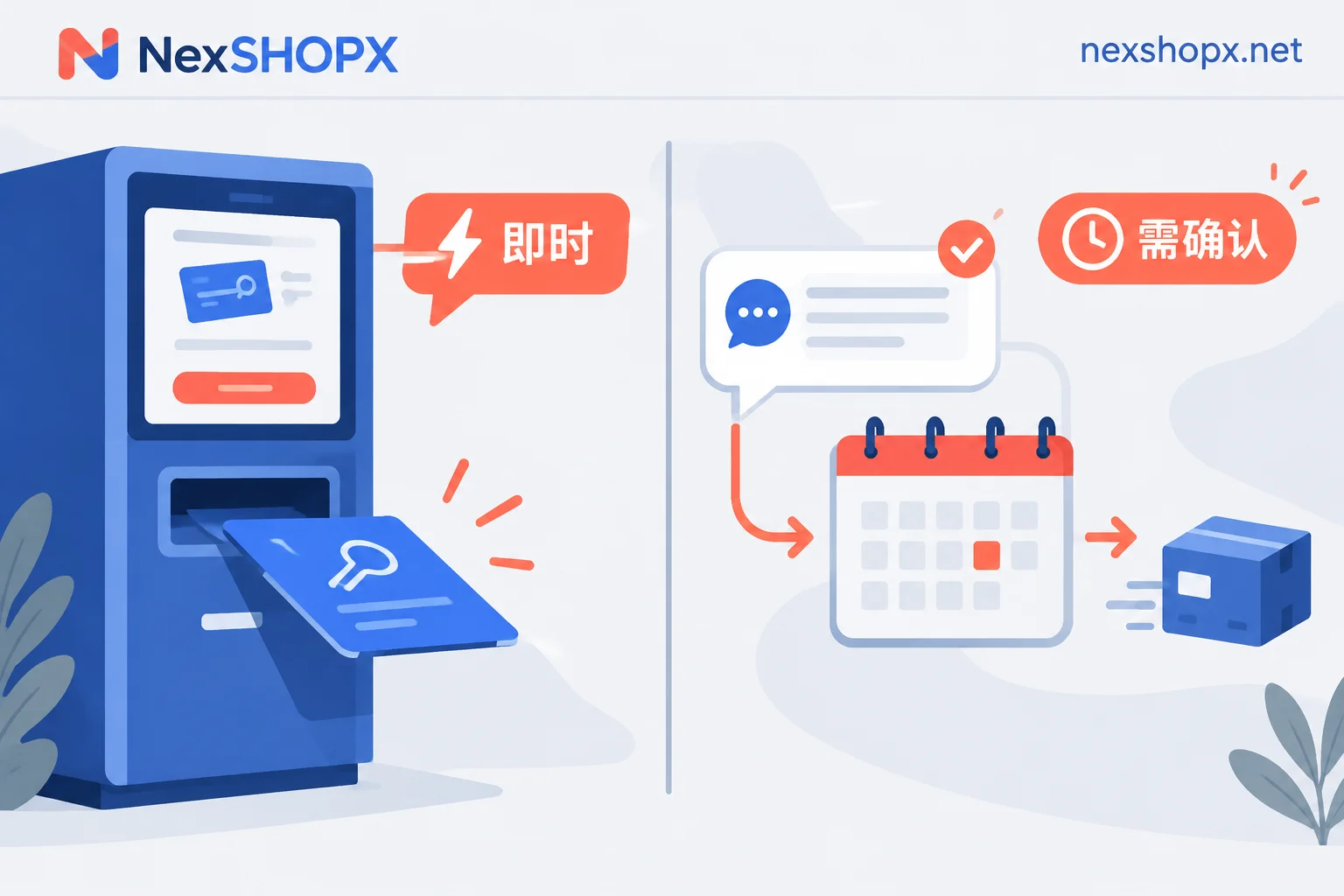
On platforms with location-based risk controls and two-factor authentication, receiving only an account and password usually does not count as complete delivery. This article explains the standard delivery contents, pre-purchase questions, and post-receipt verification order for email accounts, aged social media accounts and unblocked accounts, exclusive AI accounts, and membership recharge services.
What Are 2FA and Recovery Email on Accounts For, and What Happens Without Them
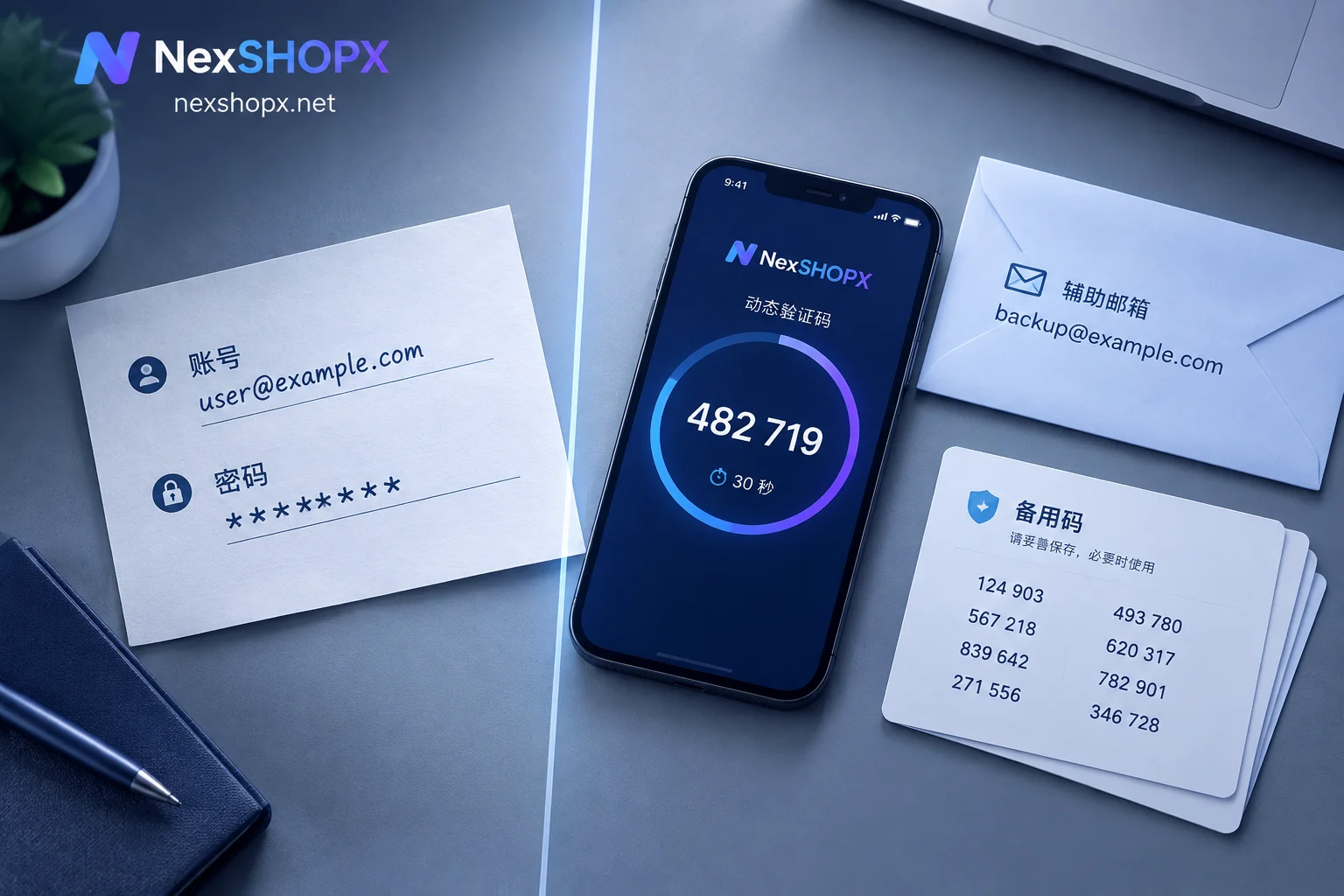
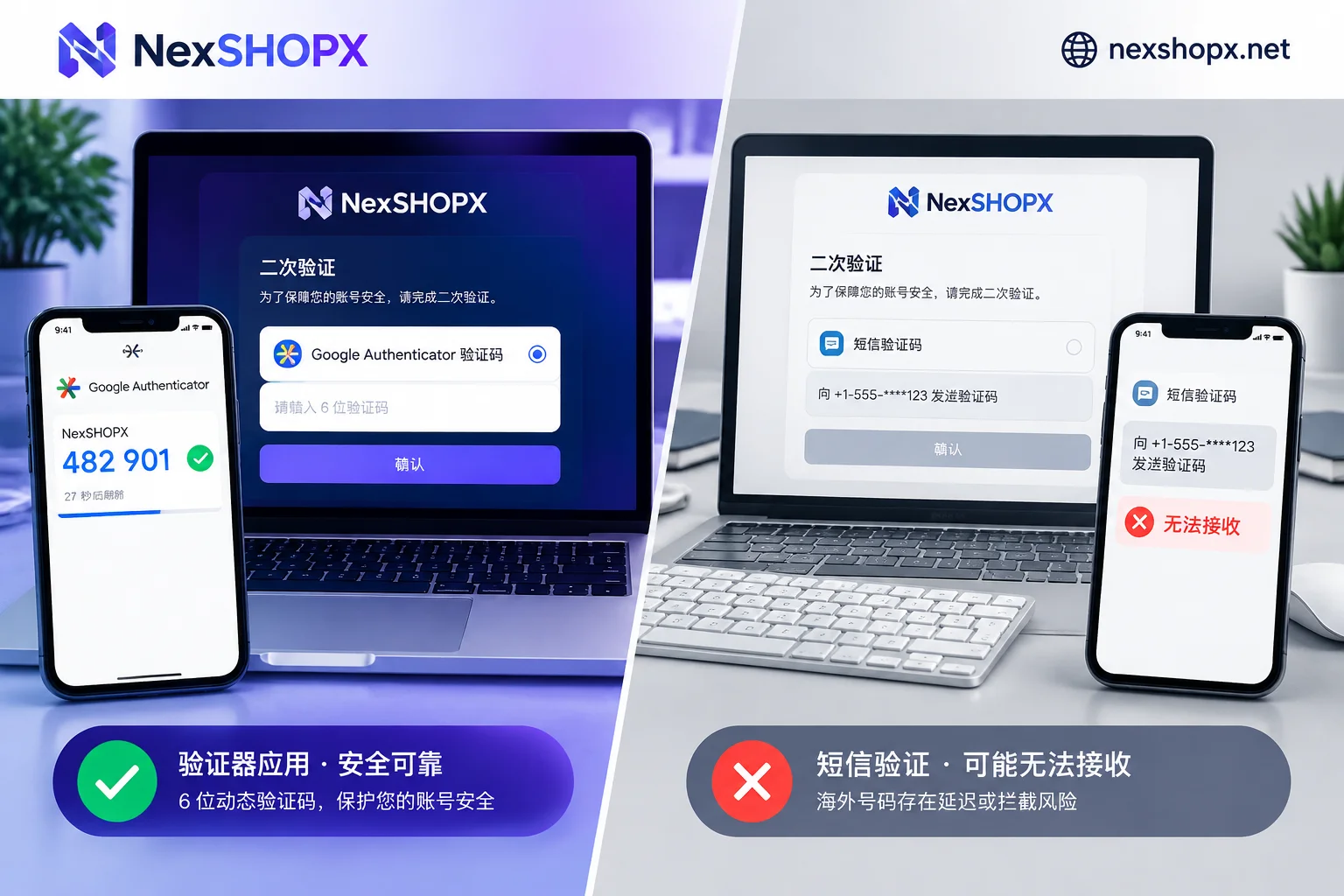
When buying overseas platform accounts, 2FA and recovery email determine whether first login from a different location can pass verification: with 2FA, you can pass 2FA locally via a code generator without the original phone SMS; recovery email is the core credential for identity confirmation and account recovery on platforms like Google. Accounts without these two items are highly likely to get stuck on unreceivable SMS verification or old-device confirmation prompts during off-site login, leading to immediate abandonment with no appeal channel.
Account Purchase Checklist: From Selection to First Login
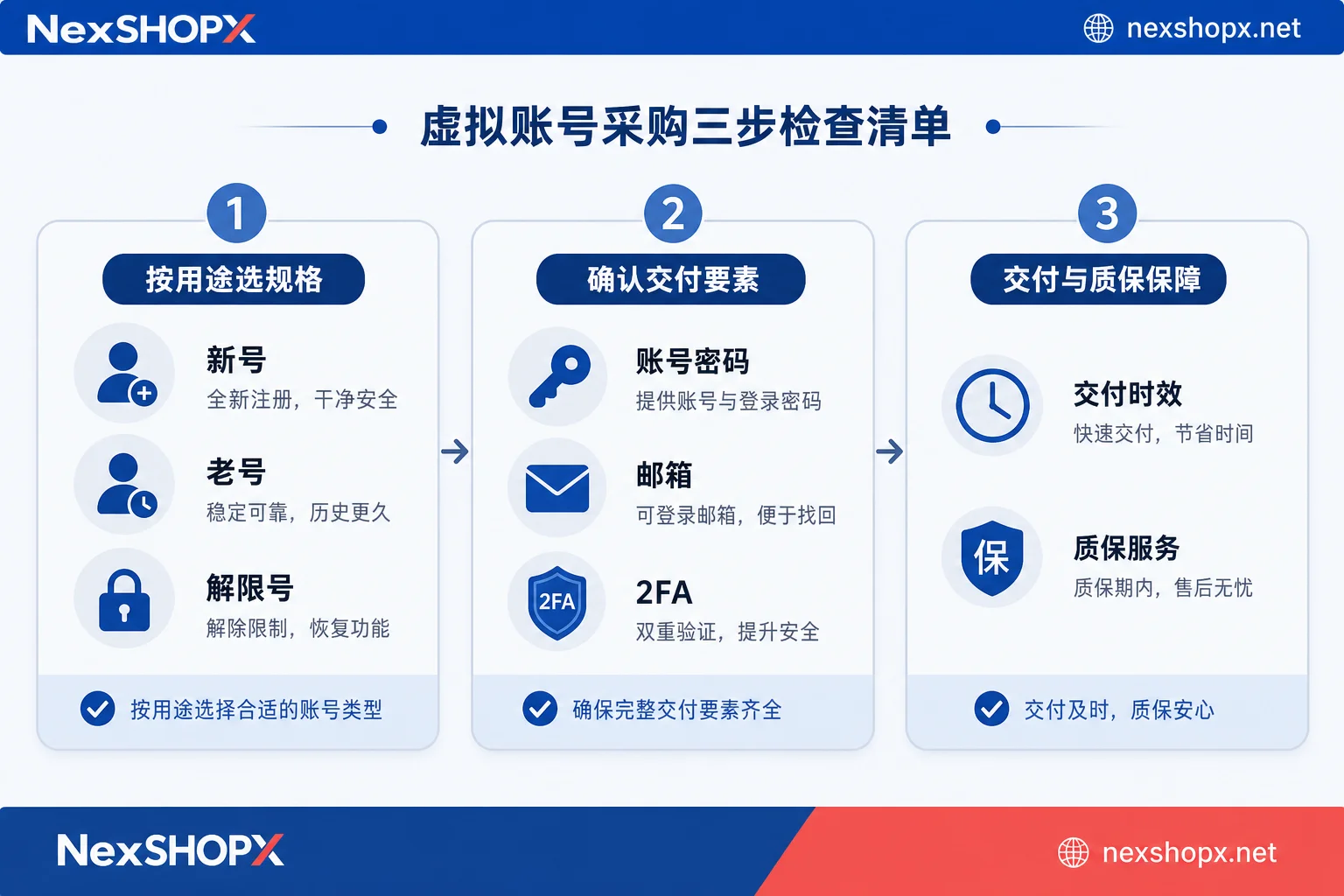
Before purchasing virtual accounts or membership services, match the account type to your use case, verify credentials (password, backup email, 2FA key), understand each platform's two-factor verification, and complete acceptance testing within the first-login window. During the warranty period, never change security info; memberships must be activated on your own account.