 NexSHOPX-官方新闻
Why Am I Told I Can't Log In With a Password? Five Scenarios Based on Where the Prompt Appears
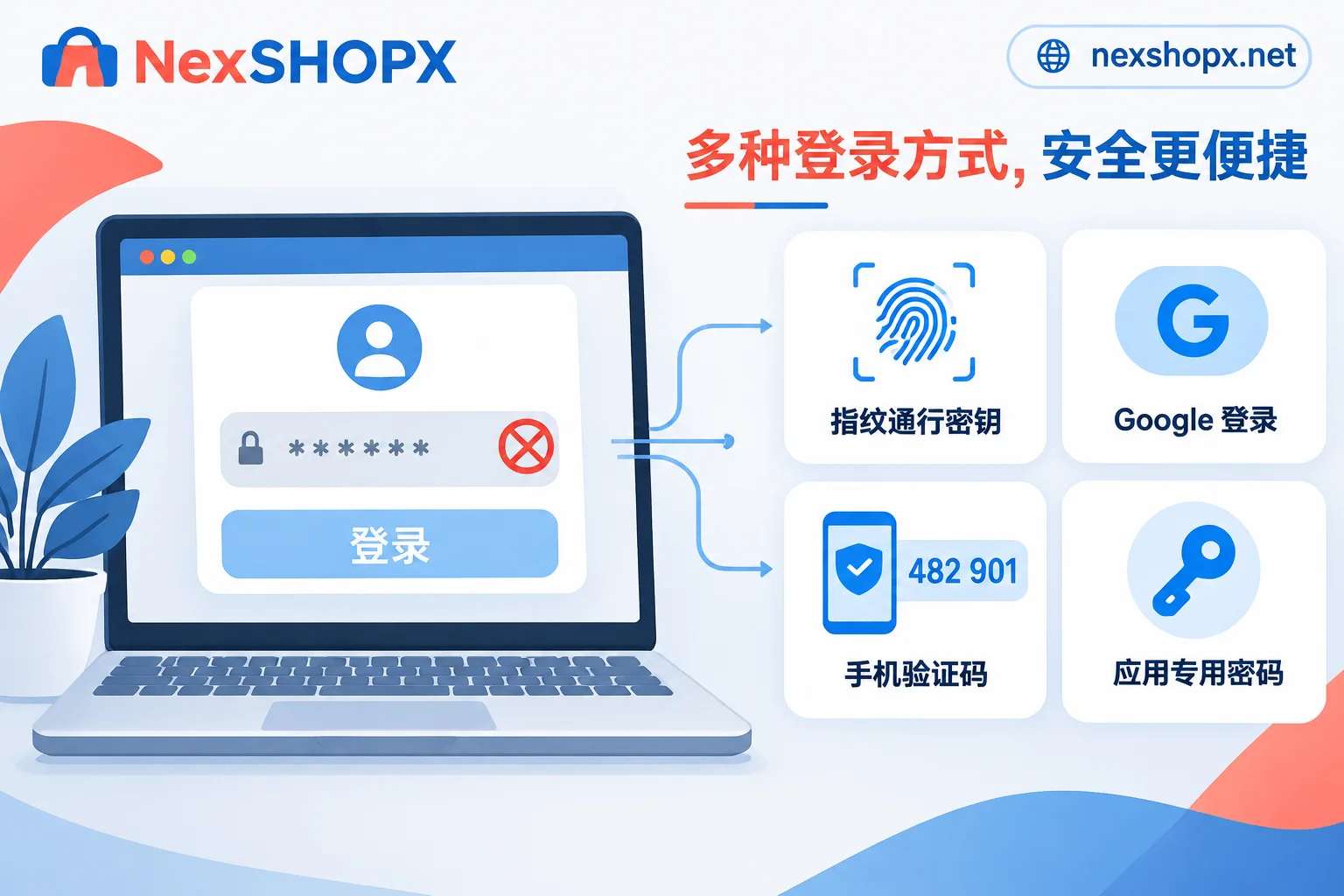
The message "cannot log in with a password" usually means the platform no longer accepts password-only authentication; it may be due to passkeys or passwordless accounts, third-party login, email clients not accepting primary passwords, security verification in a new environment, or newly purchased accounts requiring 2FA keys for initial login.
Is Passkey More Secure Than an Authenticator? Configuration Decisions Based on Account Ownership and Login Environment
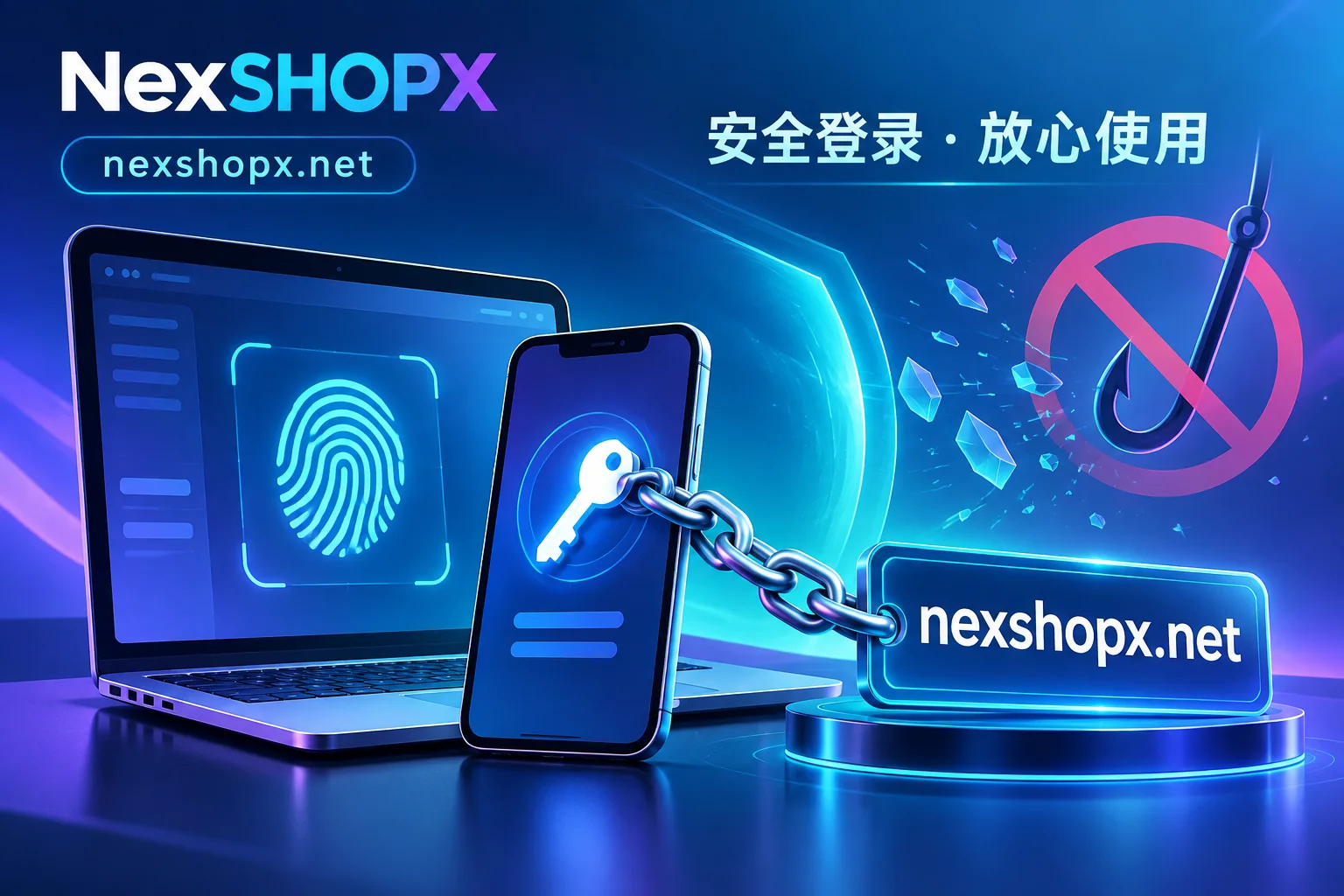
Passkeys are clearly more secure than TOTP authenticators in terms of anti-phishing and post-server-breach consequences, but authenticator secrets can be migrated across devices and fingerprint environments, making them more practical for bulk business accounts and team handovers. This article explains where the difference lies, which scenario calls for which, and the recovery channels to supplement after binding strong authentication.

Can Passkeys Be Transferred to Someone Else? Don't Just Look at Whether They Can Be Exported
Passkeys cannot be directly transferred or copied to others; proper handover requires the original owner to delete old credentials and the recipient to re-enroll.
First Login for an Overseas Account: Managing Passkeys and Active Sessions
When you first log into a newly acquired overseas account, don't rush to change the password. This article explains the layered credential system, why changing your password won't revoke paired passkeys or clear sessions on old devices, and outlines strategies under Microsoft's passkey default timeline.
How to Compare Account Purchase Platforms: Six Delivery and After-Sales Criteria
Don't compare price or quantity; the key to comparing account purchase platforms lies in six verifiable criteria: credential delivery level, after-sales policy, responsibility for first login, delivery format, category fit, and compliance disclosure, especially given the Passkey trend on Telegram, Microsoft, and OpenAI.