 NexSHOPX-官方新闻
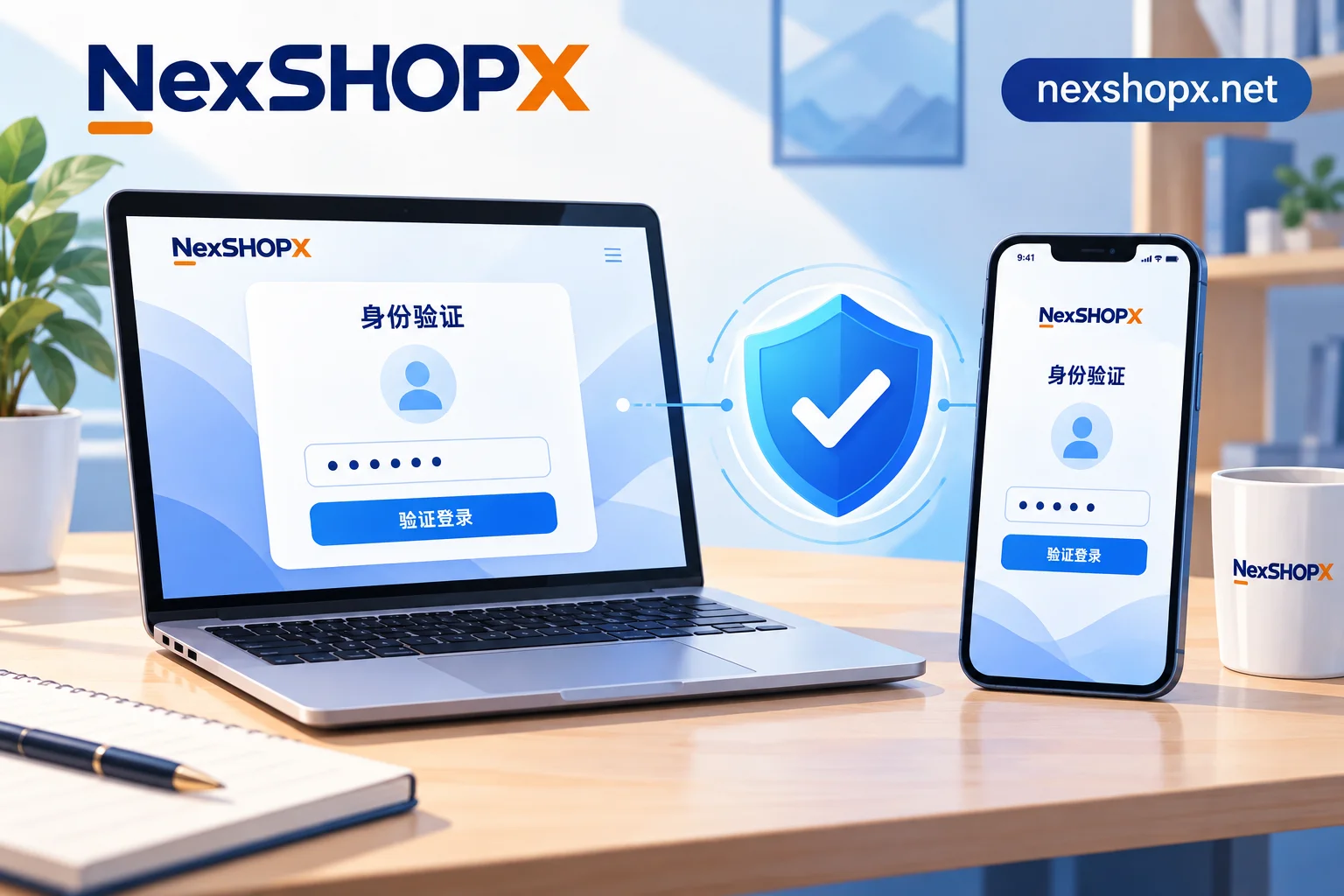
Is It Normal to Be Asked for Re-verification When Logging In from a New Device? Reasons, Documents to Prepare, and First-Login Tips
Being asked to re-verify when logging in from a new device, browser, or network is normal risk control. This article explains what changes trigger it, what verification materials Google and Meta may require, when to be concerned, why you shouldn't rush to change security info after verification, and what delivery documents to check before first login on purchased accounts.
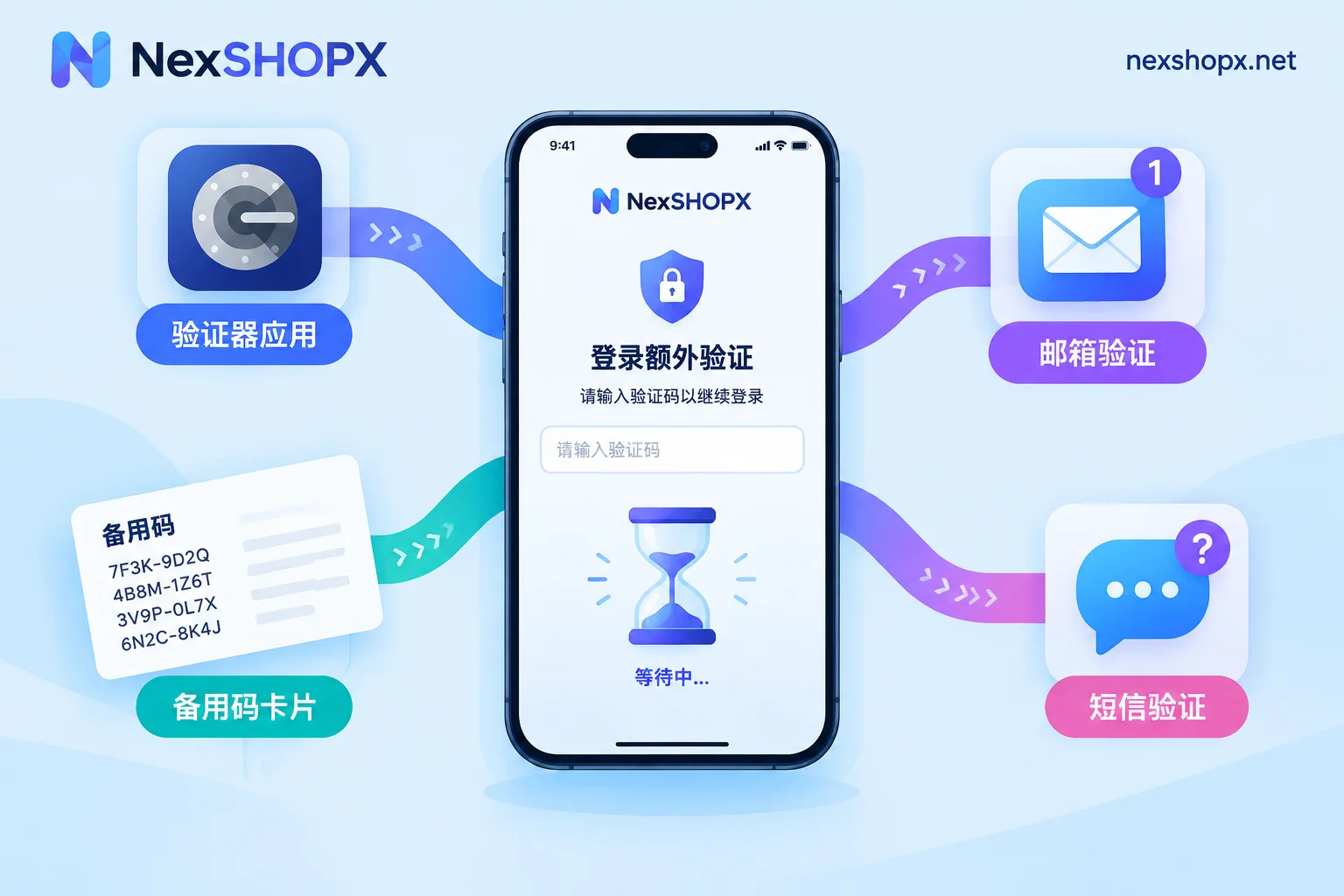
Extra Verification at Login but No Code Received? First Determine Which Code Is Required, Then Handle Four Scenarios
When extra verification appears at login and the code never arrives, the issue is usually not that the code wasn't sent, but that the verification channel wasn't identified correctly: a TOTP secret was mistaken for an SMS code, 'Try another way' wasn't used, or the recovery email was delayed or blocked. This article provides troubleshooting steps for four scenarios—authenticator codes, backup codes, recovery email, and mandatory SMS—and explains what materials to keep when a purchased account hits an unavoidable verification during the first-login window and after-sales support is needed.
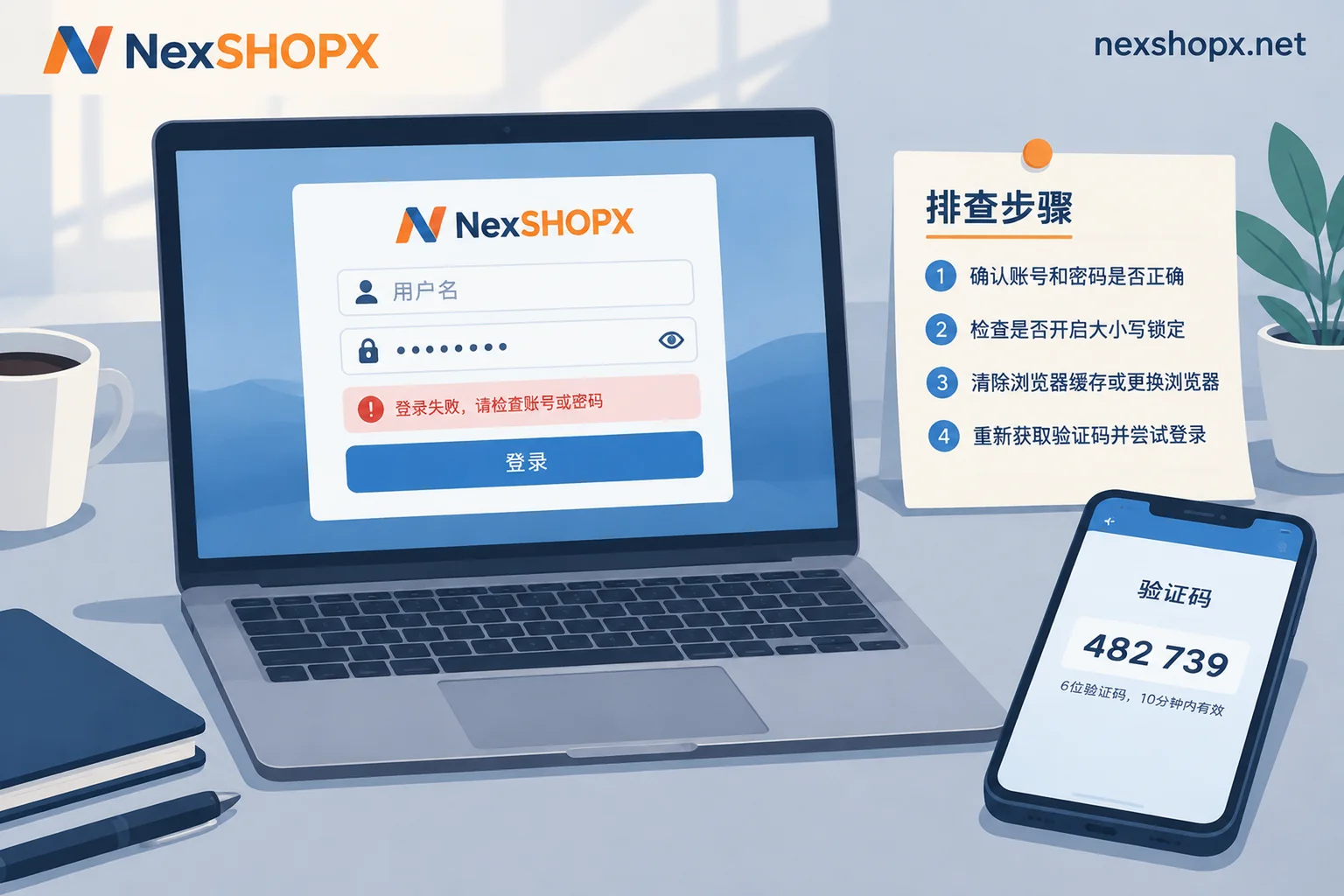
Password Correct but Login Keeps Failing? Check These 5 Causes, and How to Handle First Login for Newly Purchased Accounts
When your password is confirmed correct but login fails, it is usually not the password itself but hidden characters, temporary lockouts from repeated retries, platform extra verification, app-specific passwords for email clients, or app cache issues. This article provides a troubleshooting sequence and explains how to verify newly purchased accounts on first login using delivery credentials, and what information to keep before contacting support.
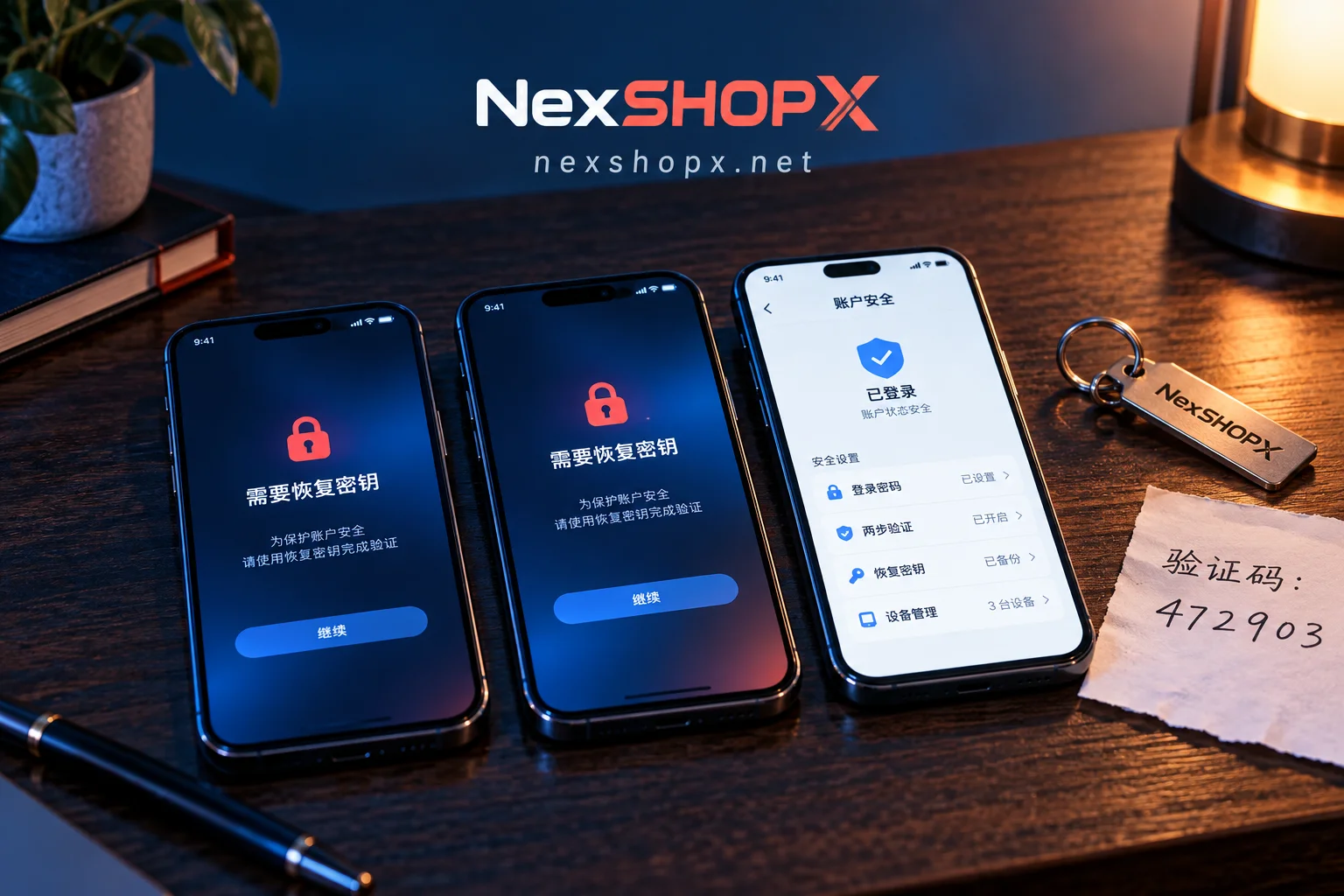
Lost Your Recovery Key? Can You Still Recover Your Account? First, Count Your Remaining Verification Channels
Whether you can recover your account after losing your recovery key depends not on the key itself but on whether it was your last remaining verification channel.
Is Passkey More Secure Than an Authenticator? Configuration Decisions Based on Account Ownership and Login Environment
Passkeys are clearly more secure than TOTP authenticators in terms of anti-phishing and post-server-breach consequences, but authenticator secrets can be migrated across devices and fingerprint environments, making them more practical for bulk business accounts and team handovers. This article explains where the difference lies, which scenario calls for which, and the recovery channels to supplement after binding strong authentication.