 NexSHOPX-官方新闻
Recovery depends not on whether you lost your recovery key, but on whether it was your last remaining verification channel. As long as you still have a trusted device that remains logged in, or a linked phone, backup email, or authenticator that still works, your account can generally be saved. But once you forget your password, have signed out of all devices, and the recovery key is the only credential left, Apple and Microsoft accounts become permanently locked—even official support has no way to reset them for you. Google accounts offer an appeal-based recovery path, but success is not guaranteed.
First, identify which type of "recovery key" you lost
Same name, different things—the two forms are handled completely differently:
- Single long-string master key: Apple's 28-character recovery key and Microsoft's 25-character recovery code fall into this category. It is not a daily login credential but a "last resort when all other methods fail." The platform has no process for support to reset it on your behalf; if lost, you can only rely on other verified methods to keep going.
- One-time emergency verification code: Google's 8-digit backup codes fall into this category, usually generated as a set, with old ones invalidated when new ones are generated. It is just one optional two-step verification method; as long as other channels remain, you can regenerate it, and losing it usually doesn't affect login.
The order can also be reversed: first count how many live verification channels you still have, then decide whether to worry about this key. The same logic applies to other platforms—check their own help pages for specific rules, and don't apply one product's rules to another.
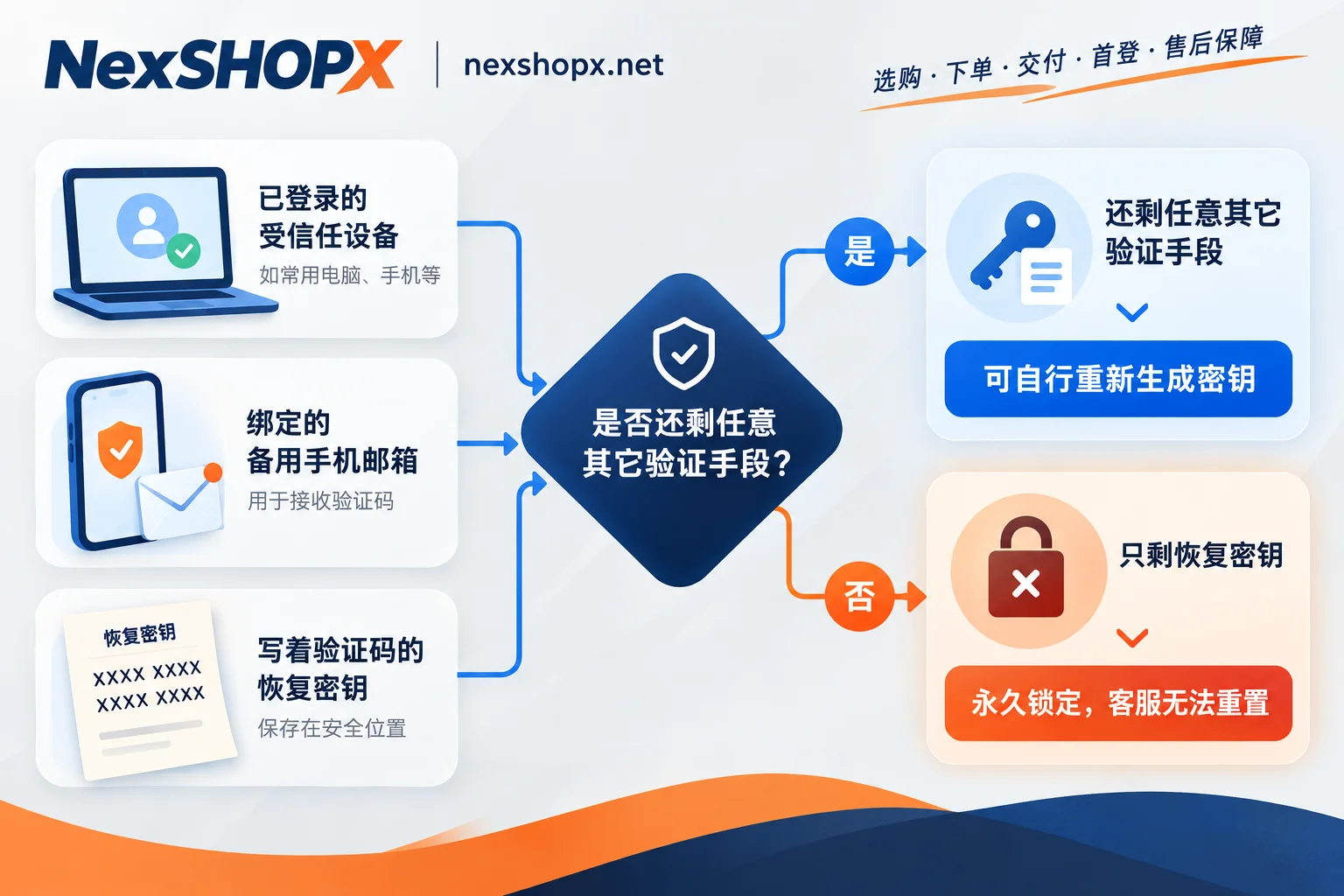
Apple Account: Can be replaced in settings, otherwise permanently locked
- If you can still access account settings on a logged-in trusted device, you can generate a new recovery key to replace the old one, and the old key becomes invalid immediately.
- Once a recovery key is enabled, Apple's standard "account recovery" process is forcibly disabled. That means if you forget your password, have no available trusted device, and haven't set a recovery contact, these three together result in permanent account lock—support will neither tell you the key nor help reset your password.
- After enabling Advanced Data Protection for iCloud, you must choose between a recovery key and a recovery contact. If neither is set and all devices are lost, the end-to-end encrypted data will be inaccessible along with the account.
Microsoft Account: If the recovery code is lost, support is also closed off
- Microsoft's rules are fairly straightforward: once two-step verification is enabled, the account cannot be recovered through human support or the regular "account recovery form." The 25-character recovery code is the final credential when all verification methods fail.
- The good news is that as long as you can still log in via a valid method or are in a trusted state, you can generate a new 25-character recovery code at any time in the security dashboard (advanced security options), and the old code becomes invalid immediately. So don't just save the previous one after generating—that's like invalidating your only key.
- If the recovery code is lost and neither the backup email nor backup phone can receive verification messages, the account cannot be recovered.
Google Account: Backup codes are just an option; appeal only when all channels are lost
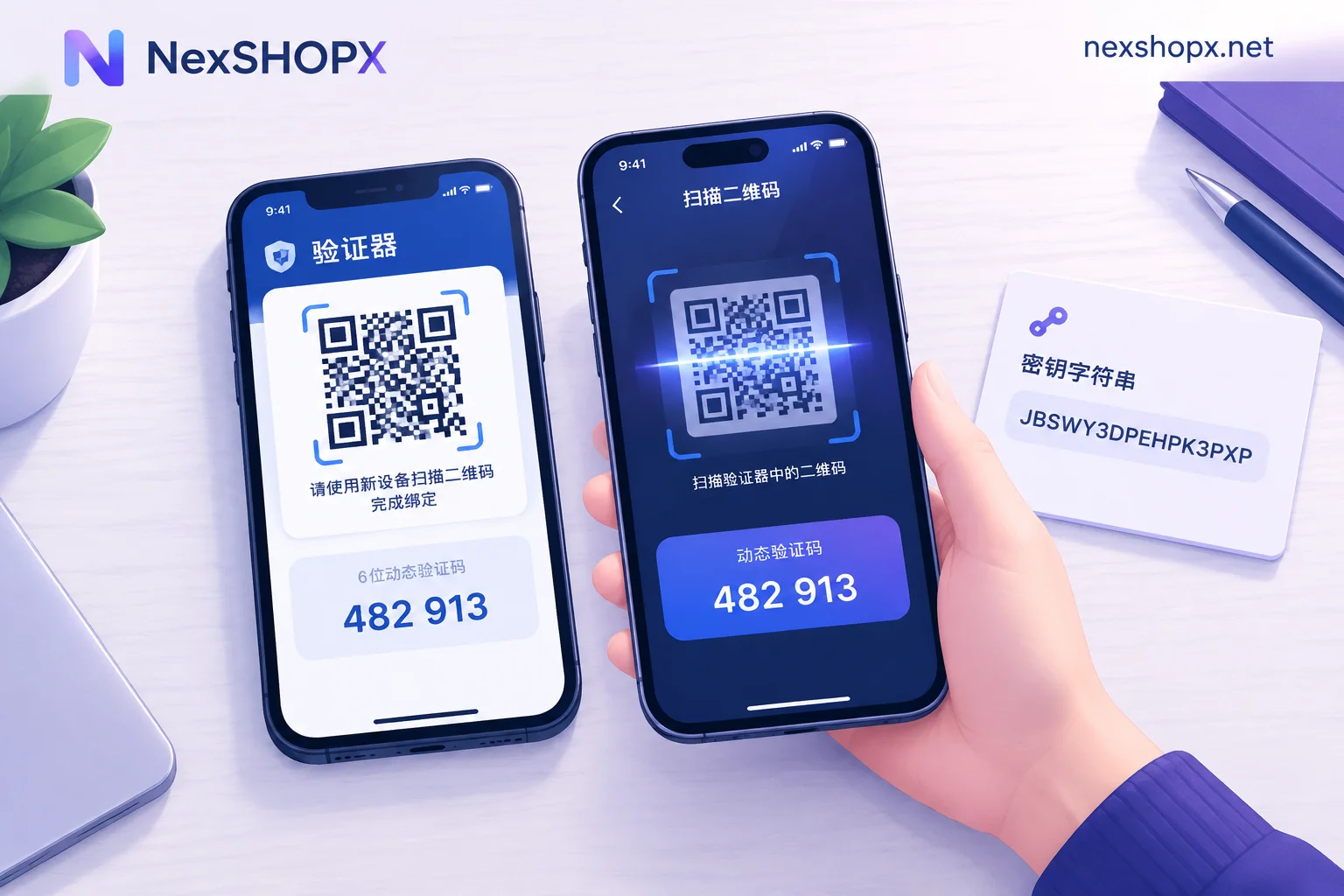
- Losing backup codes generally doesn't affect login. As long as any of the linked security phone number, recovery email, authenticator with cloud sync, or login prompts on trusted devices remains, you can log in normally and regenerate a set of backup codes in security settings.
- Only when all two-step verification methods are lost do you need to go through the official account recovery page and submit information as prompted to prove the account belongs to you; success is not guaranteed.
- If you have joined the Advanced Protection Program without a backup security key, the recovery threshold becomes so high it's nearly impossible to recover.
Three questions to determine if you can still be saved
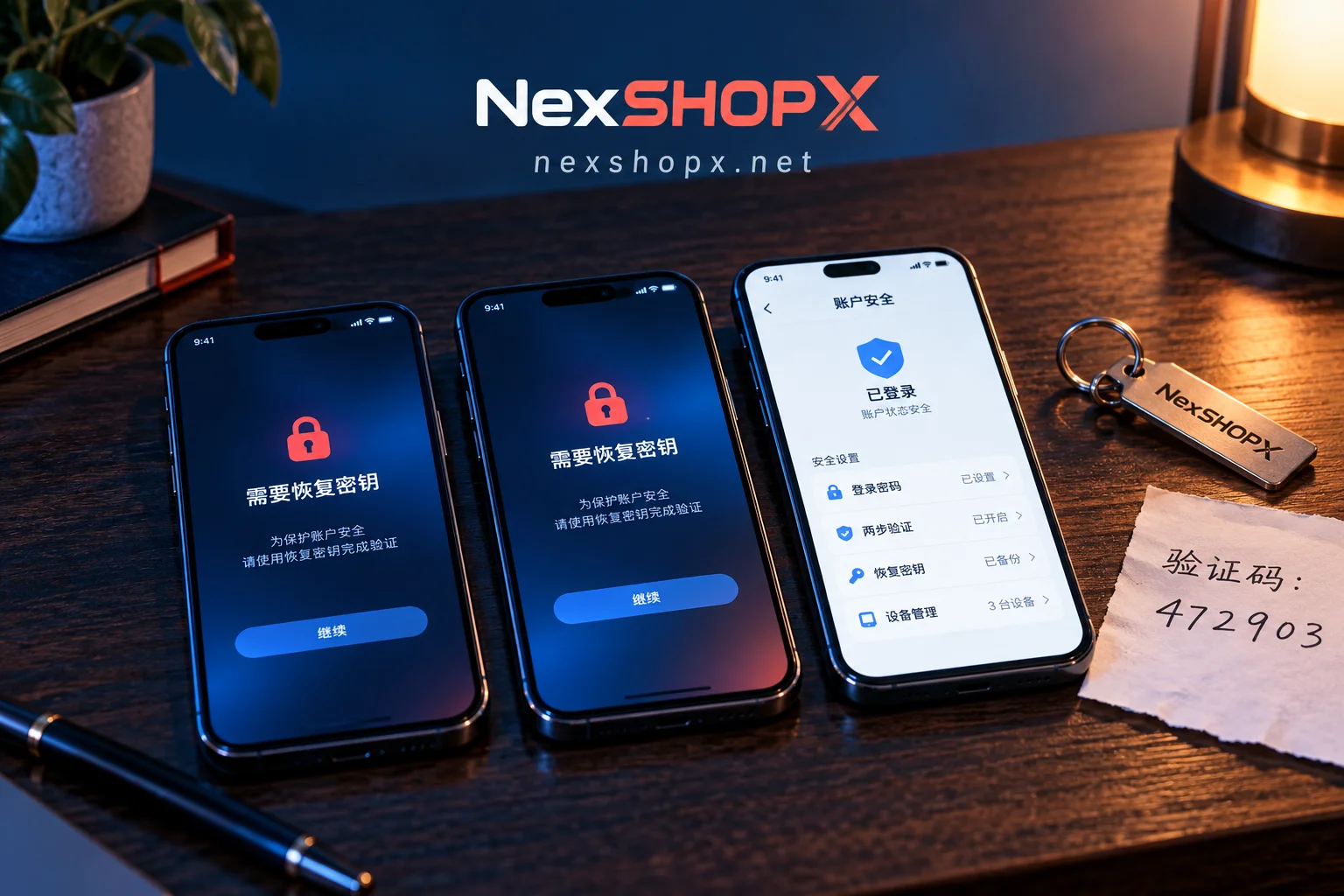
When the system prompts "recovery key required," confirm these three things first:
- Do you still have a trusted device that remains logged in? If so, handle it there first—don't rush to sign out, don't erase the device or factory reset—that's your last usable channel.
- Can you still receive verification codes on the phone number and backup email linked to the account? If so, complete two-step verification first, then add a new key and new backup codes.
- Have you set a recovery contact, or do you have another account that can pass verification and confirm your identity?
If all three are negative, basically only the official appeal path remains, and it offers a "possibility," not a promise.
Purchased accounts: first fill in "how to recover later"
Platform rules apply to everyone: sellers, support, and proxies cannot bypass the above restrictions. What they can do at the delivery stage is clearly explain the recovery entry points and accompanying materials, and what you need to do at first login is to get them into your own hands.
- Items worth verifying at first login: whether the email and phone linked to the account belong to the seller or can be transferred; whether the recovery key or backup verification codes are provided with the product; and whether, while your verification methods are still valid, you can regenerate a set yourself to put the recovery channel under your name (for verification ideas, see "How to Confirm the Account Recovery Channel Is Yours? Check Five Types of Entry Points One by One, Then Wait Out the Buffer Period"). If a purchased account's recovery channel is still tied to the seller, you won't be able to save it yourself if login issues arise later, nor should you expect others to reset it for you.
- Warranty duration and first-login time limits are as stated on the product page, commonly requiring first login within a limited time after order; some categories prohibit changing information during the warranty period. Whether actions like changing the linked phone or email, or regenerating the recovery key, count as "changing information"—check the product page and terms first, then decide when to act, so you don't lose the warranty by trying to be safe.
- If you truly can't log in, send the order information, product page instructions, error screenshots, and steps already tried all at once, so support can determine whether it's a product issue or your environment issue (for what to prepare, see "Account Login Failure: What Information to Provide to the Seller for After-Sales Support to Explain It in One Go").
- If you're looking for a membership proxy, the situation is much simpler: activation and renewal happen on your own account, relying on your own login credentials, with no recovery key handover involved—no need to confuse it with after-sales conditions for buying accounts.
To choose accounts or memberships by purpose, you can start with NexSHOPX's four category entry points—email and platform accounts, social media accounts (including aged and unlocked accounts), AI accounts and membership proxies, and memberships and streaming subscriptions are all on the category page; once specifications are confirmed, go directly to the store to order self-service, with in-stock items shipped automatically and pre-order items delivered after support confirmation. Warranty and first-login time limits are on the product page; terms and warranty rules are here.


Comments(0)