 NexSHOPX-官方新闻
Conclusion First: Only 6 Locations Really Matter for Telegram Account Security Settings
Telegram account security settings are not about ticking dozens of switches one by one; there are only 6 locations that truly matter: Active Sessions, Authorized Devices & Login Methods, Two-Step Verification Password, Recovery Email, Passkey, and Privacy & Login Alerts. The order of operations matters more than the quantity, the correct order is to first establish your own verification methods, then clear others' sessions, otherwise you might lock yourself out. In December 2025, Telegram officially launched native Passkey, allowing login credentials to be stored encrypted on local devices, which also changed the criteria for "who can log in." Below, we explain what to look for in each location and what constitutes it being effective.
Location 1: Active Sessions – Check How Many Devices Are Online First, Then Decide When to Terminate
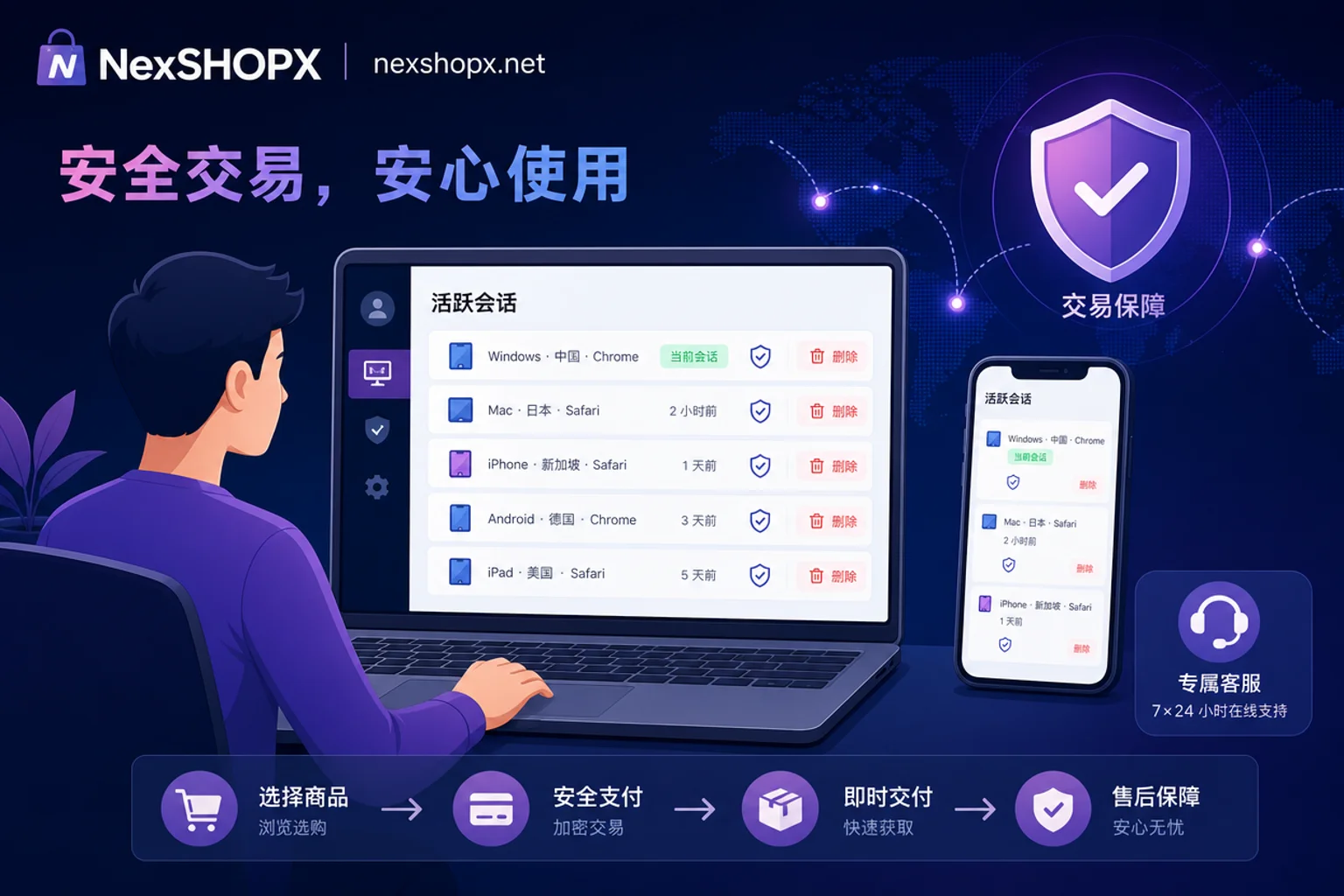
In Settings, find the "Active Sessions" interface, which displays all logged-in devices' models, IP addresses, and last active times in real-time. You need to check this first to answer "How to view logged-in devices on Telegram" – this list is what you look at. If you see unfamiliar device models, IPs from other regions, or times you don't remember using your phone, those sessions need to be cleared. Note: Don't rush to terminate all sessions at this step. If you clear all sessions before confirming you can stably receive verification codes and have control over the two-step verification password, you might lock yourself out. So this step is just to "look," and the termination action should be performed later after completing two-step verification and recovery email confirmation.
"What counts as effective" for Active Sessions: The list only contains devices you recognize and are currently using.
Location 2: Authorized Devices & Login Methods – What Other Entrances Besides SMS Codes Can Access Your Account
There are multiple entrances to your Telegram account: phone number + SMS code, cloud two-step verification password, and local device Passkey. "Receiving SMS codes" does not equal having control, because SIM card hijacking, number recycling, or someone else holding the two-step password or local Passkey can all be parallel entrances. Ask yourself for each possible entrance: who currently holds it?
Also, to answer "What if I don't receive the Telegram login verification code": First check if you can receive codes on other already logged-in devices (as displayed in the app), then check network and SMS interception settings, and if necessary, use Passkey or two-step verification password as an alternative login method. The specific path depends on what is displayed in the app.
Location 3: Two-Step Verification Password – What Happens After Setting, Changing, and Forgetting It
What if you forget your Telegram two-step verification password? The short answer: there's no shortcut. According to Telegram's official developer documentation on two-step verification, 2FA requires a custom cloud password in addition to the code or Passkey when logging in on a new device. If you've enabled 2FA but haven't bound a recovery email, or the recovery email isn't in your control, forgetting the password means you won't be able to recover login on a new device.
Correct approach: While you still have a logged-in device, set or reset to a new password that only you know, and record it immediately. No shortcuts are promised here—the official mechanism is designed to prevent others from easily recovering it.
Location 4: Recovery Email – Ensuring Ultimate Control Is in Your Hands
The recovery email is the only self-rescue channel when you lose your two-step verification password. Whoever owns it has the ultimate recovery rights to the account. You must ensure that the bound email is one you can log into long-term and that has independent protection enabled. When taking over an account, if you cannot change the recovery email to your own, it should be considered that control has not been fully transferred.
"Can I change the Telegram recovery email to my own?" Yes, you can find the two-step verification options in Settings, usually by modifying at "Recovery Email," but it requires verification via the original email or resetting the entire 2FA. The specific path depends on what is displayed in the app.
Location 5: Passkey – Private Key Stays on Local Device, Meaning Whoever Has the Device Can Log In
According to Telegram's official blog announcement, after launching native Passkey in December 2025, you can use Face ID, fingerprint, or device PIN to log in instead of SMS codes. The encrypted private key is stored independently on the local device (e.g., iCloud Keychain or Google Password Manager), located under the Passkeys section under "Privacy & Security," as displayed in the app.
To answer "How to set up Passkey for a Telegram account": First, ensure your device supports biometric authentication or a password manager, then go to the Passkeys section in Settings and follow the prompts to create it. This introduces a new criterion for "who can log in": whoever holds the device with the bound private key can bypass SMS codes. This has three implications:
- Passkey mitigates SIM card interception and SMS delay risks;
- Since the private key is tied to the device and its password manager account, "whether a Passkey remains on someone else's device" becomes a new check item in takeovers;
- If someone else's password manager syncs a usable Passkey, changing your phone number or password alone won't cut off their access.
Self-check: Create your own Passkey on your device, and confirm that credentials on non-owned devices are no longer available.

Location 6: Privacy & Login Alerts – Make Abnormal Logins Visible Immediately
Locations 1-5 solve "who can log in now," and Location 6 solves "how quickly you'll know if someone logs in later." In Telegram's privacy settings, you can configure new login notifications, periodically review session lists, and control sensitive items like who can find you by phone number and who can see your number. It's recommended to check active sessions weekly and terminate any unfamiliar devices immediately. Interface item names and locations depend on what's displayed in the app.
Correct Order: Why Change Two-Step Password First, Then Clear Sessions
The 6 locations above form the complete Telegram account security settings. Execute them in the following order to avoid locking yourself out while thoroughly clearing others:
- On an already logged-in device, inventory active sessions and devices (look only, don't act);
- Confirm you can stably receive verification codes (or receive codes on the logged-in device);
- Set or reset the two-step verification password and record it securely;
- Change the recovery email to your own and complete verification;
- Create a Passkey on your own device;
- Terminate all other sessions;
- Enable login alerts and recheck the list.
Two typical accidents from wrong order: clearing sessions first locks you out; enabling 2FA without binding recovery email makes recovery impossible.
Handover Scenarios: Which Items Can't Be Completed in Different Delivery Forms, and Where Risks Fall
Account delivery forms usually come in three types: only phone number & code, with two-step password, and with device & recovery channel. The more complete the delivery form, the easier it is to complete all 6 items.
| Delivery Form | Items You Can Complete Autonomously | Residual Risks |
|---|---|---|
| Phone number + code only | Can view active sessions and partially terminate, but lacks two-step password & recovery email | Two-step password and recovery email remain with the original owner, making final recovery rights impossible |
| With two-step password | Can reset two-step password and terminate sessions | If recovery email isn't yours, you still don't have final recovery rights |
| With device & recovery channel | Can complete all 6 items | If a Passkey remains on the other party's device, there's a risk of a parallel entrance |
When purchasing Telegram accounts on third-party platforms, such as Telegram账号购买, the delivery form determines which settings you can complete. NexSHOPX's category search, self-service ordering, fast delivery, and limited-time after-sales for login failures can reduce information asymmetry, but ultimate account security still depends on you completing the above settings and complying with Telegram's terms, local laws, and real-name/KYC requirements.
For a general method to judge delivery forms and verification channels, refer to 海外账号购买安全指南.
If you manage other platforms, you can also refer to TikTok账号安全设置 or ChatGPT账号安全设置, as the practices are similar but the entrances differ.
Self-Check List: How to Confirm the Previous Holder Can No Longer Get In
After completing the Telegram account security settings, check off each item on the list below, each with a clear "what to see for it to pass":
- Active session list only shows devices you recognize;
- Two-step verification password is newly set by you, and others don't know it;
- Recovery email is an address you can log into, and verification passed;
- A usable Passkey is created on your own device, and credentials on non-owned devices are invalid;
- Login alerts are received properly (test by logging out and back in to see if a notification arrives);
- Phone number and privacy items match expectations (e.g., "who can find me by phone number" set to contacts or nobody).
FAQ
Should I terminate all active sessions on Telegram?
It's recommended to terminate all sessions only after completing two-step verification and recovery email settings; otherwise, you might lock yourself out. After termination, only the device you're currently using will stay online; others will be forced to log out.
What if I forget my Telegram two-step verification password?
If you've bound a recovery email, you can recover it via email; if not, you won't be able to recover login on a new device. The only way is to recall the password or reset it in advance on an already logged-in device.
Can I change the Telegram recovery email to my own?
Yes, but you need to verify the current email or complete two-step verification on a logged-in device first. The specific path is in the two-step verification settings. If the original email is unavailable and the two-step password is also forgotten, official mechanisms won't allow recovery on a new device; you must reset it in advance on a logged-in device. The specific path depends on what's displayed in the app.
How do I set up Passkey for a Telegram account?
Go to Settings > Privacy & Security > Passkeys, and follow the prompts to create it using Face ID or fingerprint. The prerequisite is that your device supports biometrics and hasn't disabled the password manager.
What if I don't receive the Telegram login verification code?
First check phone signal and SMS interception, then try viewing the code on already logged-in devices (as displayed in the app). If you still don't receive it, consider using Passkey or two-step verification password to log in.
If you need to confirm the verification channels included in a specific type of Telegram account, you can check the descriptions on the relevant NexSHOPX page or consult customer service first.



Comments(0)