 NexSHOPX-官方新闻
The first thing to verify before purchasing overseas accounts for your business isn't the price—it's whether the account's current verification method and recovery options can be fully transferred to your company. Many businesses bulk-purchasing overseas accounts consider price, quantity, and first-login success rate as the only pre-order factors, overlooking the most critical one: the ownership of verification methods. In fact, the first due diligence step in business overseas account procurement isn't price but the ownership of verification methods. Especially now that Microsoft has announced Passkey as the default, and Google Workspace is enforcing admin 2-Step Verification (2SV), this criterion has become a hard requirement. This article, based on official Microsoft and Google policies, presents a 5-point due diligence checklist that you can go through item by item before ordering, helping procurement leads avoid losing control after delivery rather than scrambling when login issues arise.
Criterion 1: How is the Account Currently Verified? SMS Channels Are Losing Value
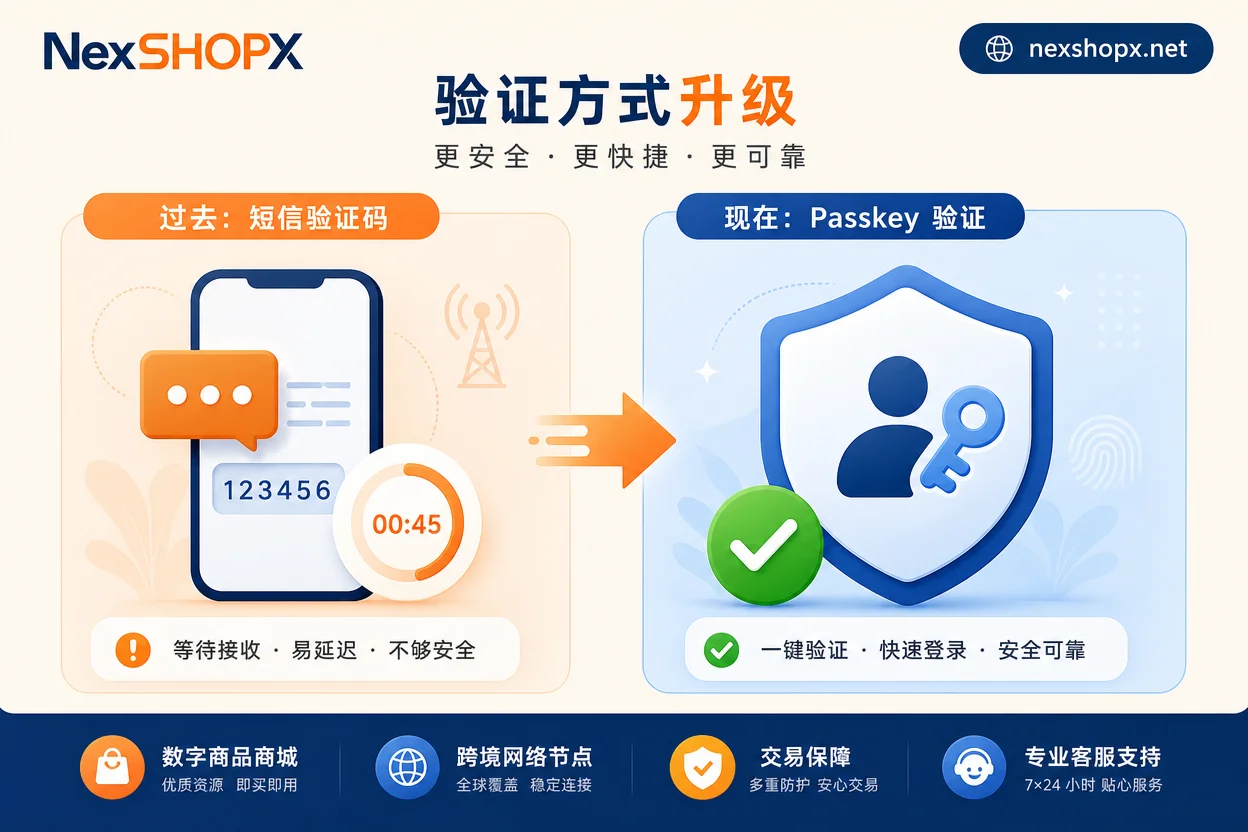
Account verification methods broadly fall into three categories: SMS/voice verification codes, authenticator apps (TOTP dynamic codes), and Passkey/FIDO2 hardware credentials. In Microsoft's official announcement, starting September 1, 2026, Passkey becomes the default identity verification experience for Microsoft Entra ID and Microsoft accounts. Users with SMS or voice MFA enabled will be automatically prompted to register a Passkey; by February 1, 2027, SMS and voice MFA delivery provided natively by Microsoft will be fully retired, and users without phishing-resistant credentials will be blocked and forced to register a Passkey. (Source: Microsoft Learn, "Passkeys by default and retirement of Microsoft-provided SMS and voice authentication," updated 2026-08-10)
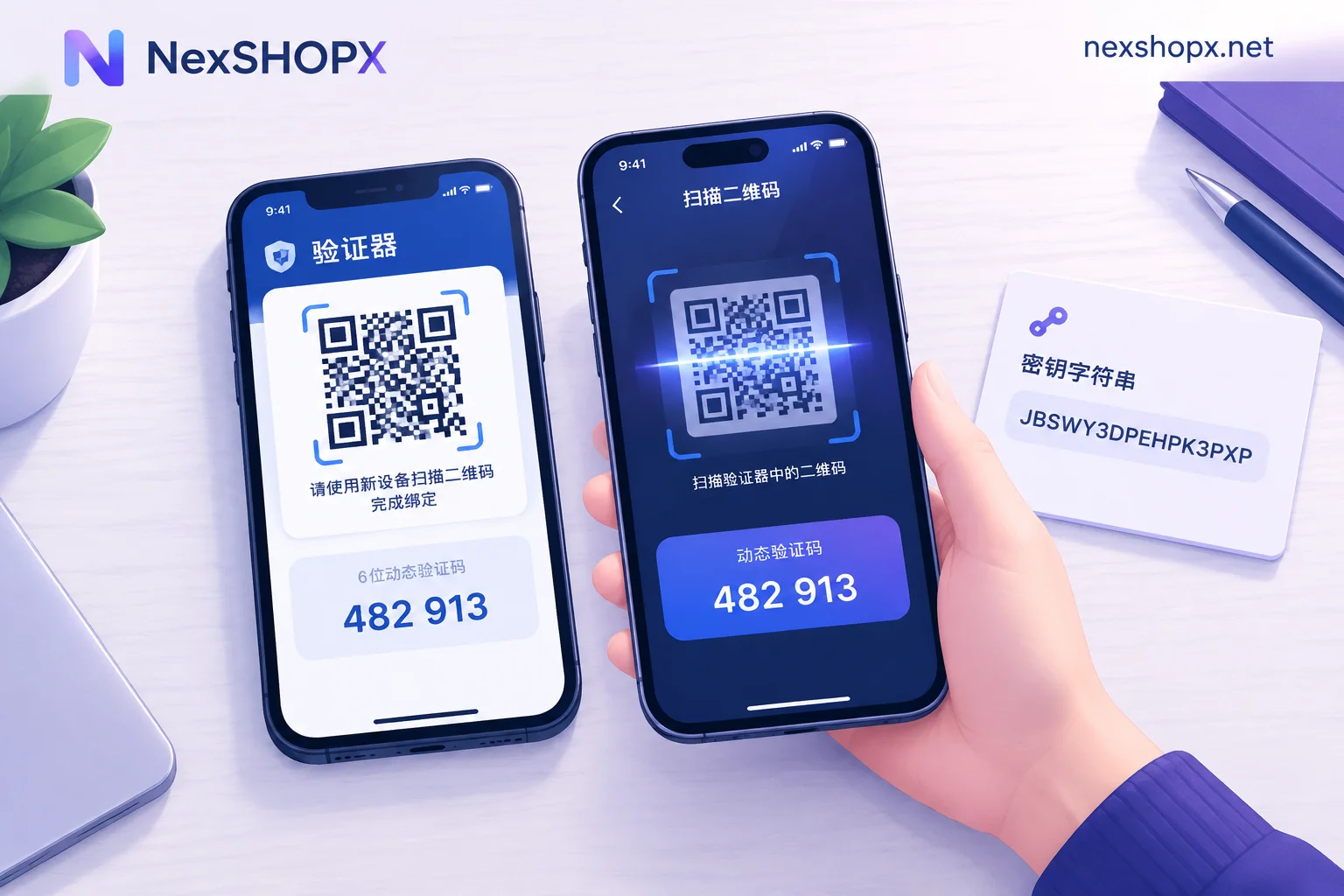
Therefore, when purchasing Microsoft-branded accounts like Outlook or Microsoft 365, refer to Outlook Account Purchase Guide for specific verification points. If the seller only promises "verification code reception" or "SMS code forwarding," the value of this delivery format is rapidly depreciating. Suppliers must clarify: Does the account have Passkey or authenticator credentials configured? Can these credentials be transferred with the account? If the supplier says, "You can configure it yourself after login," ask whether the seller's registered Passkey/authenticator credentials have been removed—old credentials not removed mean control hasn't been transferred. Of course, if your business purchases fully verified enterprise accounts, the platform usually provides an admin self-configuration portal, but that doesn't mean the seller has already configured it on your behalf.
Criterion 2: Who Controls Admin Rights? Google Workspace's Staged Lockout Timer
For Google Workspace accounts with an admin console, admin rights ownership is more sensitive than regular user accounts. Google's official help documentation shows that Google enforces mandatory 2-Step Verification (2SV) for admin accounts: after the notice period, if admins haven't completed 2SV setup, they'll be blocked from mobile app access after 15 days, and fully blocked from web Admin console and Workspace apps after 30 days. (Source: Google Workspace Help Center, "About 2SV enforcement for admins," updated 2026-08-14)
This means that if the Google Workspace account you purchase has an admin who hasn't completed 2SV, and the second factor device (like a mobile token or backup email) is still in the seller's hands, you might lose admin console access within weeks even if you can log in at delivery. Before ordering, confirm three things: Has the admin account completed 2SV? What stage is the notice period currently in? Is the second factor device or backup verification method delivered with the account? These three points directly determine whether your business can maintain control over overseas account secondary verification.
Criterion 3: Are Backup Verification and Recovery Options Delivered Together?
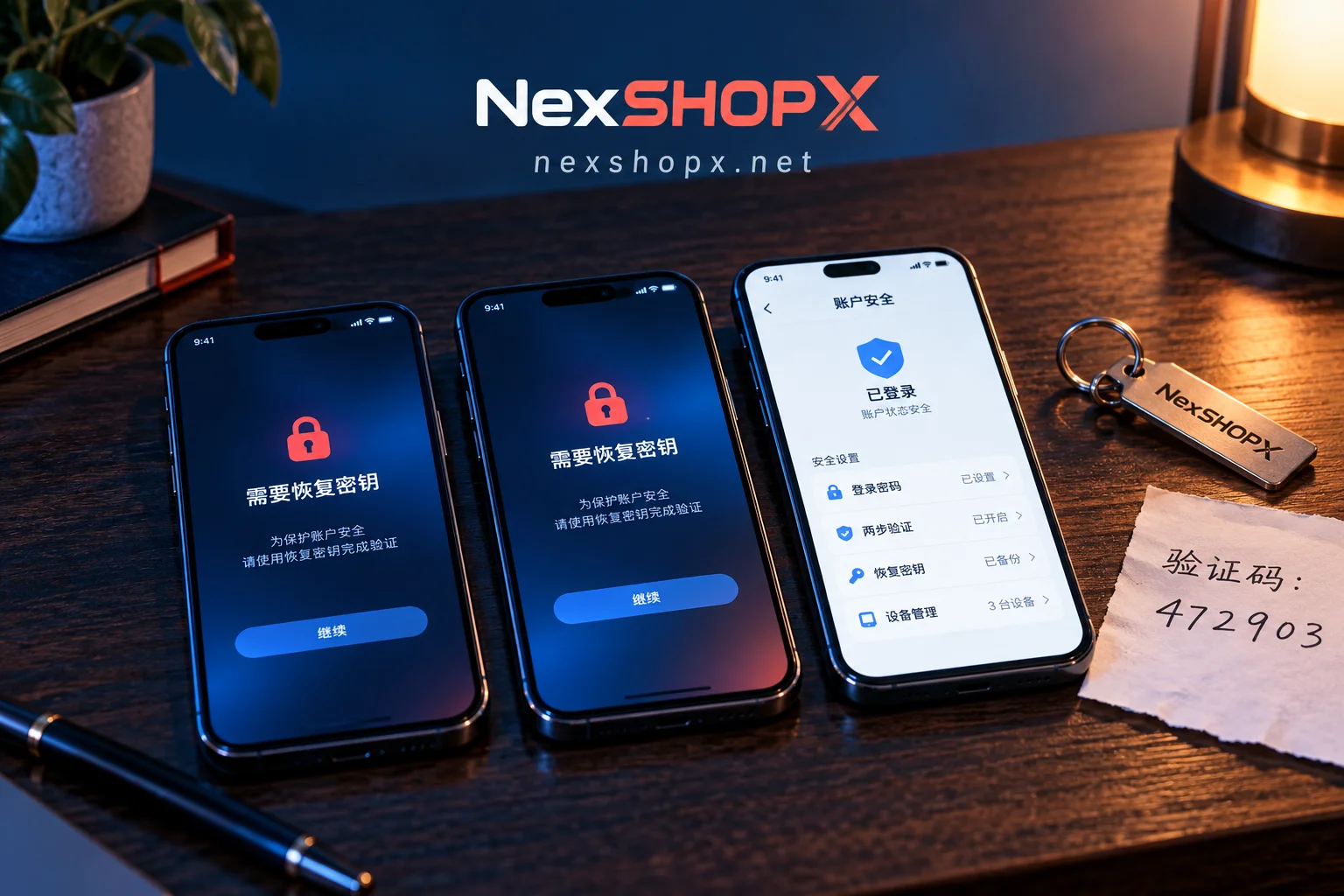
Beyond the primary verification method, the ownership of backup verification and recovery options determines where final control lies. In business overseas account purchases, you need to verify each of the following recovery surfaces are transferred:
| Recovery Surface | Questions to Confirm | Passing Criteria |
|---|---|---|
| Backup email | Was it set by the seller? Can it be changed to a company email? | Must be replaced with a company email and remove seller's email |
| Backup phone number | Is it used for verification codes or password resets? | Must be replaced with a company phone number or confirmed untied |
| Recovery codes/backup codes | Have platform-issued one-time recovery codes been exported? | Must be exported and securely stored by the company; seller retains none |
| Trusted devices | List of trusted devices recorded by the platform | Clear seller's devices and re-register company devices |
| App-specific passwords | Used for SMTP/IMAP scenarios | Should be regenerated to invalidate old passwords |
Both Microsoft and Google policies indicate that once the primary verification method is forcibly upgraded (e.g., Passkey default), the ownership of recovery options determines who ultimately controls the account. We recommend using the following question template in procurement discussions and keeping written records:
Which backup emails and phone numbers are currently bound to this account? Can they be switched to the company within 24 hours after ordering? Are recovery codes delivered with the order?
Criterion 4: Delivery Format—"Credentials Only" vs. "Full Verification Ownership Transfer"—Where Does the Risk Lie?
The delivery format determines the risk boundary. Common industry delivery formats include:
| Delivery Format | Responsibility Boundary | Use Case |
|---|---|---|
| Credentials only | Verification and recovery remain on seller's side; account can be recovered anytime | Temporary testing, short-term use, no data accumulation |
| Full verification ownership transfer | Company holds its own credentials and recovery options; complete control transfer | Long-term operation, involving customer data or brand assets |
For the first format, if the seller claims "import cookies for long-term password-free login without risk control," that's an unreliable claim because sessions and credentials are trending toward hardware binding; it shouldn't be a procurement acceptance standard. The purchase contract or communication records should specify the delivery stage, e.g., whether it includes backup email handover, recovery code export, and admin 2SV configuration.
Criterion 5: How to Set After-Sales and Evidence Windows for Bulk Business Purchases
For bulk business purchases, after-sales conditions also need to be confirmed before ordering, not after login failures. Focus on three key questions:
- Handling time for login failures: How quickly does the supplier commit to respond? Is there a distinction between "first login failure" and "later login anomaly"?
- Evidence submission requirements: Usually, you'll need to provide login time, error screenshots, IP/device environment, etc. Confirm upfront to speed up troubleshooting.
- Batch sampling and phased delivery: For large orders, does the supplier support sample verification? Can delivery be phased to reduce risk?
After-sales terms should be tied to the progress of verification method handover. For example, if the supplier commits to delivering recovery codes but doesn't, the after-sales window should start from the completion of handover, not from the first login. This prevents suppliers from shirking responsibility by saying "you can log in already." For standard delivery practices, refer to Overseas Account Delivery Process.
Pre-Order Checklist for Business Overseas Account Purchases
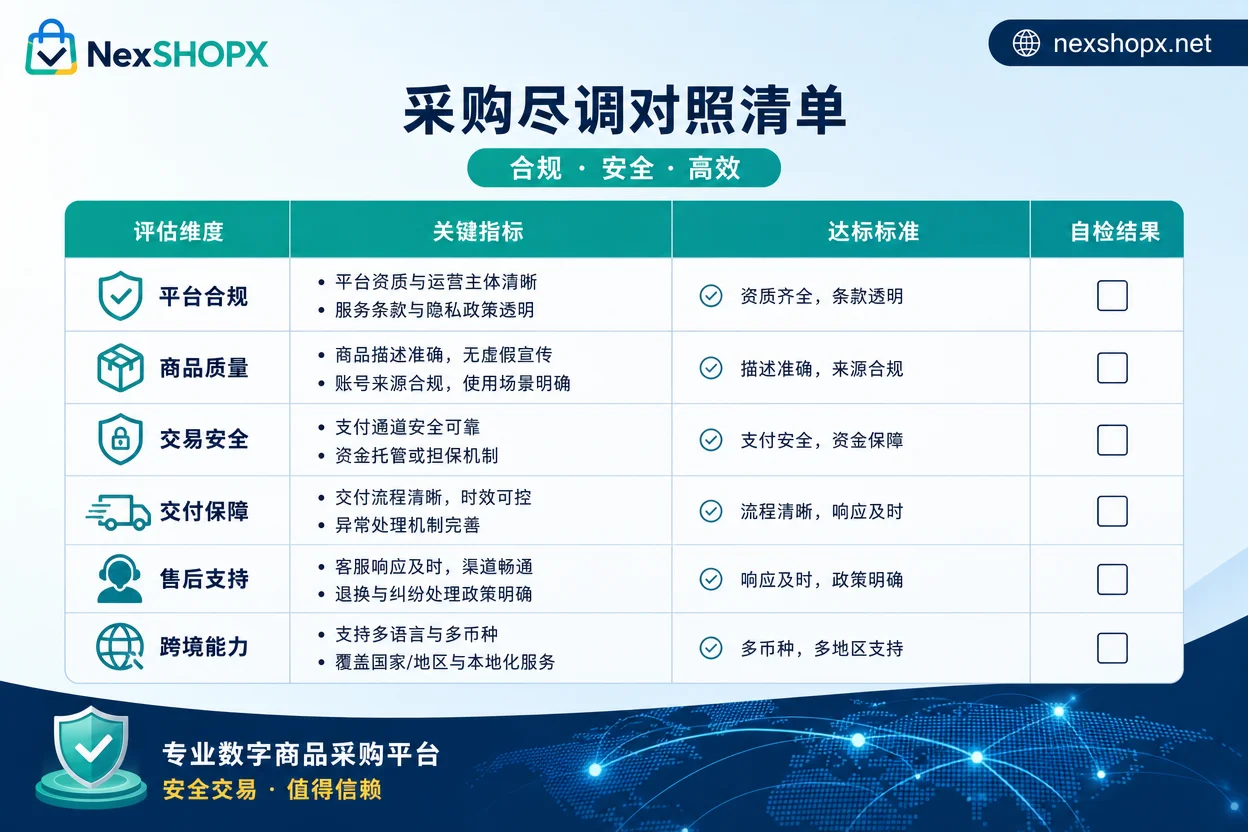
Here's the five criteria as a pre-order checklist, with "passing criteria" and "signals to pause the order":
| Criterion | Passing Criteria | Signals to Pause Order |
|---|---|---|
| 1. Verification channel type | Passkey/Authenticator configured or transferable with account | Only SMS code reception offered, no other verification method |
| 2. Admin rights & 2SV status | Admin has completed 2SV; second factor device delivered with account | Admin 2SV not configured; notice period started |
| 3. Backup verification & recovery | All backup emails, phone numbers, recovery codes transferred to company | Seller refuses to change bindings or recovery codes not exported |
| 4. Delivery format & responsibility | Clearly delivered to "verification ownership transfer" stage | Only credentials provided, no verification transfer |
| 5. After-sales & evidence window | After-sales window tied to delivery progress; clear response times | After-sales only covers first login or requires unreasonable evidence |
How NexSHOPX Helps in the Procurement Process—and Where Its Boundaries Lie
The policy shifts above are amplifying information asymmetry in procurement: buyers find it hard to judge verification ownership, while sellers may deliberately obscure delivery boundaries. NexSHOPX offers a search service for Instagram, Google/Gmail, Facebook, TikTok, Telegram, Threads, Apple ID, Outlook, LinkedIn, ChatGPT, etc., supporting self-service ordering on the shop, with 24/7 Telegram support. In the procurement phase, NexSHOPX can assist businesses in clarifying verification methods and delivery formats before ordering, such as confirming whether backup emails can be switched, admin 2SV status, and whether recovery codes are included.
At the same time, we must clarify boundaries: NexSHOPX doesn't promise accounts will be permanently secure or never banned, nor does it replace your company's compliance judgment. Procurement decisions should ultimately be based on your own risk tolerance and compliance requirements. For businesses needing to manage accounts in bulk, refer to Cross-Border Team Account Management for practical insights.
Compliance Reminder: Target Platform's Terms, Local Laws, and KYC/Real-Name Requirements
Business overseas account purchases must comply with the target platform's terms of service, local laws, and KYC/real-name requirements. Account procurement cannot be used to bypass platform review, bans, or identity verification. For services involving corporate registration (like Google Workspace or Microsoft 365 with admin console), complete compliant entity information and verification configuration in the company's name. Improper use may lead to permanent account bans and even legal risks for your business.
FAQ
What should businesses note when bulk purchasing overseas accounts?
The core is to confirm whether verification methods can be transferred with the account, including primary verification (Passkey/app) and recovery options (backup email, phone number, recovery codes). Microsoft and Google are tightening policies, so SMS-only accounts will quickly become invalid. Ensure you verify each item before ordering, and document agreements in the contract.
What questions should I ask sellers before purchasing overseas accounts?
At least ask 5: What is the account's current verification method? Can it be transferred? What's the admin 2SV status? Are backup emails and recovery codes delivered with the order? Is the delivery format credentials-only or full ownership transfer? Does after-sales cover login anomalies? Use a checklist email and keep records.
Is it reliable for companies to buy Google Workspace accounts?
If purchased from a legitimate channel with subscription transfer, and you confirm admin 2SV is configured and recovery options belong to your company, it's feasible. But if the seller only provides a ready-made account without verification transfer cooperation, risks are high. Before ordering, verify the admin status and request screenshots from the seller.
What if a company's purchased overseas account doesn't receive SMS codes?
Require the supplier to cooperate in changing the bound phone number or switch to Authenticator/recovery codes. If not possible, handle per the after-sales terms agreed before ordering (see Criterion 5). Don't accept delivery as complete just because "you can log in."
How do I verify the account's verification methods during purchase?
Go to the account's security settings after login, check bound backup email, phone number, registered devices, and recovery code export status. Also confirm admin 2SV is completed. Ask the seller for real-time screenshots or a video verification.


Comments(0)