 NexSHOPX-官方新闻
Before rushing to appeal, first open the platform's notice or inbox message and categorize the current status into one of four types: "Banned, Restricted, Throttled, Blocked"—most social media account ban reasons are not actually a ban, but one of these states, each with a completely different resolution path.
TikTok Shop's official policy updates from June-July 2026 (the Creator Eligibility Policy and seller identity verification requirements) and Google Workspace's August 2026 release of escalating two-step verification restrictions for admins reveal two high-frequency trigger points at the qualification and credential layers, respectively. Below, we break down the six-layer trigger framework for easy self-checking.
First, distinguish the four states: Banned, Restricted, Throttled, Blocked
When you break down the reasons for social media account bans, they actually correspond to four states: Banned, Restricted, Throttled, and Blocked, each with a completely different resolution path.
Banned: The account is permanently or temporarily suspended, usually accompanied by a clear violation notice.
Restricted: The account can still log in, but some features (such as posting, live streaming, or linking a shop) are unavailable, often due to unmet qualification or identity requirements.
Throttled: Content reach is suppressed, but the account itself can operate normally, often because the content or behavior has been flagged by the system.
Blocked: Access is temporarily cut off, and you must complete verification or migrate credentials to restore access, such as an admin not having configured two-step verification.
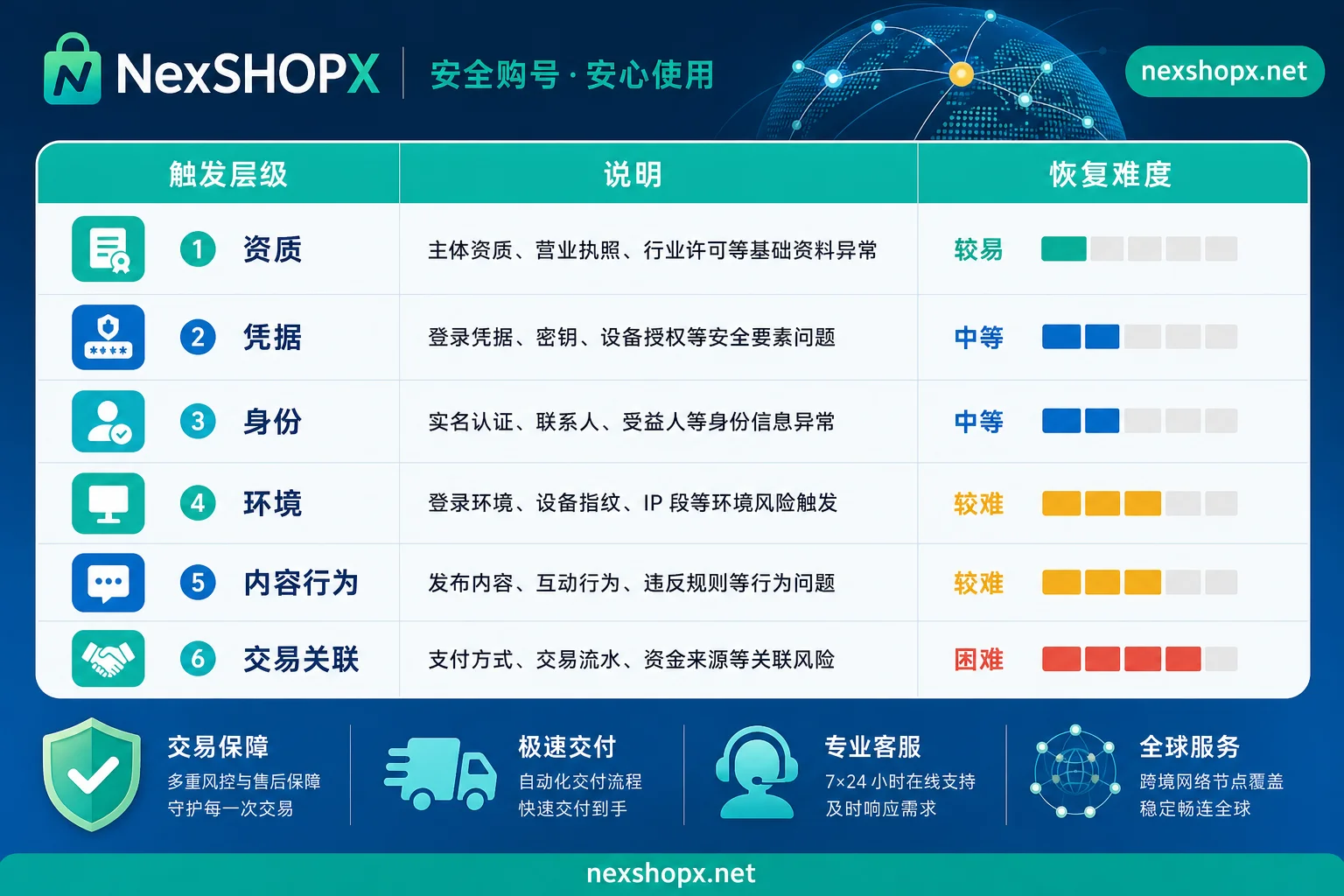
Overview of the six trigger layers:
| Layer | Typical Scenario | Recovery Difficulty |
|---|---|---|
| Qualification | TikTok creator qualification not approved | Must submit materials as per platform process |
| Credentials | Admin hasn't enabled two-step verification | Can recover after completing verification |
| Identity | Legal person ID or facial verification fails | Must resubmit genuine materials |
| Environment | Login from different location or device change | Usually recoverable via verification |
| Content & Behavior | High posting frequency or bulk interactions | Generally can appeal or wait for automatic lift |
| Transaction & Association | Payment or binding relationship anomalies | Must remove associations and self-check |
Trigger Point 1 – Qualification Layer: Creator Tiering and Seller Real-Name Requirements Not Met, Account Can Log In but Lacks Commercial Permissions
TikTok Shop's Creator Eligibility Policy (Seller Center Help documentation, July 2026 version) categorizes creator accounts into Official, Marketing, and Affiliate tiers, each requiring compliance qualification review. If you log in and find you can't link a shop or enable affiliate permissions, it's likely that your qualifications haven't met the threshold—this is a qualification-layer trigger, not a violation ban.
A common scenario is when the account subject is a business account but the creator type doesn't match the intended use. For example, a marketing creator wanting to switch to affiliate sales must first meet the corresponding qualification criteria.
In such cases, first verify whether the account classification aligns with your operational goals, then log in to TikTok Shop Seller Center and check the qualification and compliance notices for specifics on why it was rejected. This type of issue cannot be bypassed; you must supplement materials as per platform requirements. If you want to verify account type and use case compatibility before purchase, refer to the use description in TikTok account purchase.
Trigger Point 2 – Credential Layer: Escalating Block After Mandatory 2SV Expiry—Why This Isn't a Violation Ban
Google Workspace's admin 2SV enforcement page (August 2026 version) states that admins who fail to configure 2SV within the designated period will lose access to mobile apps after 15 days and web apps after 30 days. This is a typical credential-layer block—not a violation, but an incomplete security action.
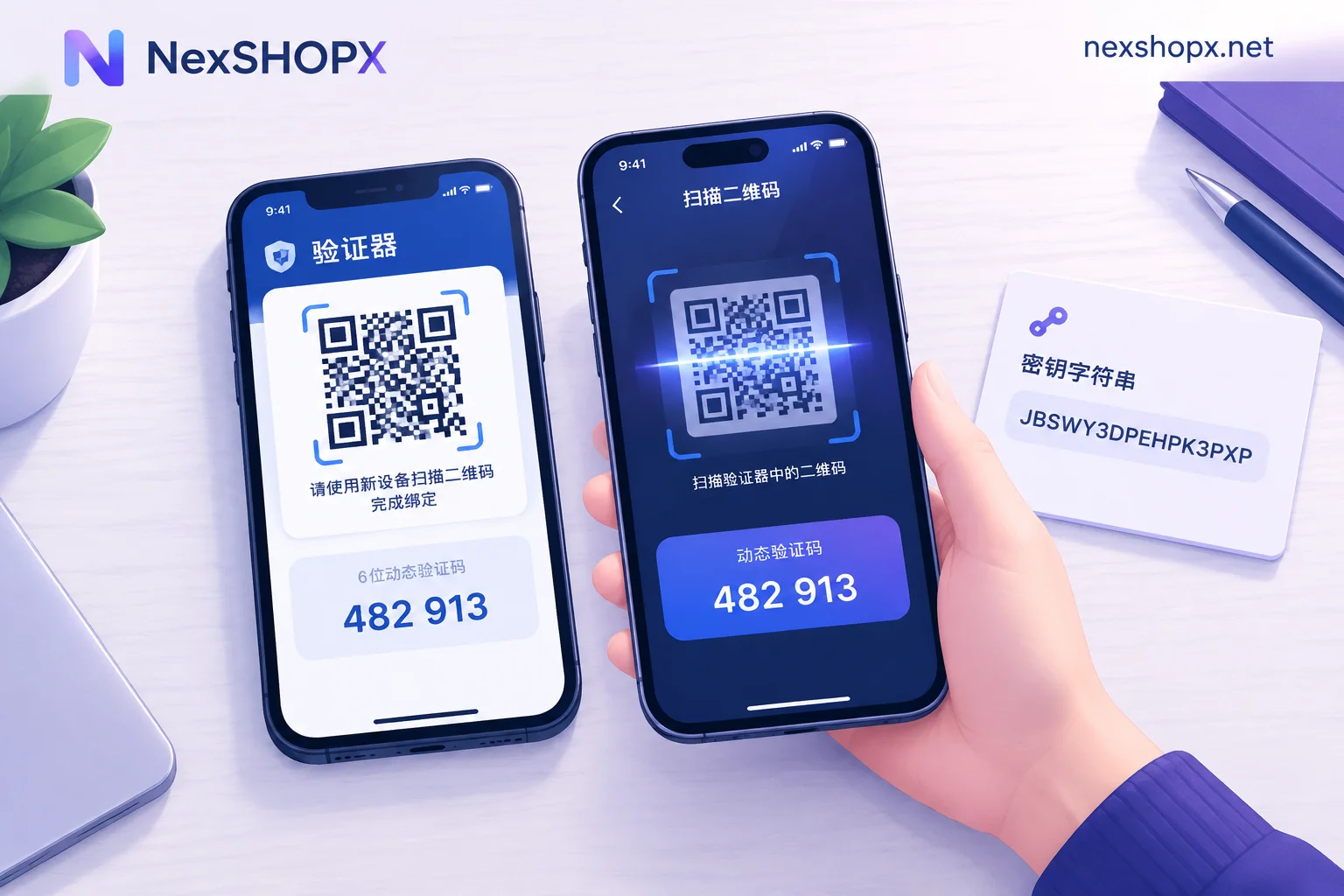
Concurrently, Google Credential Provider for Windows (GCPW) now supports FIDO2 hardware keys and nearby Bluetooth-enabled Passkeys as second factors, meaning when you hand over an account, you can migrate the hardware key or Passkey to your own possession, avoiding being locked out due to missing credentials.
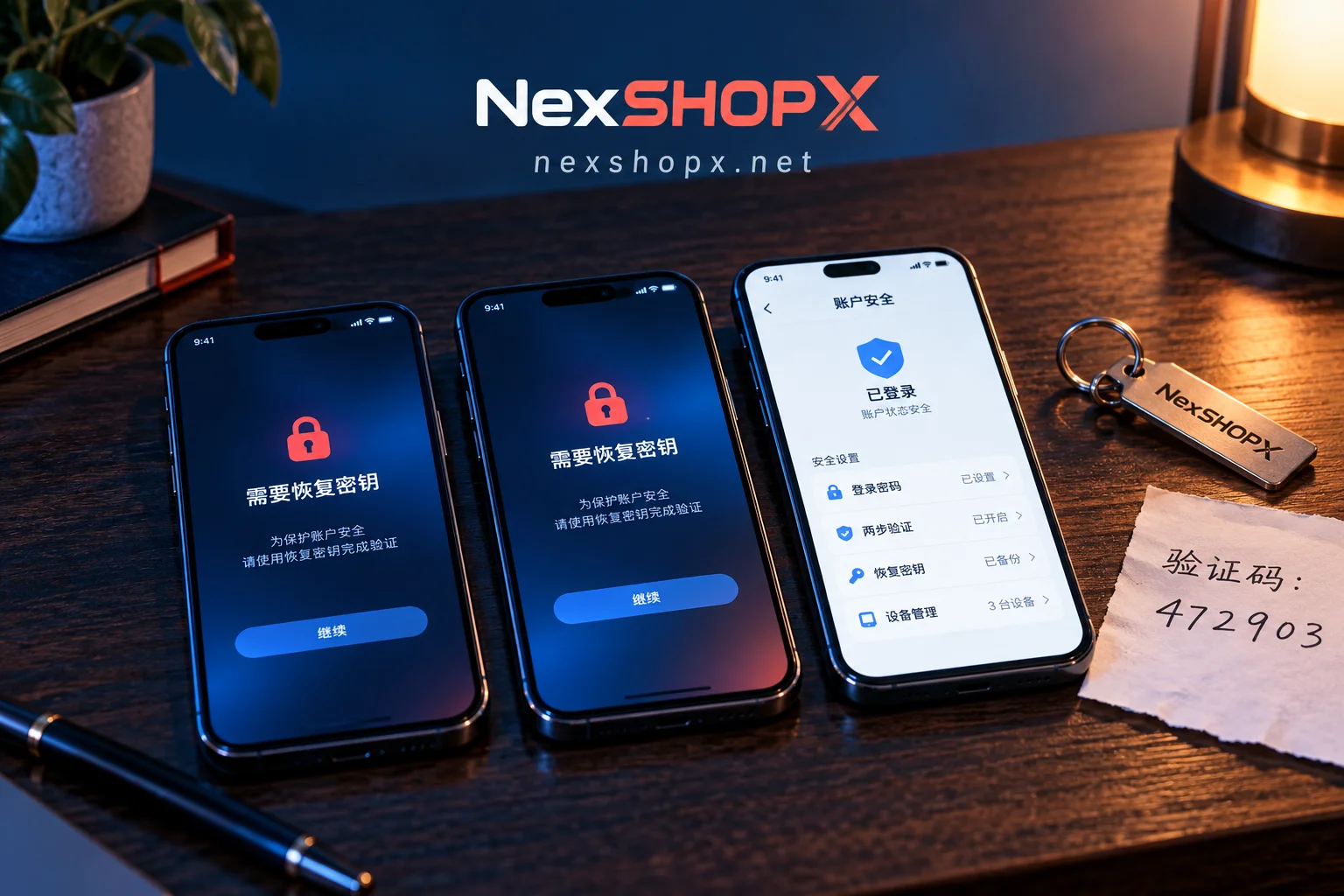
If you encounter an admin account block, first check whether two-step verification is enabled; if not, complete it and bind recovery methods as prompted, and access usually restores.
Trigger Point 3 – Identity Layer: Document Consistency and Facial Verification Failures
TikTok Shop's seller identity verification requirements (Policy Center, June 2026 version) mandate that legal person ID documents match business license information, and may include third-party facial verification, with biometric data retained for up to 72 hours for fraud prevention.
Identity-layer triggers manifest as rejection after submission or messages like "Identity verification failed" despite being able to log in. Such issues cannot be bypassed by third parties; you must resubmit with genuine, consistent materials. When ordering or taking over an account, ensure the business qualification info matches the registered entity.
Trigger Point 4 – Environment Layer: Significant Differences in Device, Network, and Account History
Abrupt login environment changes (e.g., new device, different IP, frequent network switching) often trigger temporary restrictions or secondary verification, a common risk-control practice in the industry—an experiential judgment, not an official platform clause.
For example, if you bind a newly purchased account to a fresh device on the day of delivery, you may trigger environmental risk control. A stable approach: after receiving the account, keep it on a fixed device and usual network for a few days before gradually moving to your work environment, avoiding widespread changes to login factors.
Trigger Point 5 – Content & Behavior Layer: Common Reasons for Being Able to Log In but Not Post
Excessively high posting frequency, bulk likes/comments, or duplicate content can be flagged by automated risk control as abnormal, leading to throttling or content removal. Throttling usually doesn't notify, but content reach noticeably drops; removal comes with in-app notifications.
If you confirm your content is compliant, pause high-frequency operations and observe for a day or two (this is operational experience; the platform doesn't disclose the lift period), and if needed, submit an appeal through the platform's appeal channel. Note: Platform appeal decisions are based on system results, with no guarantee of recovery.
Trigger Point 6 – Transaction & Association Layer: Consequential Restrictions from Binding Relationships
If one email, phone number, or payment account is linked to multiple accounts, or a creator account is bound to a shop with mismatched qualifications, it can lead to association restrictions. For example, if a TikTok creator account can't link to a shop, besides qualification issues, it could be that the phone number is already associated with another business account.
Resolution: Check the "Associated Accounts" list in the account backend, unbind unrelated links, and ensure payment and business backend information is consistent. Association-layer issues have broad impact and require item-by-item investigation.
Social Media Account Ban Reasons: Self-Check—Read the Notice First, Then Identify the Layer
The sequence to identify the reason for a social media account ban is: first read the original notice, then compare with the layers, and only then take action.
- Open the in-app notice or direct message, and screenshot the original text.
- Compare with the six-layer framework to determine which category applies.
- Don't blindly unbind, change passwords, or reinstall devices, as this may escalate risk.
Which You Can Recover Yourself, Which Must Follow Platform Processes, and Which Are Irreversible
| Layer | Can Self-Recover? | Recovery Path |
|---|---|---|
| Credentials | Mostly self-recoverable | Complete two-step verification, migrate Passkey |
| Environment | Usually self-recoverable | Stable login, pass verification |
| Qualification | Requires process | Submit qualification materials for review |
| Identity | Requires process | Re-do real-name authentication |
| Content & Behavior | Depends on platform decision | Appeal or wait for automatic lift |
| Transaction & Association | Needs self-check | Remove abnormal bindings |
Note: The platform has sole discretion in decisions; no third party can promise appeal success, and this article doesn't have data on appeal success rates.
Trigger Points That Can Be Avoided in Advance During the Purchase Phase: Where NexSHOPX Helps and Its Boundaries
Before placing an order, use category search on NexSHOPX to verify account use case matches the target platform's qualification thresholds, reducing qualification-layer triggers. On the day of delivery, complete delivery verification and migrate two-step verification and recovery methods to avoid credential-layer issues. If you encounter time-sensitive login issues, NexSHOPX offers after-sales assistance but doesn't guarantee against platform restrictions; the final decision rests with the platform.
If you're preparing to purchase a business account, refer to Enterprise Overseas Account Purchase for process and precautions; for login issues, see What to Do When Account Login Fails.
Compliance Reminder
Regardless of account origin, you must comply with target platform terms and local laws, especially regarding real-name authentication and KYC requirements. Never attempt to bypass facial verification or qualification reviews, as this may lead to permanent bans.
FAQ
Why was my social media account suddenly banned?
Among social media account ban reasons, sudden bans often stem from automated risk control triggered by content or behavior, or abnormal associated accounts. First check the specific reason in the in-app notification, then address it according to the corresponding layer.
The account can log in but I can't post. What's the reason?
Common reasons are unmet qualification layers (e.g., creator classification mismatch) or throttling at the content & behavior layer. Login permissions and content publishing permissions are separate.
Can an admin be restricted from accessing without two-step verification?
Yes. Google Workspace enforces escalating blocks for admins without 2SV: mobile apps stopped at 15 days, web apps at 30 days. Enabling verification restores access.
Why can't a TikTok creator account be linked to a shop?
Possible reasons include creator qualification not passing, account category mismatch, or the phone number already associated with another business account. Check qualifications and associations in Seller Center.
Can a banned account be appealed?
Whether an appeal is possible depends on the trigger layer. Qualification and identity layers require resubmitting materials; content and association layers are decided by the platform, with no guarantee of success.


Comments(0)