 NexSHOPX-官方新闻
Conclusion First: Changing Your Overseas Account Password Only Closes One Door
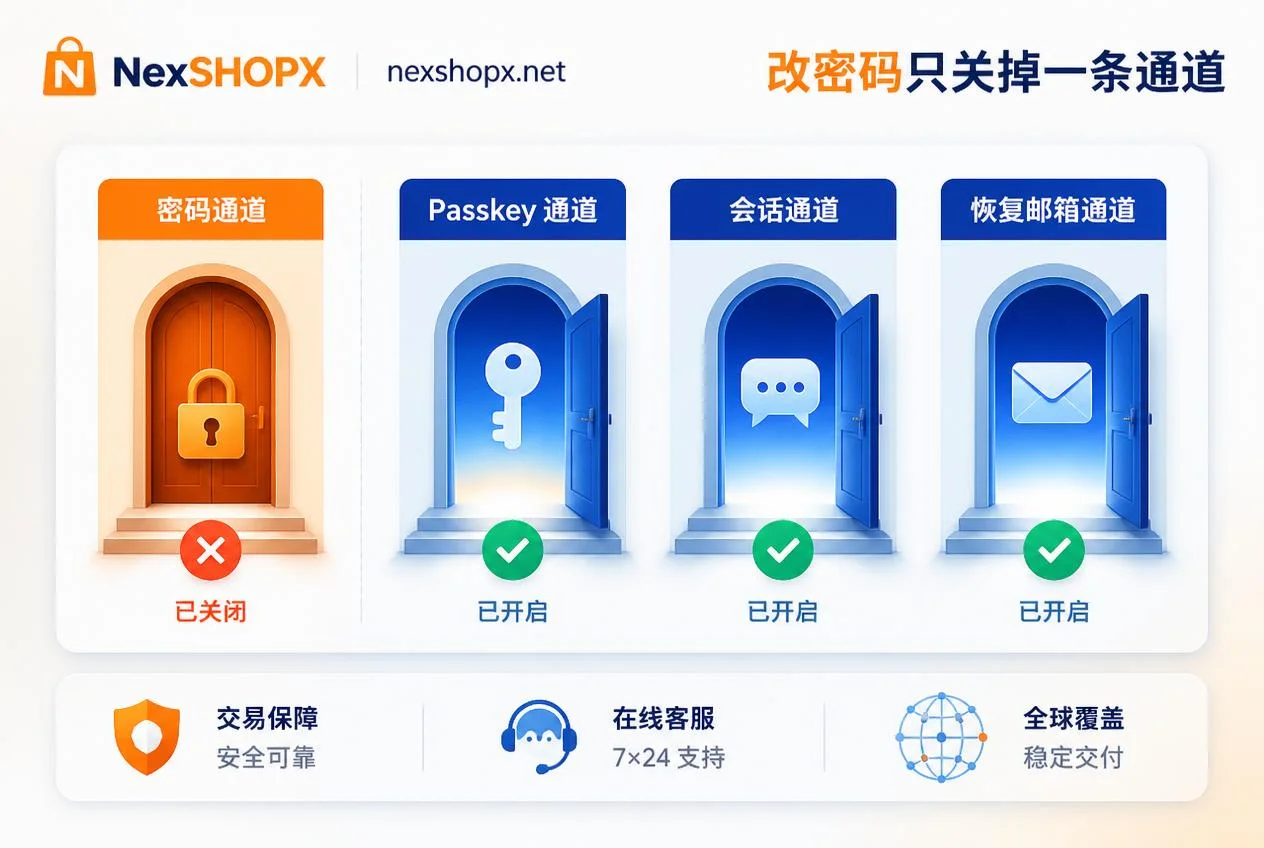
After changing the password on an overseas account, the original owner may still be able to log in in most cases—the password is just one of many verification channels, and Passkeys, active sessions, trusted devices, recovery emails, and other entry points do not automatically invalidate upon password change. Especially with Microsoft set to make Passkey the default verification method starting September 1, 2026, and planning to fully retire native SMS and voice verification codes by February 1, 2027, the landscape for two-factor verification for overseas accounts is rapidly changing. Simply changing the password is far from sufficient to prove that the account has been fully handed over.
Channel 1: Passkey Private Key Remains on the Original Owner's Device—Changing Password Does Not Invalidate It
Passkey is a passwordless login method based on a device-side private key, which is a separate credential from the password. When you change your password, the Passkey registered on the original owner's device is not automatically deleted, and they can still use that private key to log in directly without needing the new password. Therefore, changing your password does not delete someone else's Passkey; you must manually remove any passkeys that do not belong to you in the account security settings.
Microsoft has announced that Passkey will become the default experience starting September 1, 2026, meaning the likelihood of encountering someone else's Passkey in the future will increase. If you are taking over an account that previously had Passkeys bound, be sure to check and clean them up immediately.
Channel 2: Why Active Sessions and Trusted Devices Can Bypass the New Password
Changing your overseas account password does not automatically end existing sessions. Even if you change the password, the original owner can continue to use the account if they remain logged in on a device, or if the device is marked as a "trusted device," without needing to re-enter the password. After changing your overseas account password, actively logging out of all devices is necessary, but the order matters: you should first add your own verification method, then execute "Log out of all devices" or "End all sessions," otherwise you risk locking yourself out.
Meta has upgraded its Accounts Center to a unified Meta Account architecture, centralizing cross-app login credentials and trusted devices, so cleanup must be done at the account center level. Specific platform behaviors may vary slightly; refer to the official settings pages for exact details.
Channel 3: Recovery Email, Backup Codes, and Authenticator Determine Who Can Change the Password Back
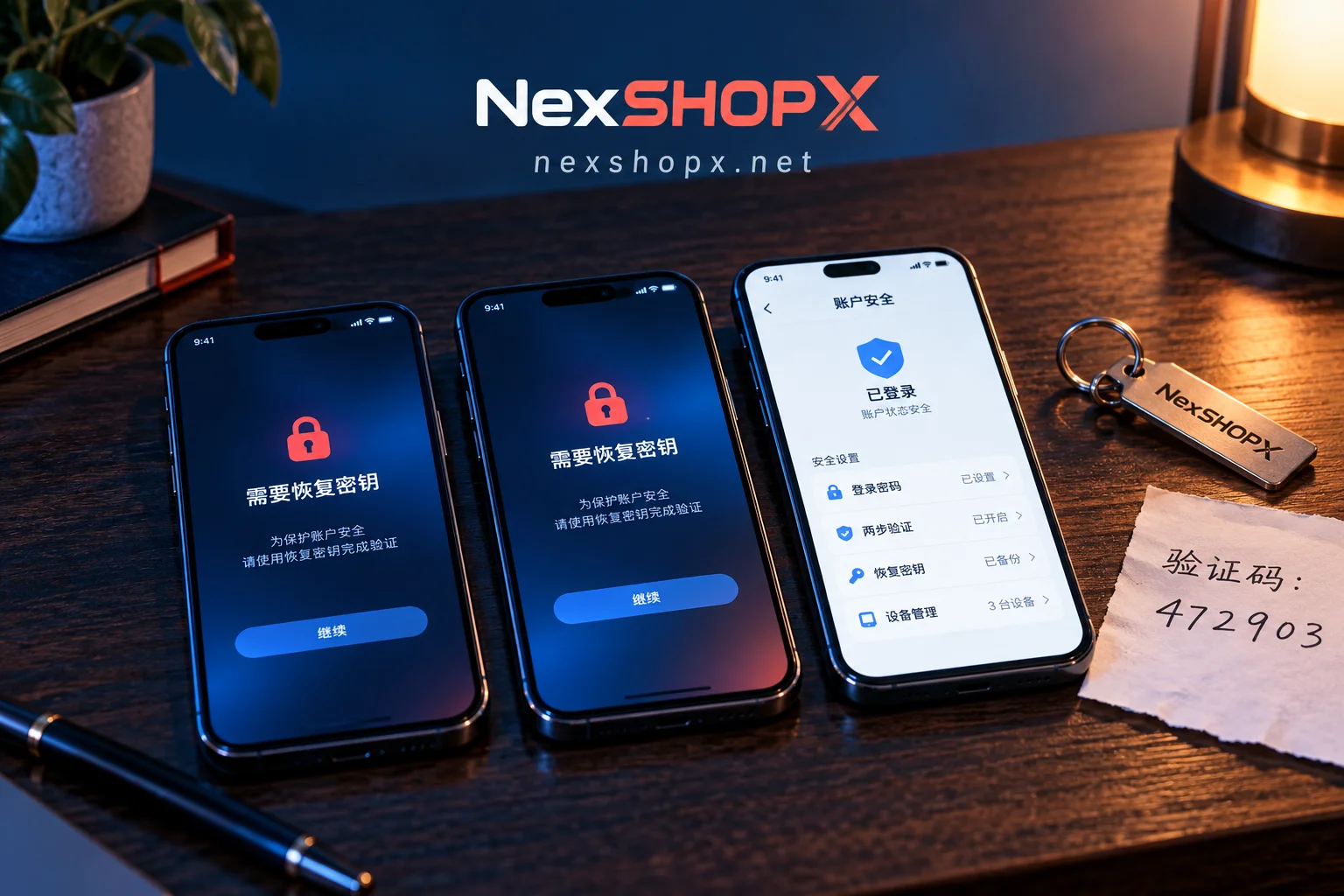
The recovery entry point is the real determinant of account ownership. If the recovery email, backup codes, or authenticator app still belong to the original owner, they can use the "forgot password" flow to reset the password you just changed, thereby regaining control.
For situations like "What if the two-factor verification still uses the original owner's phone number after changing the password?" or "The recovery email is still the original one after changing the password," follow this sequence to check and replace:
- Go to account security settings and review the list of currently linked verification methods.
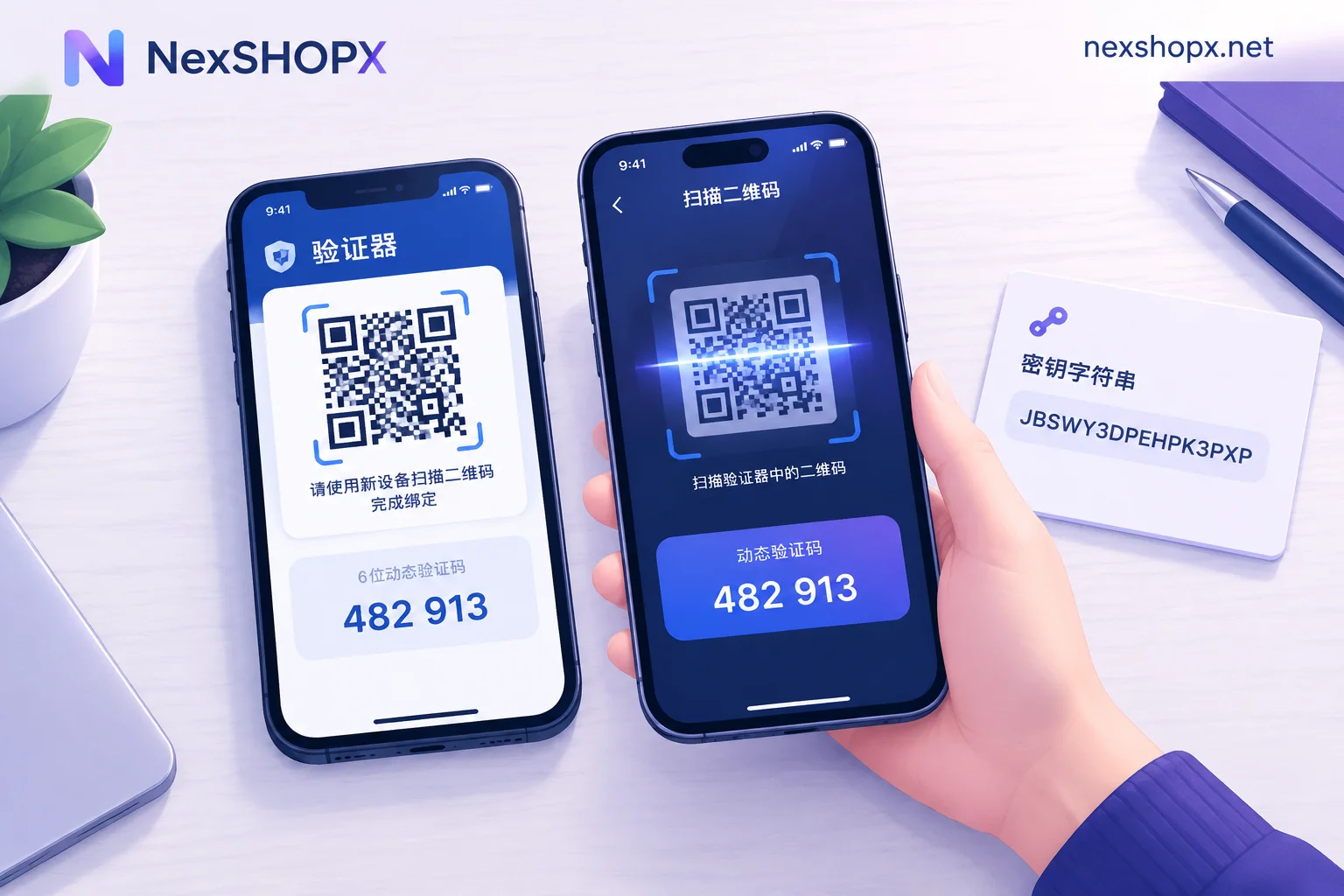
- Add your own email, phone number, or authenticator app. If you have trouble logging in, refer to What to do if you can't log in.
- Replace the recovery email and phone number to ensure they are yours.
- Generate a new set of backup codes and store them safely.
- Finally, remove the original owner's old verification methods.
Channel 4: Cross-App Authorization via Account Center
In Meta's ecosystem, Facebook, Instagram, Messenger, Threads, and even Meta AI apps share the same Meta Account architecture and fully support Passkey. Changing the password in a single app often cannot cover cross-app connections and credential linkages at the account center level.
Therefore, when handing over an account, you must check linked apps and devices at the account center level and remove any third-party authorizations that are no longer needed. If you are taking over a Facebook or Instagram account, be sure to review connected accounts and security settings in the Accounts Center.
Why the Old Criterion "Change Password + Receive SMS" Is Failing
We used to think: as long as you change the password and can receive verification codes via SMS, the account is secure. But according to the timeline published in Microsoft's official identity verification documentation, Passkey becomes the default verification method on September 1, 2026, and native SMS and voice verification codes will be retired on February 1, 2027. This means the practice of relying on SMS code reception as proof of control is about to become obsolete. More importantly, receiving an SMS only proves you have one verification channel; it does not indicate that the original owner's trusted devices and active login sessions have been cleared. According to Meta's help center on Accounts Center, cross-app credentials and trusted devices are centrally managed, so you cannot rely solely on SMS to judge account security.
Thus, the future acceptance criteria should shift to credentials you control yourself, such as authenticator apps, passkeys, and recovery email.
Remediation Sequence After Changing the Password: Add Your Own Verification First, Then Clear Sessions, Finally Revoke the Other Party
After changing your overseas account password, the correct order of operations is crucial to avoid locking yourself out. Follow these steps:
- Review: Go to the account security page and list all current verification methods, Passkeys, active sessions, trusted devices, recovery email, and phone numbers.
- Add: Add your own authenticator app, Passkey, and new recovery email first.
- Replace: Change the recovery email and phone number to ensure they belong to you.
- Generate backup codes: Create a new set of backup codes and store them securely.
- Clear sessions: Execute "Log out of all devices" or "End all sessions."
- Remove: Finally, delete the original owner's Passkey and old verification methods.
If the order is reversed—for example, logging out of all devices before your authenticator is linked—you may be unable to log back in, effectively locking yourself out.
Self-Check List: How to Confirm the Original Owner Really Can't Get Back In
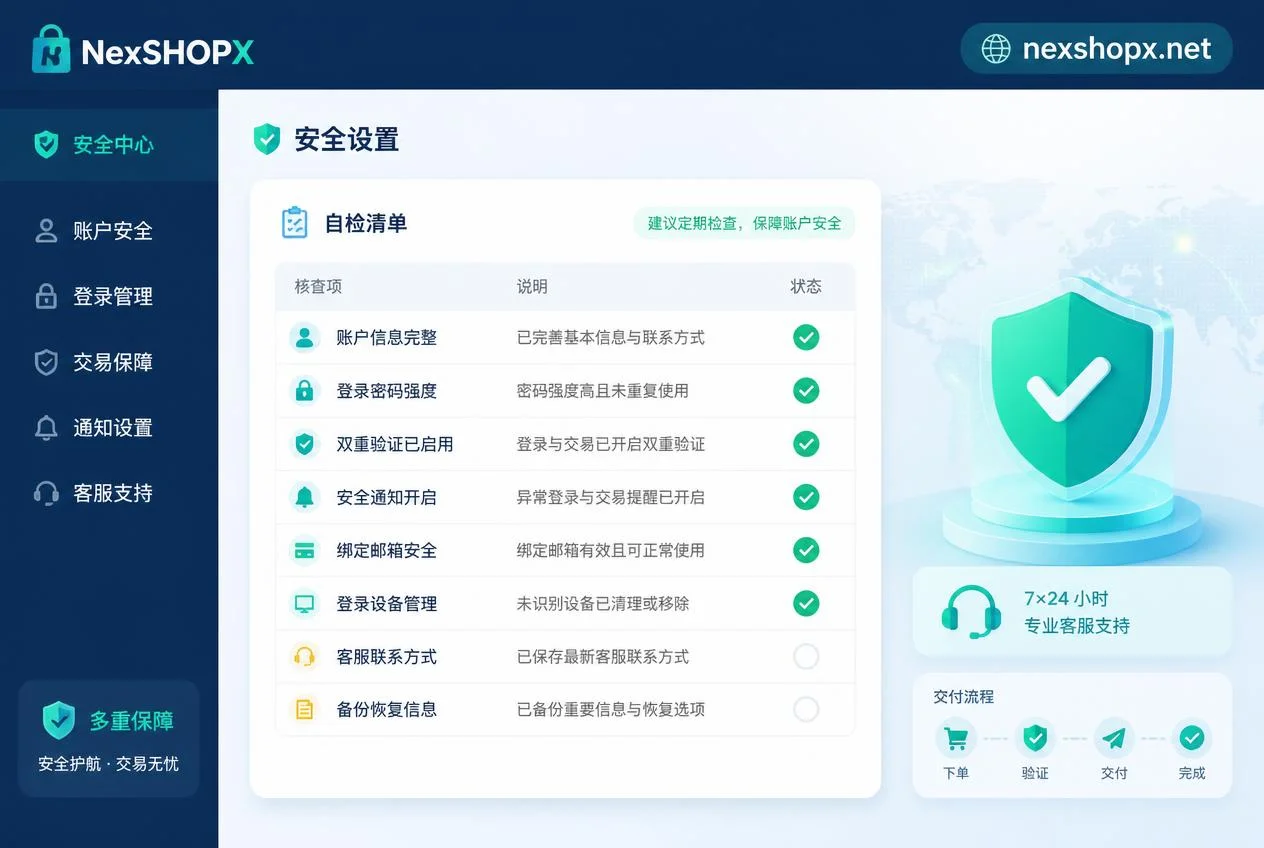
Use the following checklist to verify that the account handover is thorough:
| Check Item | Action | Status |
|---|---|---|
| Verification methods list | Ensure only your email, phone, and authenticator are in the list | |
| Passkey list | Delete all Passkeys that are not yours | |
| Active sessions | Log out of all devices, re-login only on your own devices | |
| Trusted devices | Remove the original owner's device markings | |
| Recovery email and phone | Replace with your information | |
| Backup code status | Generate new backup codes and save them | |
| Account center linked apps | Remove third-party authorizations you no longer use | |
| Third-party authorizations | Check and revoke unknown app permissions |
This checklist only reduces the risk of account recovery; it cannot guarantee absolute security because platform risk control policies are dynamic.
What Can Be Solved in the Purchase Phase: Information Forewarning and Boundaries
Many problems after changing passwords on overseas accounts stem from not clarifying the ownership of verification methods and recovery entries at the time of order. To reduce post-delivery issues, you can prepare information in advance during the purchase. For example, NexSHOPX's category search allows you to filter as needed; the mall supports self-service ordering with quick delivery, and its 24/7 Telegram customer service can provide limited-time post-sale support for login issues. If you need to compare account resources by category, you can search for the corresponding category in the NexSHOPX mall, and before placing an order, list verification methods and recovery entry ownership as a checklist to ask. If you encounter issues on first login, contact Telegram customer service within the limited post-sale window. For reference on account purchase processes, see Outlook Account Purchase Guide or Overseas Account Delivery Process.
Please note, however, that no platform can promise permanent availability or immunity from bans. Please comply with the target platform's terms and local laws, and do not attempt to bypass identity verification or real-name requirements.
Compliance Reminder
During the account handover, always adhere to the target platform's terms and local laws, ensuring the account source is legal and not involved in any prohibited transactions.
FAQ
Can the original owner still log in after I change the password?
Possibly. Changing the password only closes the password channel; the original owner may still log in if they retain Passkey, active sessions, or recovery email. You need to thoroughly clean up these entry points.
Should I log out of all devices after changing my overseas account password?
Yes. Changing the password does not automatically log out existing devices; you must manually execute "Log out of all devices," and first add your own verification methods to avoid locking yourself out.
Does changing the password delete someone else's passkey?
No, it's not automatic. Changing the password does not affect registered Passkeys; you need to go into security settings and manually delete passkeys that are not yours.
What if the two-factor verification still uses the original owner's phone number after changing the password?
Add your own phone number or authenticator in security settings, then delete the original owner's phone. If you cannot change it, contact platform customer service for appeal.
The recovery email is still the original after changing the password—what should I do?
Immediately change the recovery email to yours and generate new backup codes; otherwise, the original owner can reset the password through the recovery process.


Comments(0)