 NexSHOPX-官方新闻
In late April 2026, OpenAI officially launched Advanced Account Security, gradually rolling it out to ChatGPT and Codex users. The most direct impact of this mechanism: traditional password login is completely disabled, SMS and email-based password reset/recovery paths are closed, and only Passkeys (passkeys) or FIDO2 physical security keys (such as YubiKeys) are allowed for identity verification. For teams and individuals planning to purchase a ChatGPT account, this means the definition of 'account control' has fundamentally changed—having the account password no longer equals having control; the verification actions on first login are the true risk watershed.
News Angle: Three Irreversible Changes Brought by OpenAI's Advanced Account Security Mode
According to OpenAI's official help center and blog, Advanced Account Security adds three hard requirements to accounts:
- Password login unavailable: Once enabled, the account no longer accepts traditional password verification, and any login process requiring a password will directly fail.
- SMS/email recovery closed: The previous path of 'forgot password → reset via email/phone number' is completely severed; email and phone are only used for receiving notifications, not for identity recovery.
- Mandatory use of Passkey or physical security key: Users must bind at least one FIDO2-compatible authenticator, with hardware keys like YubiKey being the officially recognized high-security option.
According to OpenAI's official blog post 'Introducing Advanced Account Security' and PCMag reporting, these changes have taken effect. PCMag's report also described the move as 'OpenAI replaces passwords with security keys' (PCMag, 2026-04-30). These irreversible changes combined directly rewrite the risk structure of ChatGPT account purchases: the handover model of 'change bound email + reset password' that buyers and sellers previously relied on will become completely ineffective under the advanced security mode. This article's facts only cover content already publicly disclosed by OpenAI's official blog, OpenAI's help center (Advanced Account Security, Managing active sessions), PCMag, and Yubico's official blog; the rest are inferences at the mechanism level.
Mechanism Breakdown: What is ChatGPT Advanced Account Security, and Why 'Credential Transfer' and 'Account Recovery' Are Completely Separated
To understand the impact of the new rules on ChatGPT account purchases, you must first understand the underlying logic of Advanced Account Security.
At Least 2 Verification Methods Must Be Bound
According to OpenAI's help center on Advanced Account Security, when enabling this mode, at least two complementary verification methods must be configured, such as a combination of 'cross-device Passkey + hardware key.' This avoids the lockout risk caused by a single point of verification failure, but it also means buyers must take over at least two authenticators, not just the password.
Mandatory Saving of Recovery Keys
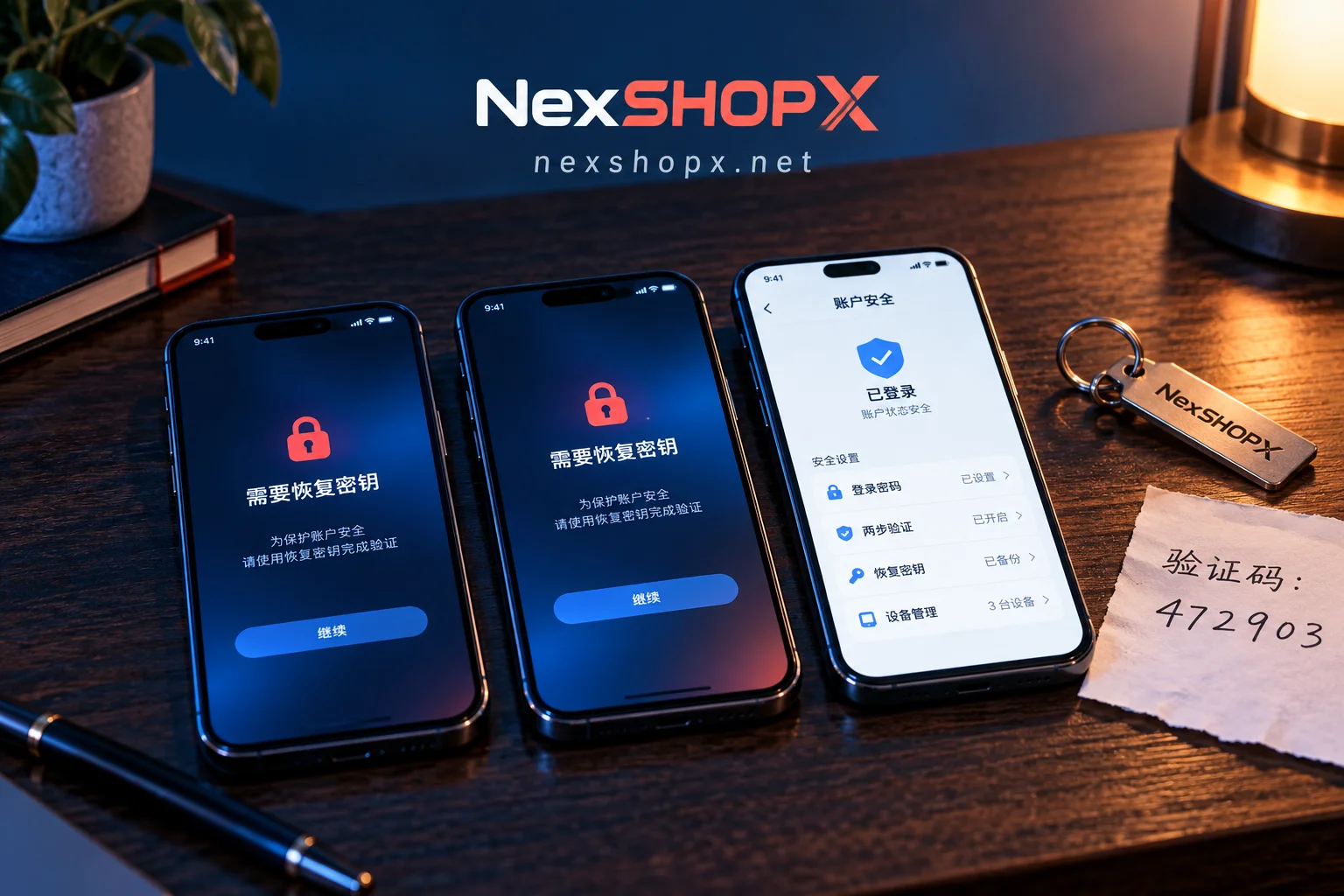
During the setup process, the system will force users to securely store a set of Recovery Keys offline, which serve as the last credential for account recovery. OpenAI explicitly states: if all verification methods (including Passkey, hardware key, and Recovery Keys) are lost, official customer support cannot help recover the account. This directly answers the long-tail keyword 'Can a lost ChatGPT account security key be recovered?'—the answer is no, it cannot be recovered under advanced security mode.
'Credential Transfer' and 'Account Recovery' Are Completely Separated
Because Passkeys are strongly tied to devices or hardware keys, and email/SMS recovery is disabled, account control is no longer determined by 'password + bound email' but is entirely in the hands of 'authenticators + Recovery Keys.' In other words, even if the seller hands over the password, it does not mean the buyer has obtained independent control; only when the authenticators and recovery keys are truly transferred to the buyer does the account ownership switch. This is an inference based on officially disclosed mechanisms; the official documentation does not provide any explanation regarding account transfer, and buyers can use this as a reference for judging control, not as an official conclusion.
Procurement Impact: Comparison of High-Risk and Low-Risk Delivery Forms Under the New Rules, and the Real Meaning of 'Irrecoverable'
The mechanism change directly affects the assessment of delivery forms in ChatGPT account purchases. Based on inferences from officially disclosed mechanisms, we can see the risk differences among three typical delivery forms:
| Delivery Form | Typical Operation | Risk Level | Reason |
|---|---|---|---|
| Delivery relying on email recovery | Transfer account + password, buyer changes bound email | High Risk | Email recovery is disabled; cannot reset password via email change |
| Sharing credentials without transferring authenticators | Seller provides password, Passkey still bound to seller's device | High Risk | Buyer cannot log in independently; control remains with seller |
| Buyer completes authenticator binding themselves | Buyer adds their own Passkey/hardware key and obtains Recovery Keys during handover | Low Risk | Buyer has complete independent verification and recovery capability |
Here, we must emphasize the real meaning of 'irrecoverable': under advanced security mode, there is no manual recovery channel, meaning if the buyer fails to complete authenticator binding or save Recovery Keys during handover, the account may be permanently locked, and no third party can unlock it. Therefore, buyers must complete all verification actions on the day of first login and cannot rely on subsequent supplements.
ChatGPT Account Purchase Delivery Verification Checklist: Status Confirmation, Active Sessions Review, Credential Sovereignty Transfer, Login Environment Isolation
For the queries 'ChatGPT account purchase first login verification' and 'ChatGPT account purchase precautions,' we have compiled an executable verification checklist. It is recommended to follow these steps within the first hour of receiving the account:
Step 1: Confirm Whether the Account Has Enabled Advanced Security Mode
After logging in, go to Settings > Security to check for any Advanced Account Security prompts. If enabled, all subsequent verification must be based on Passkey/physical key; do not attempt password login (according to OpenAI's help center on Advanced Account Security).
Step 2: Review Sessions in the Active Sessions Panel
OpenAI updated the Active Sessions feature in July 2026, allowing you to view all currently logged-in sessions' device/browser type, approximate geographic location, and login time in Settings > Security (according to OpenAI's help center on Managing active sessions in ChatGPT). It is recommended to check each of these details to identify any unfamiliar sessions. If suspicious logins are found, you can click 'Log out' to exit individually or use 'Log out all sessions' to force logout from all devices. This is key to determining whether the seller still has a backdoor—if unknown sessions exist, it may indicate the seller still controls the account.
Step 3: Bind Your Own Passkey and Save Recovery Keys
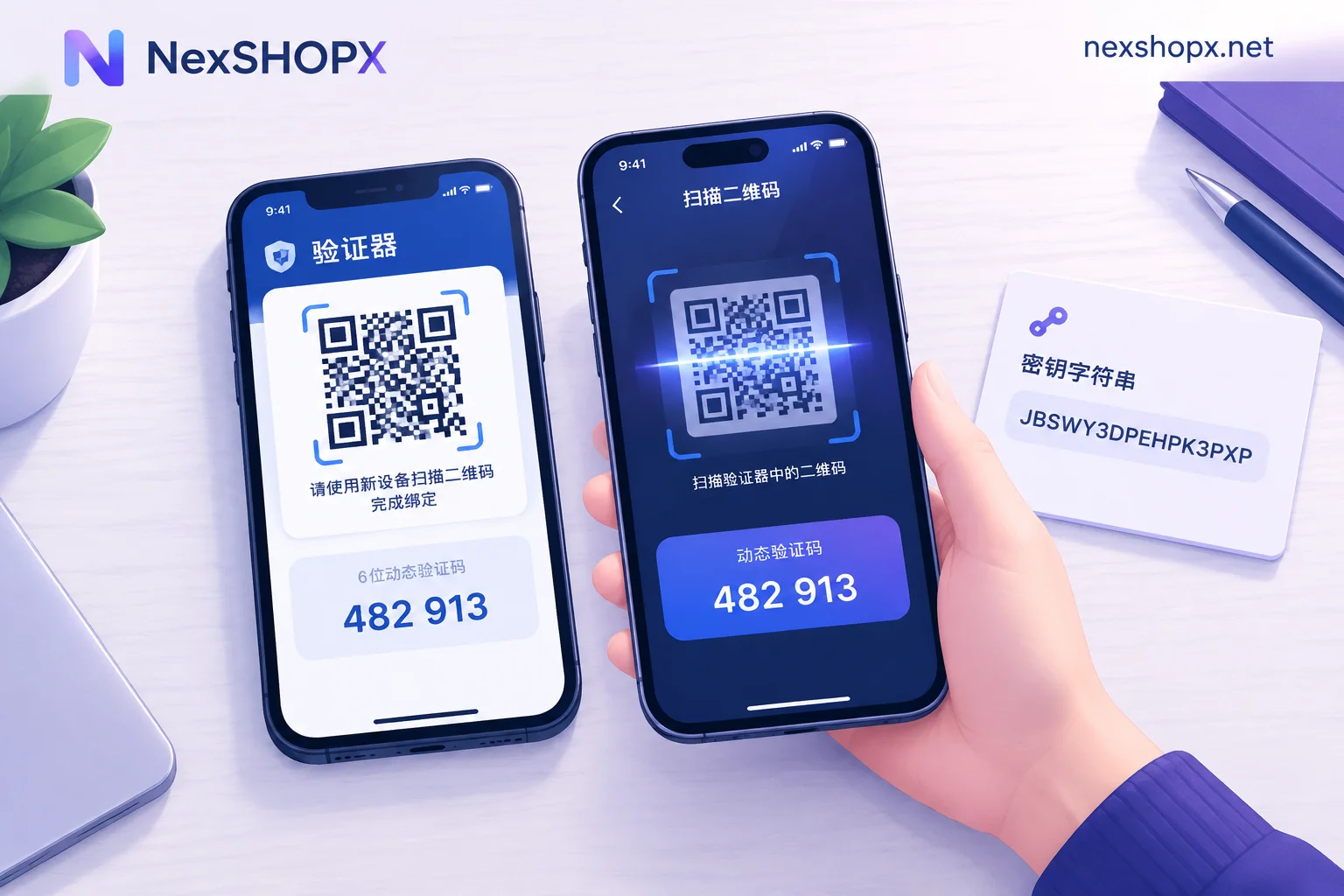
After confirming the sessions are clean, immediately add at least 2 verification methods of your own: for example, create a Passkey on your phone/computer and insert a YubiKey for hardware binding. During the binding process, follow the prompts to save Recovery Keys offline; it is recommended to write them down on paper and store them in a safe, or save them using an offline password manager. After binding, log out of the current session and log back in with your newly added Passkey or hardware key to confirm you can independently complete verification without the seller's cooperation; Recovery Keys should only be stored offline and not tested (this is an operational suggestion based on officially disclosed mechanisms, not an official prescribed process).
Step 4: Fix the Login Environment and Team Permission Ownership
If the account will be used for team collaboration, it is recommended to use company devices or a uniformly managed browser environment, and clarify internally who holds the Recovery Keys. Avoid situations where multiple members add their own authenticators but no one is responsible for the recovery keys, leading to permission confusion.
Troubleshooting Order and After-Sales Handling Path for First Login Failure or Additional Verification Requests
After a ChatGPT account purchase, buyers may encounter first login failure or additional verification requirements. Don't panic; follow this troubleshooting order (according to OpenAI's help center on Advanced Account Security and Managing active sessions in ChatGPT):
Troubleshooting Order
- Check the network environment: First rule out local network and browser issues (try a different device, browser, clear cookies and retry), and confirm that access methods comply with OpenAI's terms of use and local laws.
- Confirm whether advanced security mode is enabled: If the login page does not provide a password input field, the account may have this mode enabled, and you must use Passkey or hardware key.
- Verify that authenticators have been transferred: If the seller did not deliver the authenticators, login cannot be completed; contact the seller to complete the handover immediately.
- Check if Active Sessions has force logged out: If sessions were remotely terminated, it will trigger re-verification, requiring you to re-bind authenticators.
After-Sales Handling Path
Given that official recovery paths are closed, any credential issues must be resolved promptly. NexSHOPX supports self-service ordering and fast delivery on its marketplace, and provides time-limited after-sales handling for login failures. Therefore, credential-related disputes should be raised via the in-marketplace Telegram customer service on the day of receipt. If login fails, contact customer service as soon as possible, and prepare the following information: account details (desensitized), screenshot of the failure notice, login time and number of attempts. Customer service will help investigate delivery issues, such as confirming whether authenticators or Recovery Keys were omitted. However, it must be clear: NexSHOPX does not promise to recover accounts with lost credentials, nor does it guarantee any specific outcome, as this is determined by OpenAI's mechanisms.
Compliance Reminder and Long-Term Usage Advice: Terms, KYC, and Hardware Key Costs
Finally, we must remind all buyers: ChatGPT account purchases must comply with OpenAI's terms of use and local laws and regulations; accounts must not be used to circumvent identity verification, KYC, or regional restrictions. According to Yubico's official blog and PCMag reporting, OpenAI has partnered with Yubico and, in July 2026, began mandating hardware-level Passkeys for certain high-privilege users such as Trusted Access Cyber. This means enterprise customers should incorporate the custody of hardware keys and backup keys into long-term security processes, not just one-time handover actions.
Hardware security keys are a one-time purchase but long-term custody asset; specific models and prices are subject to Yubico's official channels. Enterprises should include key procurement, backup key custodian, and reset processes after loss in their budget and procedures. Additionally, regularly reviewing Active Sessions and periodically rotating authenticators are important habits for maintaining account security.
Key Takeaways:
- Advanced Account Security has blocked password login and email/SMS recovery, shifting the core risk of ChatGPT account purchases to the ownership of 'authenticators and Recovery Keys.'
- On the day of first login, you must review sessions in Active Sessions and force logout of unfamiliar devices, then immediately bind your own Passkey and save recovery keys.
- If credentials and recovery keys are lost, official support cannot recover them, so after-sales communication must be completed on the day of receipt.
- Use accounts in compliance, do not attempt to bypass reviews, and include hardware key costs in your long-term budget.


Comments(0)