 NexSHOPX-官方新闻
To judge whether cross-border team account management is done well, look at one condition only: whether the verification method for admin-level accounts is held in enterprise-controlled hardware or a corporate email, not an employee's personal phone number. If this condition isn't met, no matter how finely permissions are split, account sovereignty remains up in the air.
Recently, Google Workspace officially updated its mandatory two-step verification (2SV) policy for admin accounts: admins who fail to configure it by the deadline will have restricted access to mobile and web apps, and GCPW (Google Credential Provider for Windows) has added FIDO2 hardware key support. This means the time to make verification methods enterprise-owned has arrived. Note that the specific execution timeline and toggle paths depend on what's shown in the official admin console.
Step 1: Inventory — Clarify Which Admin-Level Accounts Are Held by Whom
Don't rush to change passwords. First, lay out all overseas accounts. The criterion for inventory isn't who logs in daily, but who can reset others' permissions and modify verification methods—that's the true definition of an admin-level account.
Three common blind spots: test accounts temporarily elevated and never demoted, agents or contractors still on the admin list, and recovery email pointing to a departed employee's personal inbox.
| Account Category | Permission Level | Current Login Email | Second Verification | Recovery Email/Code Keeper | Actual User | Bound to Personal Phone? |
|---|---|---|---|---|---|---|
| Google Workspace Admin | Admin | [email protected] | Hardware key | Manager A | Operations Lead | No |
| Facebook Business Account | Admin | [email protected] | Authenticator + SMS | Employee B | Social Media Specialist | Yes |
| TikTok Account | Operator | [email protected] | SMS | Employee C | Content Editor | Yes |
| Test Account (Temporary) | Former Admin | [email protected] | SMS | Employee D | Developer | Yes |
Once you fill out this table, you'll immediately see which accounts have personal phone binding risks and which recovery contacts are out of control. If you've purchased enterprise email accounts like Outlook, refer to the Outlook account purchase guide to understand delivery formats, and confirm verification ownership during inventory.
Step 2: Rebind — Migrate Second Verification from Personal Phone Numbers to Team-Controlled Credentials
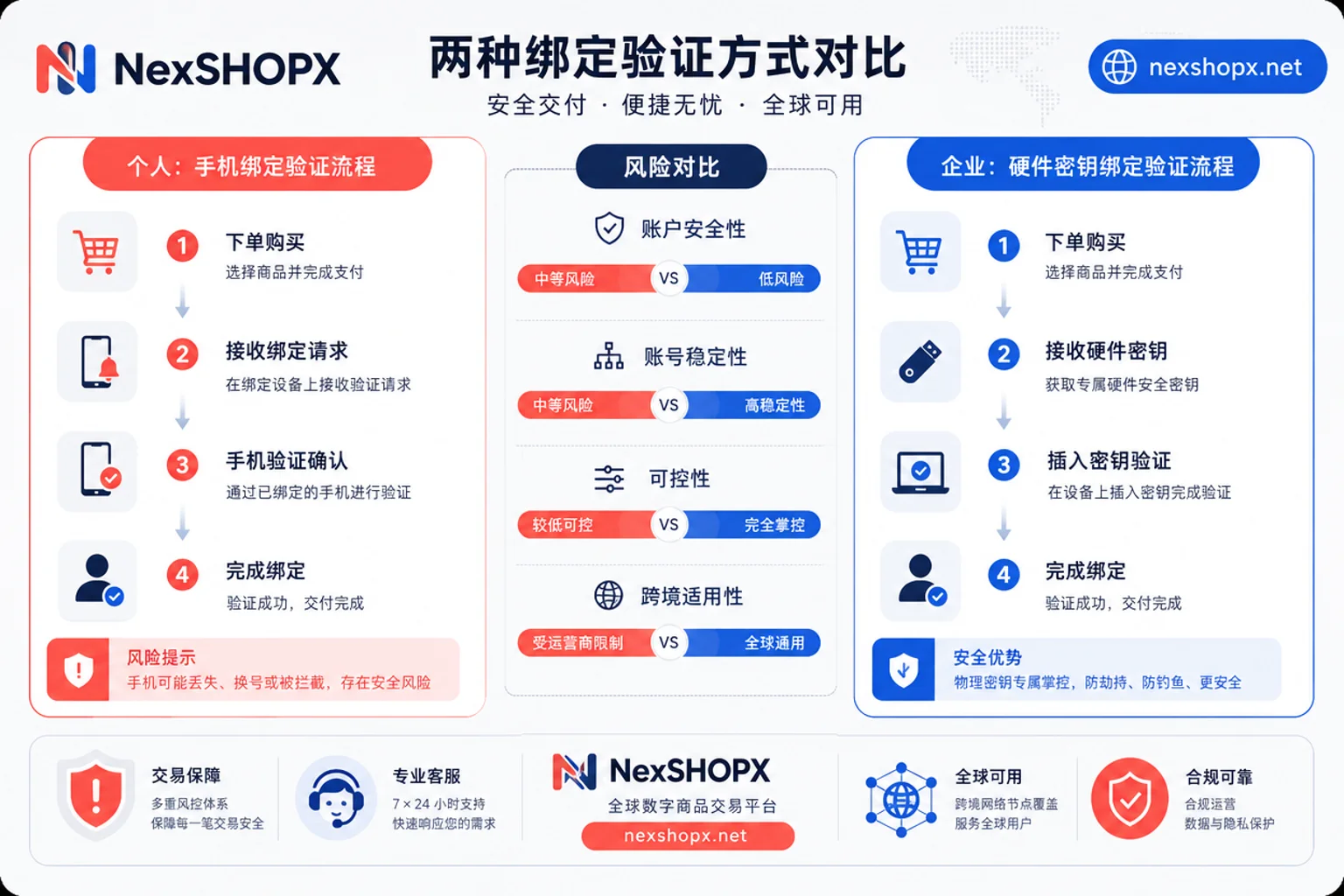
You might ask: what are the risks of binding an overseas account's verification phone to an employee's personal number? Three risks: access is lost when the person leaves, contact is cut off when the number changes, and the company can't prove ownership if the member goes dark. If an employee's number is deactivated or they leave, the account's verification chain breaks. To recover the account, the platform will require proof of ownership—and that proof is in the hands of someone who's out of reach.
So, FIDO2 hardware keys vs. phone verification codes for teams: which to use? For enterprises, hardware keys are clearly more controllable. They're physical devices that can be retrieved and stored remotely, not dependent on an individual's personal number. Google's addition of FIDO2 hardware key support in GCPW aligns with this direction. But note: the exact enablement path depends on the admin console, and before rebinding, confirm backup verification methods are usable to avoid locking yourself out.
Step 3: Delegate — Define Usage Boundaries for Admin, Operator, and Test Accounts
Is it safe for a team to share one overseas account? It's fine for short-term emergencies, but absolutely unsafe long-term. The biggest costs of shared accounts: you can't pinpoint who did what, revoking permissions means revoking everyone, and one person triggering risk controls freezes the whole team.
In cross-border team account management, the right way to delegate permissions is: admin accounts are used only for permission changes and verification maintenance, not for daily posting or ad campaigns; operator accounts are split by business line and bound to corporate email; test accounts are isolated from production accounts and demoted after use. To judge if a platform suits team collaboration, see if it offers sub-accounts or member invitation mechanisms—if it does, use them instead of sharing passwords.
Step 4: Audit — What Must Be Done at Onboarding, Handover, and Departure
How to revoke overseas account permissions when an employee leaves? This is a major headache for many teams, but if you follow the steps in order, it won't go wrong.
| Stage | Required Actions | Order Requirements |
|---|---|---|
| Onboarding | Grant minimal permissions only; bind verification to enterprise credentials; register in inventory table | Register first, then activate |
| Handover | Build new verification before removing old; transfer recovery email and codes simultaneously; confirm both parties can log in independently before signing off | Build first, then remove |
| Departure | Demote permissions before revoking sessions; change password and recovery email; collect hardware keys; verify the member is no longer a recovery contact for any account | Demote first, then collect |
The most common order error is: revoking sessions before rebinding, leaving no one able to log in; or pointing the recovery email to a departed employee's personal inbox, causing total loss of account control. Remember: in cross-border team account management, the order of actions during departure matters more than the actions themselves. If you need to source accounts, refer to account delivery security for smooth handover.
FIDO2 Hardware Key vs. Phone Verification Code for Teams: Why Keep at Least Two Keys
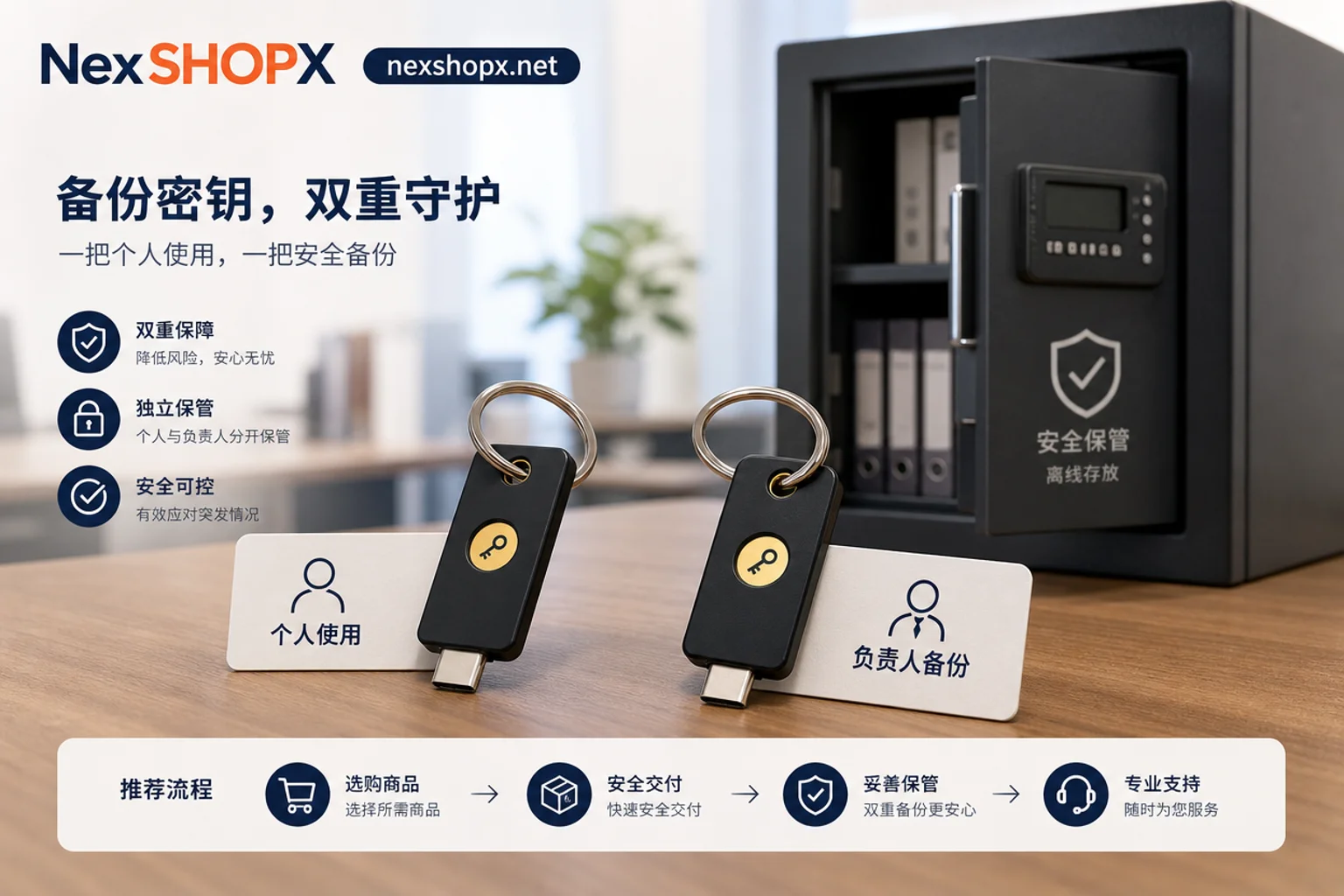
If you lose a single hardware key, you lose account control. So keep at least two: one carried by the responsible person, the other stored in a company safe or with a trusted off-site person. Also, back up verification methods and recovery codes offline—don't leave them in a shared document, or you're hanging the key on the door. GCPW's support for FIDO2 hardware keys shows that hardware keys are viable in enterprise scenarios, but they're not a cure-all—permission revocations and audits still can't be skipped.
Common Pitfalls: Clearing Member Sessions Before Verification is Set Up
In cross-border team account management, there are four high-frequency incidents that almost every team has experienced:
- Revoking sessions before rebinding: leaves no one able to log in. Prevention: set up new verification first, confirm login works, then remove old ones. If it happens, try contacting platform support or follow the account login failure after-sales process for remediation.
- Admin gets 2SV-restricted access and there's no backup admin: Prevention: set up at least two admins, both with 2SV enabled, and designate an independent recovery email.
- Recovery email points to a departed employee's personal inbox: Prevention: regularly review recovery email ownership and change it at departure.
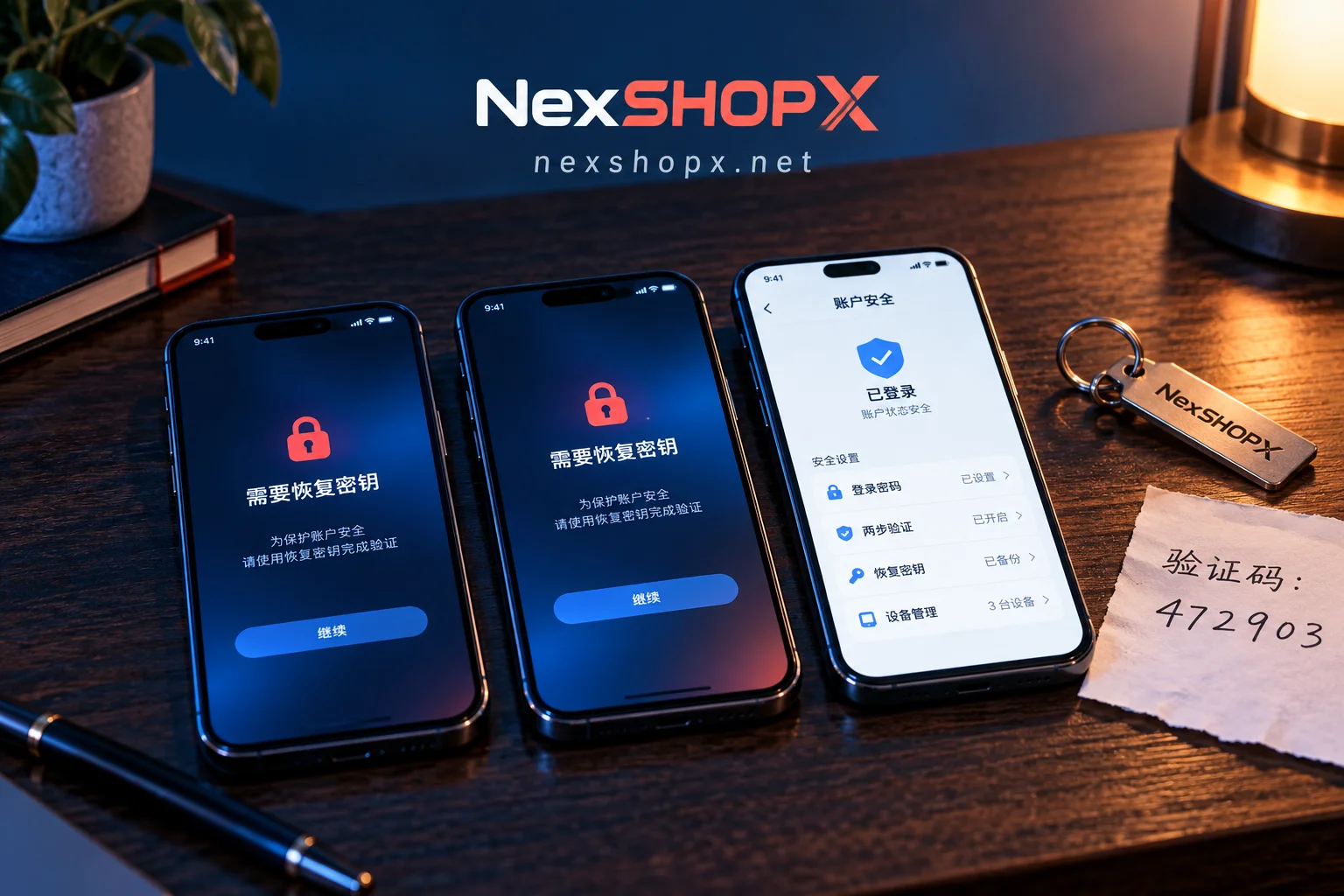
- Recovery codes stored in a shared document: Prevention: store offline in a password vault with controlled access.
What Procurement Can Solve in Advance: How NexSHOPX Helps, and Where Its Limits Are
When teams purchase multi-category accounts, if they don't confirm verification ownership and recovery sovereignty on the day of delivery, rework is inevitable. Before purchasing, review the platform's overseas account delivery process to confirm whether delivery includes verification ownership details, then verify against the inventory table upon receipt.
NexSHOPX helps reduce information asymmetry on the procurement side: category search, self-service ordering, fast delivery, 24/7 Telegram support, and time-limited after-sales for login failures—letting teams clarify credential sovereignty during the verification phase. But it must be clear: the platform cannot replace internal permission governance, nor users' compliance with target platform terms, local laws, and real-name/KYC requirements.
FAQ
Does Google Workspace admin need to enable two-step verification?
Yes. Google Workspace officially mandates two-step verification (2SV) for admin accounts. Admins who fail to configure it by the deadline will have restricted access to mobile and web apps. It's recommended to enable 2SV for all admin accounts promptly and set up a backup admin to avoid lockout.
Will admins without 2SV be restricted from logging in?
Yes. Admins who fail to configure 2SV by the deadline will be restricted from accessing the console. The exact timeline depends on official notification in the admin panel. Regularly check admin security settings to ensure 2SV is active and bound to enterprise-controlled verification methods.
Is it safe for a team to share one overseas account?
No, it's unsafe. Shared accounts make it impossible to attribute actions to individuals, and you can't revoke permissions selectively. If one person triggers risk controls, the whole team is affected. It's recommended to use platform sub-accounts or member invitation mechanisms to ensure one account per responsible person.
How to revoke overseas account permissions when an employee leaves?
Follow this order: demote permissions first, then revoke sessions, then change password and recovery email, then collect hardware keys, and finally verify the member is no longer a recovery contact. Don't mix up the order—always establish new verification before removing old ones to avoid temporary lockout.


Comments(0)