 NexSHOPX-官方新闻
What should you do when account login fails? First, diagnose across four layers: environment, session, credential, and status. The deeper the layer, the harder it is to resolve on your own. Many people repeatedly change passwords and clear caches, but the real bottleneck is often not the password itself. On May 28, 2026, Google announced that DBSC (Device Bound Session Credentials) is enabled by default in Chrome 146 and above for Windows, binding login cookies to the hardware TPM. This directly changes the troubleshooting order after 2026—session layer must be checked separately.
Here is a quick reference table for the four layers. Check your symptoms to identify which layer you are stuck on:
| Symptom Observed | Layer | Self-Fix Potential |
|---|---|---|
| Login page directly rejects, or asks for email/SMS secondary confirmation | Environment | Fully self-checkable |
| Importing cookies allows brief access, but logs you out after refresh | Session | Basically cannot fix yourself |
| Password correct but cannot complete password reset, secondary verification not in your control | Credential | Partially fixable |
| Video selfie verification required, or account shows restricted | Status | Completely cannot fix yourself |
Layer 1: Environment Layer—Device and Network Differ Too Much from Account History
If you just obtained the account, or changed devices or networks, and the login is directly rejected, or additional email/SMS secondary confirmation is required, or even prompts about abnormal login location, this is usually an environment layer issue.
The criterion to determine if it is an environment layer issue: switch back to the account's usual stable network and fixed device and retry to see if login returns to normal; also try logging into other accounts from the same environment—if all fail, it is an environment issue, not an account issue.
The environment layer is the only one you can fully self-check. Avoid frequent device and network switching, and do not concurrently log into multiple accounts, which can significantly reduce the probability of triggering environmental risk control. If login is restored after switching back to the original environment, then the problem is at the environment layer; continue troubleshooting from there.
Layer 2: Session Layer—Imported Cookies Seem Correct, Why Can't You Log In
This is the most easily overlooked layer in 2026. Google announced on May 28, 2026, that DBSC is enabled by default in Windows Chrome 146 and above, binding login cookies to the local device via the TPM hardware module. Even if you copy the exported session cookie to another device, the session cannot be refreshed.
Typical symptoms: After importing the cookie, you can briefly log in, but a refresh logs you out; or the password is correct, but you are repeatedly asked to log in again. If you encounter such issues and use Windows Chrome 146 or above, the failure is due to protocol-level session binding, not your operational error.
It should be clarified that this fact only applies to Windows Chrome 146 and above. There is currently no evidence that macOS, Linux, or Android have DBSC enabled by default. Do not infer that other platforms are affected.
This type of failure belongs to delivery form issues. You should switch to credential-based handover using password plus official two-factor verification. If the seller only provides cookies without full credentials, the risk of future login is high. For more details on delivery forms, refer to the article on Account Delivery Security.
Layer 3: Credential Layer—Are the Password, Recovery Email, and Two-Factor Verification Really in Your Hands
When you confirm that the environment and session layers have no issues, but you still cannot log in, check credential ownership. Common symptoms include: password works but you get kicked out after changing it, cannot receive reset emails, two-factor verification codes go to an unfamiliar phone number ending, and there are authorized apps in account settings that you cannot remove. Please self-check against the following list:
- Can you independently change the password? Does it take effect immediately after the change?
- Are the recovery email and backup phone number directed to you?
- Is two-factor verification (like SMS or authenticator) bound to your own device?
- Are there any logged-in devices or authorized apps that you cannot remove?
The criterion: Can you complete a full password reset and successful login without contacting anyone? If not, there is a hidden danger at the credential layer. This is the layer buyers should most confirm within the after-sales window; otherwise, once you are logged out later, it will be difficult to restore login independently.
Layer 4: Status Layer—Identity Verification Required or Account Restricted
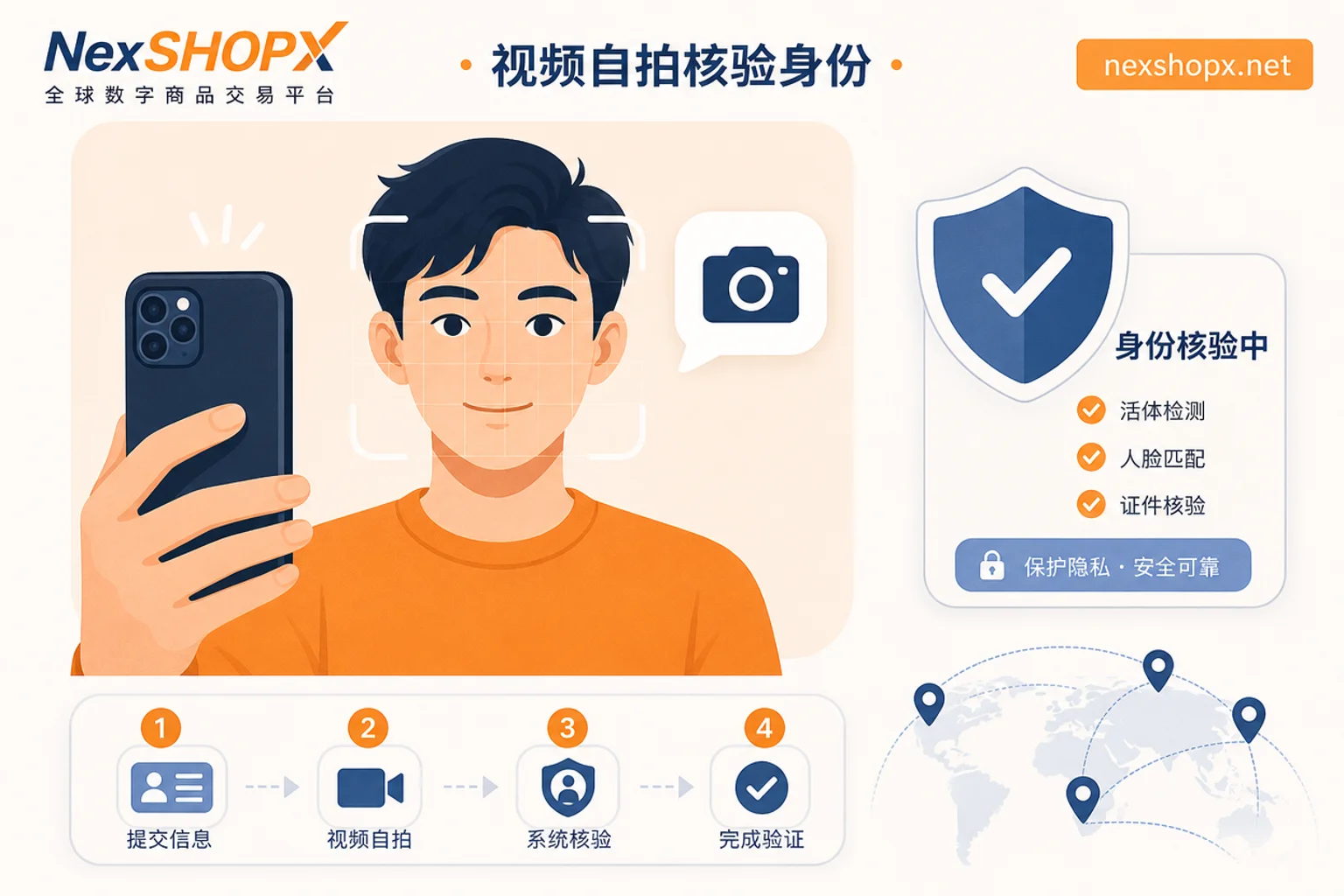
If the login prompts require recording a video selfie, or the account shows restricted, the problem is likely at the status layer. On July 24, 2026, Meta announced the launch of the free Facebook Verified badge, which completes real-face identity verification by recording a short video selfie and comparing it with the profile photo. Once such verification is triggered, even if you can receive SMS or email codes, it does not mean you can pass the review—because the review is based on biometric comparison, not verification codes.
It should be clarified that currently only Facebook Verified has official factual support. Do not infer that Instagram, TikTok, or other platforms have similar mechanisms. This type of failure is an untransferable identity ownership issue. No credentials can help you pass facial verification because biometrics cannot be transferred. Do not attempt to bypass or forge identity verification; this violates platform terms and may involve legal risks.
Processing Order After Diagnosis: Stabilize Environment, Confirm Credential Ownership, Then Decide on After-Sales
After diagnosis, the answer to "what to do when account login fails" becomes clear: follow the steps below in order.
- Stabilize Environment: Use a stable device and a stable network to retry login, ruling out environmental factors.
- Attempt Credential-Based Login: Prioritize using a password plus official two-factor verification, rather than relying on cookie reuse.
- Confirm Credential Ownership: Try to independently change the password and bind your own two-factor verification device.
- If Stuck at Status Layer: Determine it cannot be self-fixed and initiate the after-sales process immediately.
All actions must be completed within the limited after-sales window; the earlier you provide evidence, the more effective it is.
Evidence Checklist: Which Screenshots and Timestamps Best Distinguish Delivery Issues from Personal Issues
If after-sales processing is needed, prepare the following materials to help customer service quickly determine responsibility:
- Timestamp of the first login attempt (to the minute)
- Screenshot of the original error message (do not crop)
- Browser name and version used (e.g., Windows Chrome 146)
- Whether cookie import was used for login
- Whether other accounts can log in normally under the same environment (to rule out environmental factors)
- Whether an identity verification page appeared (e.g., video selfie)
This information effectively distinguishes between delivery-side issues and personal environmental issues. If judged as a delivery-side problem, contact customer service as soon as possible within the after-sales window.
How NexSHOPX Can Help: Category Search, Self-Service Ordering, and Limited-Time Login After-Sales
On NexSHOPX, you can use category search and self-service ordering to clarify the account category and delivery form (credential-based or session-based) before ordering, avoiding receiving session credentials that cannot be refreshed on your own device. If you prefer accounts that are already activated and can be logged in credential-style, refer to the Ready-Made Account Purchase category descriptions to confirm the delivery form. Quick delivery shortens the time window from ordering to first login, and Telegram 24/7 customer service makes it easy to submit login failure information within the limited after-sales window.
For specific categories, refer to the Facebook Account Purchase and Gmail Account Purchase pages. It is important to emphasize that NexSHOPX does not promise that accounts are permanently available, never banned, or will necessarily pass platform identity verification, nor does it promise that refunds will be issued for after-sales issues.
Compliance Reminder: Platform Terms, Local Laws, and Real-Name/KYC Requirements
Please ensure you comply with the target platform's terms of service, local laws, and real-name/KYC requirements. This article is for troubleshooting technical causes of login failures only and does not provide any methods to bypass risk control, circumvent identity verification, or forge materials.
Frequently Asked Questions
Why does a newly purchased overseas account fail to log in?
Common causes span four layers: environment layer (device or network not clean), session layer (cookies bound to device, cannot refresh across devices), credential layer (password or two-factor verification not in your control), and status layer (account triggered identity verification). It is recommended to troubleshoot each layer in order as described in this article to quickly identify the issue.
Cookie import login fails but the password is correct
If the password is correct but importing cookies still fails, and you use Windows Chrome 146 or above, it is likely due to DBSC—cookies are bound to the original device's TPM chip and cannot be refreshed on a new device. You should switch to password plus official two-factor verification, rather than continuing to rely on cookies.
What to do if extra verification is required when logging in on a new device
First, confirm whether it is an environment layer issue (such as a new device or network) and try switching back to a familiar device or network. If verification is still required, it may be a status layer identity verification. Check if you triggered Facebook Verified or other biometric verification. Such verification cannot be bypassed; you must follow the platform's instructions to complete it.
How to troubleshoot logging out immediately after refresh
First, confirm whether you are using cookie login. If so, and using Windows Chrome 146 or above, the logout is a session binding issue caused by DBSC, not an operational error. Try logging in with a password; if the logout persists, check credential ownership and consider providing evidence for after-sales.
What to do if the login prompts for video selfie verification
This is a status layer identity verification. For Facebook accounts, Meta requires recording a short video selfie and comparing it with the profile photo. Once this verification is triggered, SMS or email codes are invalid. Please follow the instructions, and note that such issues may not be resolved through credential transfer. If this verification page appears on your first login and the account's original registration identity is not you, it is an untransferable identity ownership issue. You should submit the verification page screenshot and the first login timestamp within the limited after-sales window to initiate after-sales. We do not provide methods to bypass or forge verification.
Is the login failure the seller's problem or my environment's problem?
What to do when account login fails? The judgment basis: If other accounts under the same environment are normal, and cookie import fails but the password is correct, it is likely a delivery-side issue (such as DBSC); if all accounts are abnormal, it may be your environment issue. After submitting detailed evidence, customer service will determine responsibility.


Comments(0)